New to Claude? What I Wish I’d Known Sooner
Last updated August 2026
Claude is a genuinely powerful AI tool for business, but it works differently from ChatGPT in ways that matter. The biggest things new users need to know: usage limits run on a rolling window (not a daily reset), Projects and Skills are the features that make Claude transformative for business use, and Claude responds best to longer, more detailed prompts upfront rather than the short back-and-forth style most people learn on ChatGPT.
I remember the first time I opened Claude.
I’d been building on ChatGPT for months. Over 40 custom GPTs. A full product suite. Daily workflows I could run with my eyes closed. ChatGPT was home.
Then I started testing Claude for a writing task, and the output quality stopped me mid-scroll. It sounded like a person wrote it.
Not a person trying really hard to sound enthusiastic about everything, which is what ChatGPT had started doing. Just a clear, natural, well-structured piece of writing that I barely needed to edit.
So I started using Claude more. And I hit every wall you’re about to hit. The usage limits that show up at the worst possible moment. The features I didn’t know existed for weeks. The completely different way Claude wants you to communicate with it. The things it does brilliantly that nobody told me about, and the things I kept expecting it to do because ChatGPT does them, only to find out Claude doesn’t.
I’m clearly not alone. According to Anthropic, free Claude users increased by over 60% since January 2026, daily signups quadrupled, and Claude hit number one on the Apple App Store.
People are switching. But most of the advice they’re finding is written for developers, not business owners.
If you’ve just switched to Claude (or you’re seriously considering it), this post is the shortcut I wish I’d had. It’s the practical, honest things I’ve learned from building my business on Claude every single day.
The short version:
Claude is not ChatGPT with a different colour scheme. The strengths, the limits, and the way you communicate with it are all meaningfully different.
Usage limits are real, and understanding how they work will save you from running out at the worst time.
Projects and Skills are the two features that separate casual Claude use from building Claude into how your business actually runs.
The way you prompt Claude matters more than you think. Give it more context upfront, tell it what NOT to do, and let it ask you questions. Claude is genuinely better at certain things (writing, strategy, reasoning). It’s also genuinely worse at others (image generation, speed, sharing tools with clients).
New here? This blog is for the solo founder who wears every hat in the business, and wants real AI systems and workflows running things, not just piecing it together in the chat. Start here →
Claude Is Not ChatGPT With a Different Logo
The single most important thing to understand about Claude is that it’s a different tool solving the same category of problem in a fundamentally different way.
If you come to Claude expecting it to behave like ChatGPT, you’ll get frustrated. I did. The first week, I kept wondering why things felt slower, why the formatting looked different, why it wouldn’t just give me five quick options when I asked for brainstorming help.
It took me about two weeks to stop comparing and start using Claude on its own terms. Once I did, things clicked.
Here are the differences that actually matter for how you use it daily:
Claude thinks before responding. ChatGPT is fast. It starts generating almost instantly and gives you volume. Claude takes a beat. It processes your request more carefully and gives you fewer options, but they tend to be more considered.
Claude writes like a human. This was the thing that pulled me in originally. Claude’s default writing tone is calmer, more natural, and far less prone to the formatting chaos ChatGPT loves. For any writing task where the output will be read by your audience, this difference is significant.
Claude pushes back. Give Claude a vague brief, and it will ask you clarifying questions instead of generating something generic. Ask it to review your strategy, and it will tell you what’s weak. ChatGPT tends to agree with you. Claude tends to challenge you. For strategy work, this is a feature. For quick tasks where you just want an answer, it can feel like friction.
If you want a deeper comparison of how I use both platforms across my business, I wrote about that in ChatGPT vs Claude for Business: How I Use Both. That post covers the full breakdown. This one is specifically about getting your Claude setup right.
The mental model shift: Think of ChatGPT as the fast colleague who gives you volume and options. Think of Claude as the strategic partner who gives you depth and pushback. Both are valuable. They’re just valuable for different things.
Usage Limits: What Nobody Explains Clearly
This is the thing that frustrates every new Claude user, and the information online about it is genuinely confusing.
Here’s how it actually works, as simply as I can explain it.
Claude’s usage isn’t a fixed daily allowance. According to TechRadar, Claude’s free tier operates on a rolling window of approximately five hours, with around 15 messages per window depending on message length and server load. You get a certain number of messages within that window, and once you hit the limit, you wait for the window to roll forward. It’s not a hard reset at midnight. It’s a moving threshold.
The exact number of messages you get depends on which model you’re using, how long your messages are, whether you’re uploading files, and how busy Anthropic’s servers are. On busy days, the limit feels tighter. On quiet days, you get more headroom.
Claude gives you four models. Fable is the most capable, with the deepest reasoning of the four. Opus sits just under it and handles almost anything you'd want real thinking for. Sonnet is the everyday workhorse, slightly less powerful but with significantly higher usage limits. Haiku is the fastest and lightest, for quick, simple jobs.
Knowing which to choose can be difficult. While Sonnet uses less of your limits, I'd argue that if Opus or Fable can get you where you want to go even faster, then going with the hungrier usage can sometimes be better.
In my business, I often save Opus and Fable for the things that genuinely need it: writing tasks, complex strategy work, detailed analysis, and tasks where the reasoning depth makes a visible difference in the output.
Practical tip: If you’re mid-project and approaching your limit, switch to Sonnet, or Haiku for the simplest jobs, to stretch your remaining messages. You can change models mid-conversation. The output quality difference for most business writing tasks is minimal, and you’ll avoid the frustrating mid-flow cutoff.
Projects Are the Feature Most People Miss
Claude Projects are persistent workspaces where you upload reference documents, set custom instructions, and give Claude ongoing context about a specific area of your business. Every conversation you have inside that Project inherits all of that context automatically.
Project instructions only apply inside that Project. The instructions in your account settings apply everywhere, and they are worth getting right first.
If you’re using Claude the way most people start, you’re opening a new conversation, typing your request, getting a response, and starting fresh next time. That works. But it’s like using your phone only for calls when it also has email, maps, a camera, and the entire internet.
This is the feature that turns Claude from “a chatbot I use sometimes” into “a tool that actually knows my business.”
Here’s how I use Projects in practice. I have a blog writing Project with my full blog structure, my SEO playbook, my voice rules, and my internal linking guide loaded as reference documents. When I open that Project to write a blog post, Claude already knows my formatting preferences, my audience, my tone, and my content strategy. I don’t re-explain anything. I just start working.
I have a separate Project for email writing, another for offer creation, and another for strategy and planning. Each one has its own set of reference documents and instructions tailored to that specific workflow.
The difference between prompting Claude in a blank conversation versus prompting inside a well-set-up Project is enormous. It’s the difference between briefing a new freelancer from scratch every time and working with someone who already knows your business inside out.
For the full step-by-step setup including a starter instruction template, How to Build a Claude Project covers it from start to finish.
Where to start: Pick the one area of your business where you use Claude most. Create a Project for it. Upload your brand voice guidelines (even a rough version), any relevant reference material, and a set of instructions telling Claude how you want it to work within that Project. Use it for a week. You’ll feel the difference almost immediately.

Want the full Claude setup laid out step by step?
This free kit covers every setting worth turning on, how Projects and Skills work, and the exact prompt to export your ChatGPT memory so you're not starting from scratch.
It’s the guide I wish I had when I started!
Skills: The Compounding Advantage
Projects give Claude context about one area of your business. Skills give Claude context about everything.
A Skill is a reusable set of instructions that Claude applies across every conversation and every Project. It’s not tied to one workspace. It sits underneath all of them.
I have a brand playbook Skill that carries my voice rules, my offer suite, my audience profile, and my messaging frameworks. A blog writer Skill with my full post structure and ideation methodology. An email subject line Skill. A carousel creator Skill. The list goes on…
Every time I open Claude, whether I’m in my blog Project, my email Project, or a brand new conversation, all of those Skills are active. Claude already knows how I speak, who I sell to, what I offer, and how I structure my content. That context informs every single response.
Custom GPTs work differently: each one is its own island. My caption GPT knows about captions but nothing about my blog strategy, and they don't share context. Claude Skills create a shared knowledge layer that connects everything instead. Worth knowing: since July 2026 ChatGPT has Skills too, on the same open standard, so this shared-layer idea is no longer unique to Claude (I've covered exactly what that means in Does ChatGPT Have Skills Like Claude?). What's kept my Claude output ahead is time and integration. I've been building this system for months, and Skills run through my Projects and Cowork, so the gap between my Claude and ChatGPT output has widened rather than closed.
For the full breakdown of how Skills compare to Custom GPTs, and how to decide which format fits your use case, read Claude Skills vs Custom GPTs.
When you're ready to actually install one, How to Use Claude Skills walks through the five steps.
If you’re just starting: You don’t need ten Skills on day one. Start with one: your brand voice. Write down how you speak, who you speak to, what you never say, and what your offers are. Save it as a Skill. That single addition will improve every piece of content Claude produces for you.
How to Talk to Claude Differently
The prompting habits you built on ChatGPT will actively work against you on Claude.
Give Claude more context upfront. On ChatGPT, short prompts often work fine. You type a sentence, get a response, and iterate. Claude responds much better to longer, more detailed initial prompts. Tell it what you’re working on, who the audience is, what tone you want, what format the output should take, and any constraints that matter. One well-written paragraph upfront saves you five rounds of back-and-forth refinement.
Tell Claude what NOT to do. This was a turning point for me. Claude responds remarkably well to negative instructions. “Don’t use bullet points.” “Don’t start with a question.” “Don’t use words like ‘unlock,’ ‘elevate,’ or ‘supercharge.’” “Don’t add a preamble before giving me the output.” I have a running list of “never do this” rules in my brand playbook Skill, and it’s one of the most effective things in my entire Claude setup.
Let Claude ask you questions. When Claude pushes back or asks for clarification, most new users get frustrated and rephrase their original request. Instead, answer the questions. Claude asks because it’s trying to give you a more accurate response. The few extra seconds you spend answering usually result in output that’s significantly closer to what you actually wanted.
Be specific about format. Claude doesn’t default to the aggressive formatting that ChatGPT uses. If you want a specific format, say so. If you want clean prose without formatting, say that too. Claude follows formatting instructions more precisely than ChatGPT, in my experience.
Use the “act as” framing sparingly. On ChatGPT, “act as a marketing strategist” is a common prompt opener. Claude doesn’t need this as much, especially if you’ve set up Projects and Skills with proper context. Instead of telling Claude to act as something, give it the actual context it needs to produce the right output. “I’m writing a sales page for a $147 content system aimed at women entrepreneurs who are already using AI but getting inconsistent results” works better than “act as a copywriter.”
The core principle: Humans keep thinking. AI carries execution. That applies to how you communicate with Claude too. You bring the strategic context and the decisions. Claude carries the production work. The better the brief, the better the execution.
What Claude Is Genuinely Better At
I’ve been running my business on both platforms for months. Here’s where Claude consistently outperforms, based on my actual daily use.
Long-form writing. Blog posts, email sequences, sales pages, course content. Claude’s default output reads more naturally, requires less editing, and maintains a consistent tone across longer pieces. ChatGPT’s writing quality has slipped with recent updates (their CEO admitted as much publicly). For any writing task where the output will be read by your audience, Claude is the stronger tool right now.
Strategic thinking. When I need to pressure-test an offer, refine positioning, identify weaknesses in a launch plan, or think through a business decision, I use Claude. It gives substantive pushback where ChatGPT tends to agree. That friction is annoying in the moment, but produces better outcomes.
Brand voice consistency. Claude with Skills and Projects produces output that sounds like me in a way that ChatGPT, even with custom GPTs, struggles to match. The shared knowledge layer means every response is informed by my full brand context, not just the narrow instructions in one GPT.
Detailed analysis. Claude can work with massive amounts of context (up to a million tokens on paid plans). If you’re reviewing a long document, analysing data, or working through a complex brief, Claude handles the depth better.
Nuanced reasoning. When the task requires weighing multiple perspectives, considering tradeoffs, or thinking through implications, Claude produces more thoughtful responses. ChatGPT tends to flatten complexity. Claude tends to preserve it.
What I Still Use ChatGPT For
I’m not going to pretend Claude does everything better. It doesn’t. Here’s where ChatGPT still earns its spot in my daily workflow.
Brainstorming and ideation. When I want volume and speed, when I’m riffing on ideas and need the AI to keep up with my pace, ChatGPT matches that energy. Claude is more deliberate. Sometimes deliberate isn’t what I need.
Image generation. ChatGPT’s DALL-E integration handles content visuals, social graphics, and concept mockups. If visual content is part of your workflow, you’ll still need ChatGPT (or another image tool) for this.
Custom GPT distribution. I sell custom GPTs. My clients click a link and they’re using a purpose-built tool instantly. Claude doesn’t have an equivalent distribution model. I’m building Claude Project versions of my tools, but the setup requires more from the client. GPTs remain the easier delivery mechanism for products.
Quick, low-stakes tasks. If I need a quick subject line, a fast first draft of something short, or a rapid comparison of two options, ChatGPT’s speed advantage matters. Not everything needs Claude’s depth.
The point isn’t that one platform is better. It’s that they’re better at different things. I wrote a detailed breakdown of how I split my work across both in ChatGPT vs Claude for Business: How I Use Both. If you’re planning to use both (which I recommend if your budget allows it), that post maps out exactly which tasks go where.
Once you've got the basics in place, my complete guide to Claude for solopreneurs will show you how to get the most out of Claude as a Solo Founder.
Where to Go Next
You’ve got the foundation now. Here’s where to go deeper depending on what you need.
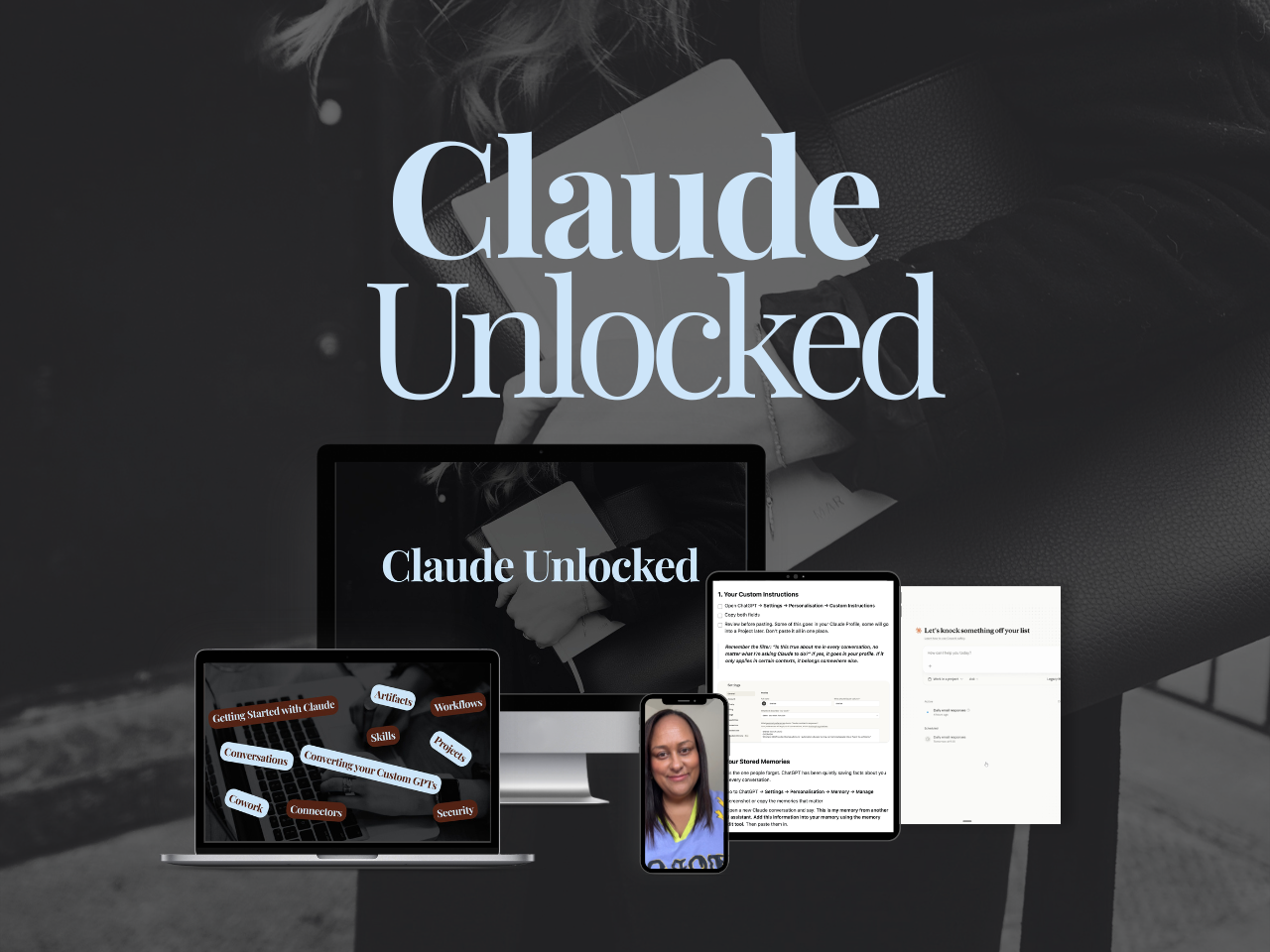
If you want to go past the setup and build Claude into a proper business system - Projects configured for your specific use cases, Skills that run your recurring work, Connectors that link Claude to the tools you already use, tasks running without you sitting there watching - that's what Claude Unlocked covers.
It's $47 for a limited time and takes an afternoon to complete.
If you want to understand the full ChatGPT vs Claude picture: ChatGPT vs Claude for Business: How I Use Both is the detailed comparison from someone who runs a business on both platforms daily.
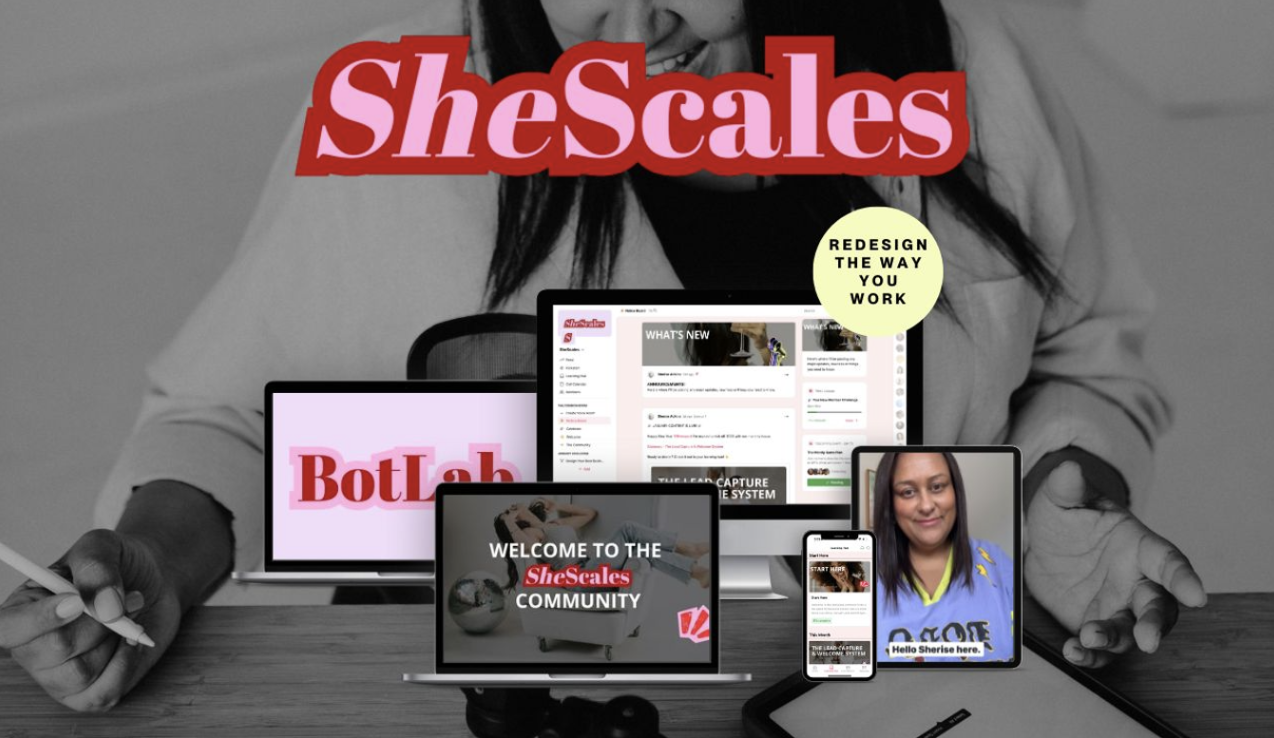
If you want to build your full AI layer across both platforms: SheScales is my community where members get a new AI toolkit every month, built for both ChatGPT and Claude, with live coaching to implement. It’s for business owners who want AI doing 80% of the execution so they can focus on the 20% that actually requires their brain.
Less manual everything.
If you want the strategic framework for thinking about AI across your whole business — not just what Claude can do but how to architect the layer — What Is an AI Architect is where to start.
FAQ
Is Claude Pro worth it if I already pay for ChatGPT?
If you write content, strategy documents, or anything your audience reads, yes. Claude Pro costs $20/month, and the writing quality improvement alone justifies it for most content-heavy businesses. Many serious AI users in 2026 pay for both ($40/month total) and route different tasks to different tools. If your budget only allows one, choose based on your primary use case: ChatGPT for building and sharing tools, Claude for writing and strategy.
How do I manage Claude’s usage limits without running out?
Use Sonnet for everyday work, Haiku for quick simple jobs, and save Opus or Fable for tasks that genuinely need deep reasoning. Give Claude longer, more detailed prompts upfront so you spend fewer messages going back and forth. Set up Projects with your business context loaded so you don't waste messages re-explaining who you are. If you're approaching your limit mid-task, switch to Sonnet to stretch your remaining messages. The limits run on a rolling five-hour window, not a daily reset.
What should I set up first in Claude?
One Project for your most common workflow (usually content creation). Upload your brand voice guidelines, audience description, and any reference material that’s relevant. Then create one Skill with your brand voice rules so Claude carries that context into every conversation, not just the Project. Those two steps take about thirty minutes and will noticeably improve every interaction you have with Claude from that point forward.
Can I use Claude for free?
Yes. The free tier gives you access to Claude, including Projects, with limited messages on a rolling window. It’s enough to test whether Claude suits your workflow. For serious business use, Pro ($20/month) removes most of the friction around limits and gives you access to the most capable models.
What’s the difference between a Custom GPT and a Claude Project?
Custom GPTs are shareable products. You configure instructions, upload files, and share them with a link. Your client clicks once, and they’re using it. Claude Projects are personal workspaces with deep context. You upload reference documents, set instructions, and Claude holds everything about that area of your business in memory. Different tools for different jobs: GPTs for distribution, Projects for depth.
Memory runs deeper than a single toggle. It works across separate pools, it updated to sync between chat and Cowork in August 2026, and it now updates in real time. How Claude's Memory Works covers how all of it fits together and how to set yours up.
What if I don’t want to use ChatGPT at all anymore?
That’s a completely valid choice, and Claude can handle the majority of business content and strategy tasks on its own. You’ll miss image generation and the ability to share custom GPTs with clients, but for writing, planning, email, and operational work, Claude with Projects and Skills is more than capable. I have members inside SheScales who use Claude exclusively and their workflows run smoothly.
key takeaways
If you take five things away from this post, make it these:
Stop comparing Claude to ChatGPT. They solve the same category of problem in fundamentally different ways, and treating Claude like ChatGPT will frustrate you in the first week.
Usage limits run on a rolling five-hour window, not a daily reset. Sonnet stretches your allowance further than Opus or Fable, and Haiku further still. Use Sonnet for everyday work and switch up when you need depth.
Projects make Claude know one area of your business. Skills make Claude know your whole business. Set up one of each before you do anything else.
Tell Claude what NOT to do. Negative instructions ("don't use bullet points," "never start with a question") are one of the most effective tools in your prompting toolkit.
Claude is better for long-form writing, strategic thinking, and brand voice consistency. ChatGPT is better for speed, image generation, and Custom GPT distribution. Use both if you can. Choose Claude if you can only have one and your work is content-heavy.
Meet the Author

HEY, I'M SHERISE
I'm an AI strategist and educator based on the Central Coast of NSW, Australia. I help solo founders install AI systems that scale their business without scaling their workload and remove low-value work from their business so they can spend more time in strategy, creativity, and the work that actually moves the needle.
I run SheScales, the AI implementation community built for the person who IS the business and the whole team. I'm the founder behind 40+ AI assistants across ChatGPT and Claude, the Brand Playbook App, and a growing library of skills and systems used daily by hundreds of solo businesses.
I teach the Architect Method: the shift from chatting with AI to giving AI a job. It's the thinking framework for spotting where AI can genuinely help in your business, knowing how to architect the system, and deciding whether something should be a Skill, a Project, a GPT, an automation, a combination of these, or stay manual.
I'm not here to inspire you. I'm here to hand you the architecture.