AI for Solo Founders: The Use Cases That Actually Apply to Your Week
Last updated August 2026
Most AI use case content is written for a different kind of business than yours. And I hope that by me saying that, you can finally exhale.
The content is usually for bigger businesses with bigger budgets, departments, tools most solo founders would never pay for, and the problems that come with all of that. So the use cases on offer are things like proposal automation, lead scoring, sales call analysis, and meeting summaries. Real problems, for that kind of business.
They're just not your problems or your priorities.
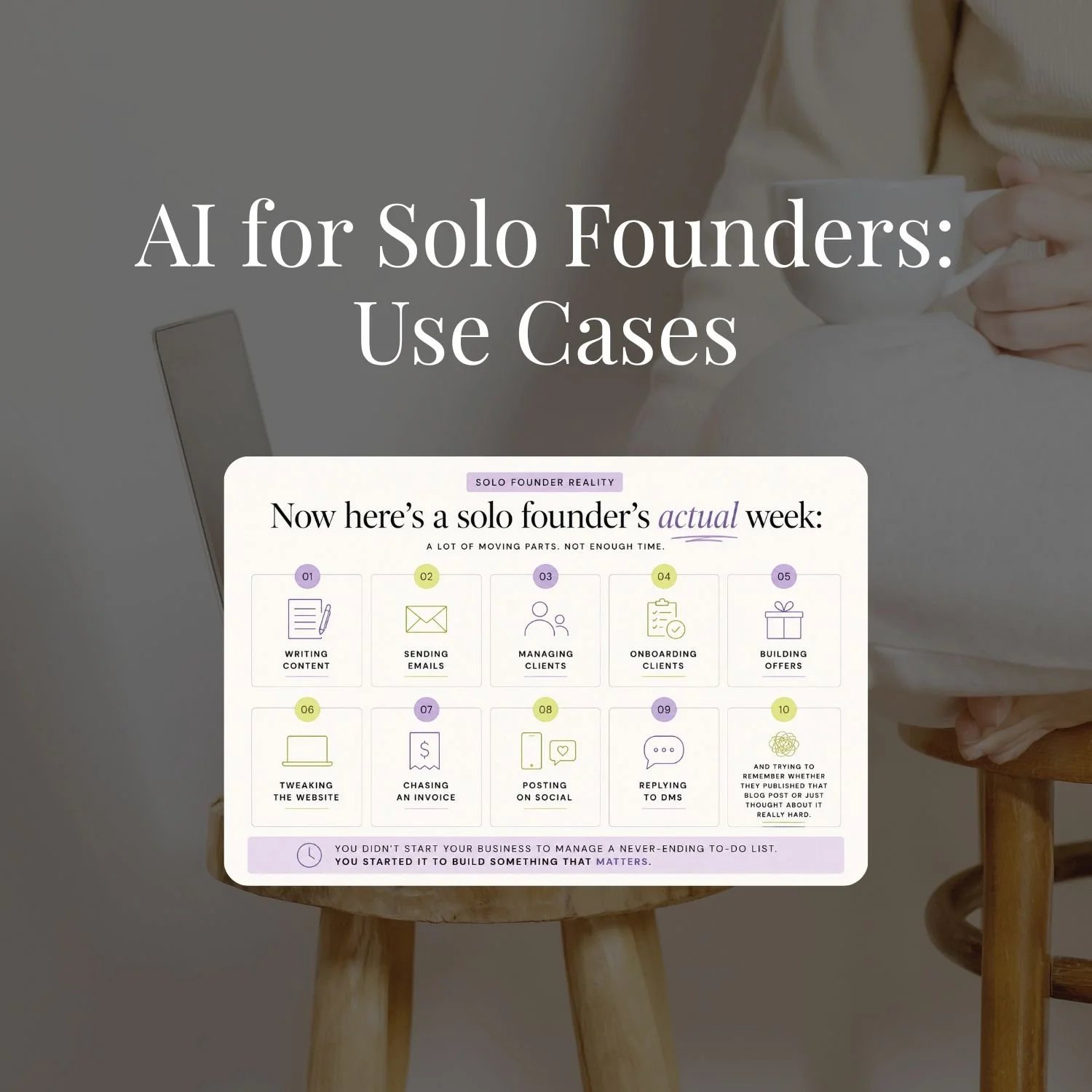
Your day looks like writing content, sending emails, managing clients, building offers, tweaking your website, chasing invoices, posting on social, replying to DMs, and trying to remember whether you published that blog post or just thought about it really hard.
When you're the one holding every role, what's actually worth handing to AI looks nothing like what a company or business with a team would automate.
That's the part that gets missed. It's not that solo founders need a simpler version of the same advice. You need different use cases entirely, because you're running a different kind of business. And when the advice doesn't fit, it's easy to assume you're the one who's behind. You're not. It was built for someone whose day looks nothing like yours.
So this post is the other version. The use cases that actually fit a business run by one person, across the six areas where AI earns its keep for you. Every one is a real thing solo founders inside SheScales are building, have built, requested, or are actively running. If it's in here, someone whose week looks like yours is already using it.
If none of the AI training you have tried has matched how your week actually looks, there is a reason for that. Why AI Education Fails Solo Founders covers it.
The AI use cases that actually move the needle for solo founders aren't the ones being taught in most AI courses. They're in content, email, client systems, and business admin, the work that fills your actual week. This post covers the highest-impact categories with specific examples, real prompts, and what the built version actually looks like.
TL;DR:
Most AI content is built for a different kind of business than yours. Bigger budgets, departments, and tools most solo founders would never pay for, solving problems you don't actually have.
The gap isn't that you need simpler advice. You need different use cases entirely, because you're running a different kind of business, not a smaller version of someone else's.
The six places AI actually earns its keep for a solo founder: content creation, email and client communications, offer development, client onboarding and delivery, research and strategy, and business admin.
Every use case here is real, something solo founders inside SheScales are building, have built, or are running right now, not a hypothetical.
The bigger shift is from tasks to systems. Using AI for one thing here and there saves time once. Building it into a system that runs on its own saves that time every single week.
New here? This blog is for the solo founder who wears every hat in the business, and wants real AI systems and workflows running things, not just piecing it together in the chat. Start here →
Here’s what we’ll be covering:
Why Do Most AI Use Case Lists Miss Solo Founders Entirely?
The use cases being circulated in AI education right now aren't wrong. They're built for a business with a different shape to yours. Different scale, different budget, a whole different set of problems.
Picture the business that content is written for: multiple people, software budgets with a comma in them, and problems that are mostly about coordination, getting work from one person to the next without it falling through a gap. That's a real business with real needs. It just isn't yours.
Your business is one person, a lean stack of tools you already pay for, and a to-do list that never involves handing anything off, because there's no one to hand it to. Your problems aren't coordination problems. They're volume problems. Too much to make, too many messages to answer, too much that only gets done when you personally sit down and do it.
So the advice doesn't transfer, and it's easy to read that as a you problem. It isn't. The content was written or recorded for a business that runs nothing like yours, and no amount of skill on your part was ever going to make a sales-pipeline use case relevant to a business with no sales pipeline.
The use cases in this post come from a specific place: real Request a Build submissions from SheScales members. Actual solo founders who told me the exact workflow they needed help with. Not hypotheticals, not demos. What a one-person business actually needs AI to run.
Category 1: Content Creation and Repurposing
This is where most solo founders start with AI, and where the biggest gains are hiding. Not in writing content faster, but in building something that handles the whole content function.
Use case: Writing content in your voice
The most common starting point is you describe what you want, AI drafts it, you edit.
What you’re actually able to do with AI now is so so much more than this. All of a sudden, the gap has closed, and solo founders can compete with their larger counterparts when it comes to content creation because so much can now be systemised or automated with the tools you already own.
What this looks like built properly: you open your content assistant, give it a topic and the week's angle, and it produces captions, email copy, and carousel scripts in your voice, without you rewriting every line.
Use case: Repurposing one piece of content across platforms
One blog post or video can become Instagram captions, carousel slides, Pinterest pins, an email newsletter, and a YouTube video. By hand, that's a morning (or more) gone. With a repurposing system, it's one prompt.
A SheScales member built a system that takes a single blog post URL and produces platform-ready content for every channel she uses. She went from leaving reach on the table because content only lived on Instagram, to running a multi-platform strategy that takes one afternoon to batch.
Use case: Content strategy and research
AI can research what's performing in your space, surface trending angles, check what competitors are covering, and help you spot gaps. This moves AI from execution tool to thinking partner, and when it's connected to your analytics, it can feed real performance data back into what you make next month. You can even have AI do this on a schedule and act on the results.
Use case: Pinterest pin batching
One of the most-requested builds inside SheScales is my Pinterest workflow that is run entirely by Claude. From a single URL input, AI handles the title, description, alt text, board assignment, and keyword list for an entire month of pins in one session. Not only that, but it creates the pin creative in Canva, and publishes the pins. One member went from “I've stopped pinning for now” to having her whole Pinterest strategy running on automation and being a whole month ahead. (That “I've stopped pinning for now” is a sentence I hear a lot. Pinterest is usually the first thing to fall off the list when you're doing everything yourself.)
Category 2: Email and Client Communications
Email is where solo founders lose the most time to repetition. The same kinds of emails, sent slightly differently every time, to slightly different people. That is exactly the shape of problem AI is good at.
Use case: Email replies drafted and waiting for you in your drafts folder
You get many emails every day that need replies. You create a scheduled task that drafts emails in your voice, drawing from three reference documents that know your business, your products, your business and product FAQs, and how you actually write. The task runs at 6am each morning, and your drafts are in your draft folder waiting for you when you open your laptop.
Use case: Email sequences and nurture content
Welcome sequences, post-purchase sequences, and nurture emails between promotions all have a structure, a job they're doing, and an arc they follow. Once AI knows your voice and your offer suite, it can draft them in a fraction of the time. The output still needs review and personalisation, but the blank page problem disappears.
Use case: Client proposal drafts
You have a discovery call and now need to send a proposal. AI grabs your transcript on autopilot; it already knows how you like proposals written, and it drafts the whole thing for you. You tweak a couple of sentences and send it off. Something that used to take you hours takes you less than 30 minutes now.
Use case: Follow-up systems
Follow-ups happen when you remember them, which is to say inconsistently. This is one of the most common problems in SheScales build requests, and it's never because someone doesn't know they should follow up. It's that there's no one to remind them and no system making it automatic.
Build the follow-up into a workflow (DM received, qualified, personalised response sent, follow-up scheduled), and the inconsistency disappears. The system does the remembering, which is the job you were never going to reliably do at 9pm with two other things on fire.
Use case: Launch and promotional email copy
Sales emails, last-chance emails, and countdown sequences likely have known structures in your business. Even so, they still eat hours of your time writing them. With your offer details, your voice, and your audience context already loaded into an assistant, a five-email launch sequence becomes an afternoon's work instead of a week's, especially if you have a skill trained on how to write those particular emails and sequences.
Category 3: Offer and Business Development
I love this category for solo founders because it’s where we move from AI as a production tool to a thinking partner. Some of the biggest solo founder wins come from the strategic, offer-level work.
Use case: Offer development and positioning
What should this offer include? How should it be priced? What's the right name? What objections will come up? AI can work through this with you, not by inventing answers, but by asking the right questions, pushing back on weak positioning, and helping you get specific about what makes the offer different. This works particularly well when you have Skills or AI assistants trained to specialise in this.
“Blair (AI assistant) helped me structure an offer I'd been stuck on for months and my mind was blown.” — SheScales member
Use case: Sales page and landing page copy
Writing a full sales page used to take days. With your brand voice, your ideal client profile, your offer details, and your proof points loaded in, AI can produce a working first draft in one session. That's still a real shift: from staring at a blank page for three days to editing something that's 80% there.
Use case: Lead magnet creation
AI can build lead magnets, and not just write them. It can design the structure, write the content based on your knowledge and your brief, and in some cases produce the deliverable itself. One SheScales member discovered Claude could build a quiz-style lead magnet she'd wanted for months but hadn't built, because the tool subscriptions to do it were too expensive. Claude was able to do it in a single session, and for free.
Want the full Claude setup laid out step by step?
This free kit covers every setting worth turning on, how Projects and Skills work, and the exact prompt to export your ChatGPT memory so you're not starting from scratch.
It's the guide I wish I'd had when I started.

Category 4: Client Onboarding and Delivery
This is where inconsistency costs solo founders the most. Not in money directly, but in the mental load of reinventing every client experience from scratch.
Use case: Client onboarding systems
What happens when a new client signs? If the honest answer is a version of “I send them a welcome email, usually a day or two late, then I set up a Notion page, and I try to remember to send the intake form,” that's a system waiting to be built.
The built version: client pays, automation triggers a welcome email in your voice, the intake form goes out, AI generates an onboarding doc from their answers, and the first session is scheduled. See how there are no manual steps here? And everything is standardised so it’s the same experience for every client, every time, even in the weeks when you've got three other things happening.
Use case: Client reporting and updates
Regular client communication is another repetition trap. Same format, same structure, slightly different content each time. AI can draft client update emails, progress reports, and session summaries from your notes, so you stay in the loop without writing every line from scratch. You can even have this set up as a pre-scheduled task that runs off a Skill that’s trained on your SOPs.
Use case: Proposal writing
This one has a specific version that matters for solo founders: proposals genuinely customised to each client, not a template with the name swapped in. With your services, pricing, and process already loaded in, and the client's situation given as context, AI produces a proposal draft that starts specific instead of generic.
Category 5: Research and Strategy
The thinking work often feels like it can't be systematised because it needs judgement. AI is surprisingly good here if it’s used as a thinking partner that doesn't get bored, doesn't need a coffee, and will challenge your assumptions if you ask it to.
Use case: Ideal client research
AI can research what your ideal clients are actually saying in forums, reviews, Reddit threads, and communities. Not what you assume they're saying, but what they're saying, in their own words. This used to take days and now takes minutes, and the output (exact customer language, real frustrations, the words they use for their problems) goes straight into your copy.
Use case: Competitor and market analysis
What are competitors covering? Where are the gaps? What angle has nobody taken yet? AI can scan, compare, and surface patterns faster than you could by hand, and the output feeds both your content strategy and your positioning.
Use case: Business strategy and decision-making
This is the one that surprises people most. Using AI as a thinking partner for real decisions (should I retire this offer, what's the right price point, how do I structure this launch) isn't outsourcing the decision. It's having a smart collaborator who has read your whole business context and will tell you what it actually thinks when you ask directly.
Category 6: Business Admin and Operations
The unglamorous category 😅. Also the one where solo founders spend a wildly disproportionate amount of time for the least satisfaction. If you are choosing where to start, what to automate first walks through how to pick.
Use case: Systems documentation
You do things a specific way in your business, and with most solo founders, it usually lives in your head. While it's in your head, it can't be repeated, handed off, or improved. AI can help you get it out through conversation, draft SOPs, and checklists. The process of documenting is also the process of clarifying, which is half the reason it's worth doing.
Use case: Analytics and performance tracking
What's actually working? Most solo founders glance at their analytics, feel vaguely informed, and then make the same decisions anyway. A system that pulls your numbers weekly, surfaces the patterns, flags what's over- or underperforming, and hands you a plain-language summary of what to do more of, that's a completely different relationship with your own data.
One of the most-requested builds inside SheScales is exactly this: a system that reviews social and email data monthly against strategy, suggests pivots, calls out wins, and produces a report.
Use case: Invoicing and business admin
AI can draft invoices, payment reminders, and late-payment follow-ups in a tone that matches your relationship with each client. For the admin that's necessary but deeply boring, AI produces the draft and you approve and send. That's the right division of labour.
Some of these stop being chat tasks altogether once you hand them to Cowork, which works with your actual files instead of text you paste in. What Is Claude Cowork covers what it does and when to reach for it.
What's the Difference Between Using AI for a Task and Building a System?
Everything above can be done as a one-off task or built into a system.
The task is genuinely useful. But the system is what compounds.
Using AI to write this week's captions is a task. Building a content system where you drop in a voice memo and walk away with five days of content formatted, scheduled, and distributed - that's a system.
The task saves you an hour. The system saves you that hour every single week, indefinitely, without you having to remember to do it.
Most people start with tasks, and that's a completely legitimate starting point. You build confidence, you see what AI can do, you get comfortable with the output. But the move to systems is where the real return sits. And it's not much more complicated. It's the same work, structured so it runs on its own.
A task is “AI helped me write this email.” A system is “AI drafts all my follow-up emails automatically, and I approve them in a batch on Monday morning.” Same skill. Completely different effect on your week.
If you want to understand how to make that move, from one-off tasks to actual systems, the AI Architect post covers the full thinking framework.
And for the Claude setup that makes most of this possible, Claude Unlocked walks you through Projects, Skills, Cowork, and Connectors, the infrastructure that lets Claude do work in your business.
Key Takeaways
Most AI use case content is built for a different kind of business: Meeting summarisers and sales pipeline automation solve problems a one-person business doesn't have. The use cases that move the needle for solo founders are in content, email, client delivery, and admin, the work that actually fills your week.
Context is what makes AI output useful: Generic output is almost always a context problem. The more specifically AI knows your voice, your offers, and your audience, the more useful every use case becomes.
Tasks are the starting point, systems are the goal: Using AI for individual tasks saves time. Building systems that run those tasks automatically saves that time every week, indefinitely. The return is in the system.
Start with the highest-repetition task in your week: Find the thing you do most often that follows the same pattern every time. That's your first AI use case. Build that one well before you expand.
The use cases compound: Each system you build frees up time and mental space, and that goes into building the next one. A solo founder running three well-built systems gets work done that used to need more hands, without adding any.
Frequently Asked Questions
What are the best AI use cases for solopreneurs?
The highest-impact use cases for solo founders are in content creation and repurposing, email and client communications, offer development and sales copy, client onboarding and delivery, and business admin. These are the functions that fill most of a solo founder's week, not the team-coordination tasks that dominate most AI use case content. Start with the task you repeat most often.
Is AI actually useful when you run your whole business yourself?
Arguably it's more useful for a solo founder than for a larger business, because every task AI takes on is a task that was only ever going to get done by you. When you're the one making the content, answering the emails, and doing the client work, removing the manual repetition is the difference between a week that runs and a week that runs you. The reason results vary so much between solo founders is that most AI education isn't built for this reality, so people are trying to adapt advice that was never meant for their business.
Where should I start if I want to use AI in my business?
Start with your highest-repetition task, the thing you do most often that follows roughly the same pattern each time. For most solo founders that's content: captions, emails, or blog posts. Get AI working on that one thing first, and build the context it needs to do it well: your voice, your audience, your standards. Don't try to automate everything at once.
What's the difference between using an AI tool and building an AI system?
Using an AI tool means asking it to help with tasks as they come up. Building an AI system means structuring AI to run a function in your business automatically, so the task happens without you starting it each time. The tool saves you time on individual tasks. The system saves you that time every week, indefinitely. Both are useful; systems are where the compounding starts.
How do I get AI to actually sound like me?
You give it the context it needs. That means documenting your brand voice: how you write, the phrases you use, the tone you don't take, the things that are distinctly yours. Without that, AI produces a polished version of a generic business owner. With it, the output lands close enough that you're editing rather than rewriting. This is exactly what the Brand Playbook is designed to build, and why it's the first thing every SheScales member creates.
Do I need to be technical to implement these use cases?
No. Every use case in this post can be implemented without writing code. Some take more setup time than others (a full content repurposing system takes longer than asking AI to draft one email), but the skill required is understanding your business and describing what you need, not technical knowledge. If you can describe the task, you can give AI the brief to do it.
Ready to Stop Using AI Occasionally and Start Building With It?
Every use case in this post is buildable. Some take an afternoon. Some take a week to get right. All of them are worth the time, because once they're running, they keep running.
A use case you repeat every week is not a task any more, it is a system waiting to be built. AI Prompts vs AI Systems covers the difference and what to build first.
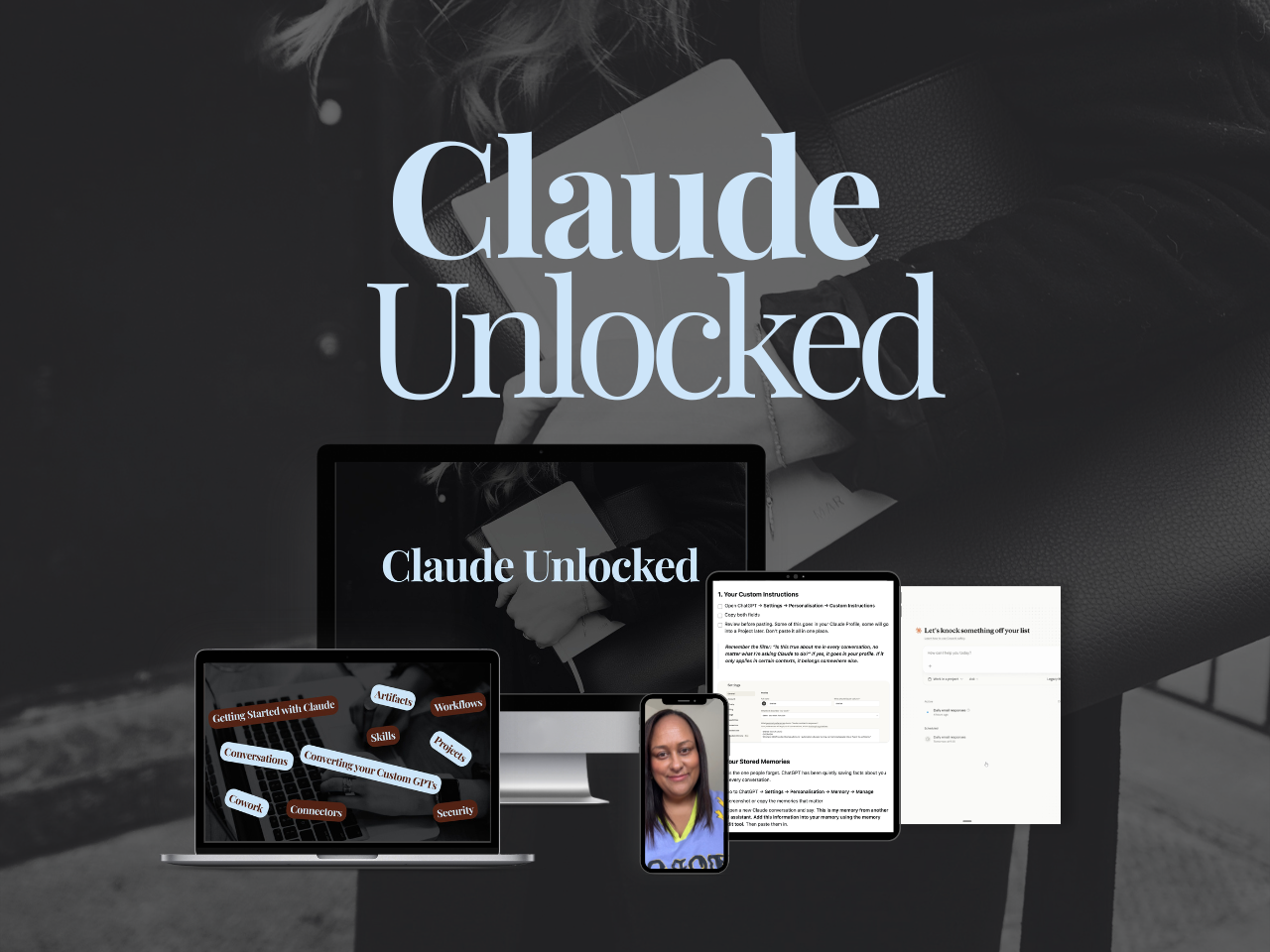
If you want the Claude-specific setup that makes most of this possible (Projects, Skills, Cowork, and Connectors), Claude Unlocked covers the full infrastructure.
It's the fastest way from “I open Claude and type things” to “Claude already knows my business before I say a word.”
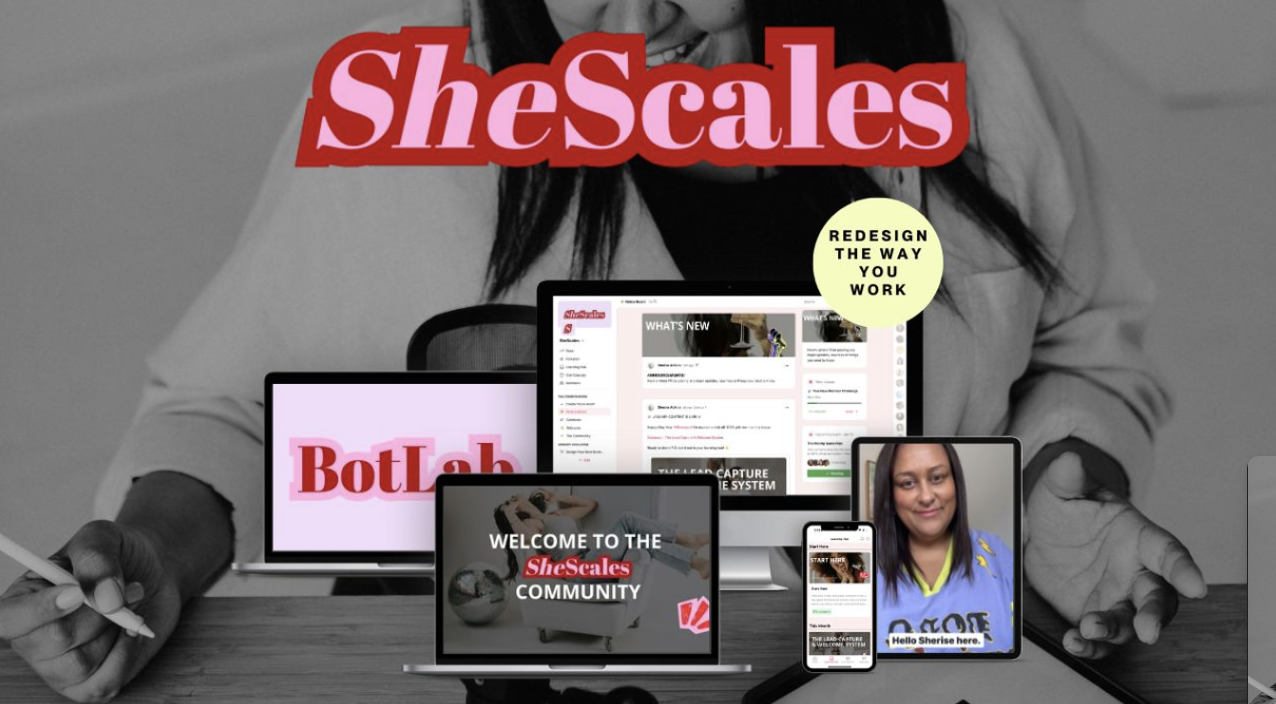
And if you're ready to build actual systems, not just learn the tools, SheScales is where that happens.
Each month I build a real system in my own business, pull it apart, and hand over every component so you can build yours. The use cases above aren't hypotheticals. They're what's being built inside SheScales right now.
MEET THE AUTHOR

HEY, I'M SHERISE
I'm an AI strategist and educator based on the Central Coast of NSW, Australia. I help solo founders install AI systems that scale their business without scaling their workload and remove low-value work from their business so they can spend more time in strategy, creativity, and the work that actually moves the needle.
I run SheScales, the AI implementation community built for the person who IS the business and the whole team. I'm the founder behind 40+ AI assistants across ChatGPT and Claude, the Brand Playbook App, and a growing library of skills and systems used daily by hundreds of solo businesses.
I teach the Architect Method: the shift from chatting with AI to giving AI a job. It's the thinking framework for spotting where AI can genuinely help in your business, knowing how to architect the system, and deciding whether something should be a Skill, a Project, a GPT, an automation, a combination of these, or stay manual.
I'm not here to inspire you. I'm here to hand you the architecture.