AI Automation for Small Business: What to Automate First
Last updated September 2026
The first thing I ever automated properly was my inbox, and I’m a little embarassed about why 😂.
I hate email.
Not in a cute way. I hate feeling chained to it, I get genuinely overwhelmed by it, and for years it sat there being the thing I was always slightly behind on.
So when I finally built something to handle it, it wasn't because email was the most strategic choice on a whiteboard. It was because it was the thing I did every single day, in more or less the same shape, and I was sick of it.
That turned out to be the right instinct, and not for the reason I thought at the time.
The order you automate in matters more than the list. Start with the thing you do most often with the least variation, not the thing that annoys you most, because frequency is what makes an automation compound, and irritation is what makes it a one-off.
TL;DR:
Automate the thing you do most often with the least variation first. Frequency beats irritation, because a weekly task pays you back every week and the quarterly one you resent pays you back 4 times a year.
Four questions tell you whether something is ready: how often you do it, how much it changes each time, what it costs you if it comes out wrong, and whether you could write the process down today.
If you can't describe the process in writing, you can't automate it yet. That's a sign the process itself is still unfinished, and no amount of technical skill fixes it.
Anything that goes out with your name on it keeps a human gate. An internal mistake wastes an hour. A public one changes what people think of your business.
Most people give up on AI automation because the first thing they built was never the constraint, so nothing changed when it worked.
New here? This blog is for the solo founder who wears every hat in the business and wants real AI systems and workflows running things, not just piecing it together in the chat. Start here →
Here’s what we’ll be covering:
Why Does Automating in the Wrong Order Make You Give Up?
If your first AI automation didn't change anything, the build probably wasn't the problem. The order was. There is an order, and it gets skipped because every list you've read is about what you could automate rather than what comes first.
Here's how it usually goes. You pick the task that irritates you most, because of course you do, that's the one shouting at you. You spend a weekend building something for it. It works. And then... nothing really changes, because the irritating task happened once a month and you've just bought back an afternoon a year.
The build worked. The choice didn't. But it doesn't feel like that from the inside. From the inside it feels like AI automation is overhyped and you were right to be sceptical.
Gallup's 2025 workplace research found something that maps onto this almost exactly: 44% of employees say their organisation has begun integrating AI, but only 22% say their organisation has communicated a clear plan for doing so. Everybody's adopting. Almost nobody has an order.
Solo businesses have the same problem with none of the cover. There's no one else to notice that the sequencing is off.
Pick the order first. The build is the easy part.
The Sequencing Rule: Frequency Beats Irritation
Automate the thing you do most often with the least variation, before the thing that annoys you most.
Frequency is what pays you back. Low variation is what makes the thing buildable at all, because you can only write down a process that holds its shape.
A task you do daily in roughly the same shape is worth more automated than a task you do quarterly that makes you want to lie down. Daily and dull beats quarterly and infuriating, every time, and it isn't close.
The irritation instinct is measuring something real, it's just measuring how much you dislike the task. What actually predicts whether an automation sticks is how often the thing runs and how similar each run is to the last one.
There's a nice side effect to starting boring. A high-frequency task gives you a lot of chances to notice what's not quite right and fix it, because it runs again tomorrow. Build for something quarterly and your feedback loop is three months long, which is another way of saying you'll never finish it.
Sort your list by how many times a year it happens. Start at the top.
The Four Questions That Tell You Something Is Ready
Before you build anything, run the task through four questions: how often, how much variation, what a wrong answer costs, and whether you could write it down today.
1. How often do you do it?
Daily and weekly are where automation earns out. Anything you do less than once a week is not your starting point, however much you'd like it to be.
2. How much does it change each time?
Not "is it identical", because nothing is. The question is whether the shape holds. Answering customer emails changes in content every time and almost never in shape, which is why it automates well. Writing a launch plan changes in shape every time, which is why it doesn't.
3. What does it cost you if it comes out wrong?
Not "could it be wrong", it can always be wrong. What happens then. A rough draft you fix in thirty seconds is a cheap wrong answer. A message that went out to your list is not.
4. Could you write the process down today, in full, without stopping to work it out?
This is the one that catches people, and it's the most useful of the four. If you can't describe it in writing, you can't automate it yet. That isn't a technical problem, it's a sign the process isn't actually finished yet, and building on top of an unfinished process just gives you a faster version of the confusion.
There's Actually a fifth thing I check: I make sure every step of the system already works properly on its own before I automate any of it. If it involves a skill, I want to know that skill works. If it produces an output, I want that output to be exactly what I need first. There's no point automating something that doesn't work properly. You just get it wrong faster, on a schedule.
The First Thing I Automated, And Why It Was the Right Place to Start
My first real automation was a scheduled task that runs at 6am every morning and drafts replies to my emails.
It didn't start as a strategy. It started because I hate responding to emails and I hate feeling chained to my inbox, and I'd been carrying that particular weight for a very long time.
But look at it against the four questions and it passes all of them without an argument. I do it daily. The shape barely changes, someone asks something and I answer it. If a draft is wrong I fix it in the draft folder before anything goes anywhere. And I could absolutely describe the process, because I'd been doing it manually for years.
The part that made it actually work, though, was what I gave it to read.
It has access to a file of my real sent replies, so it can see how I've actually answered things rather than guessing. It has an FAQ document covering the bigger questions people ask: refund policies, the 7-day guarantee, access and troubleshooting for my products, common SheScales questions. It has all my offers, pricing and links. And it has an email voice reference, which is the one people skip.
That voice file covers how I greet people, how I sign off, the way I tend to react to things, how long my replies usually are, phrases I use over and over, phrases I never use, and how I use emojis. It's unglamorous and it's the reason the drafts sound like me.
So now they're sitting in drafts when I get up. I read them, change a few little things, hit send. I very rarely have to edit much.
This was life-changing for me, and I don't use that phrase about software. I stopped feeling like I was at my inbox's mercy, and I hadn't realised how much of my head that was taking up until it stopped. 😅
The thing that made it work wasn't the automation. It was the four files sitting behind it.
If you want the setup that sits underneath everything I've described here, the Claude Setup Kit walks through the context files, the folder structure and the first scheduled task.
It's free, and it's the part most people skip on their way to the exciting bit.

The One That Took Me a Second Attempt
My weekly blog report took me several goes to get right, and what needed fixing was the output rather than the automation itself.
It's a very involved task. It looks at what's ranking, what's slipping, and what needs fixing across the whole blog. Technically it worked early on. It ran, it gathered, it reported.
It just handed me back something I couldn't do anything with.
A broken automation at least announces itself. This one ran beautifully every single week and handed me a document I skimmed and closed, and it took me a few rounds before I'd admit that's what I was doing with it.
So I kept updating it. Not to capture more, it was already capturing everything. To get the information back in a shape that was actually useful and actionable. That's a different job from collecting the data, and it's the job that took the second and third attempt.
One thing I'd add if you're building something in this territory: make the thing interview you before it produces anything. Ask it to ask you what's changed, what's genuinely fixed and what you actually have capacity for this week, and only then let it report. Output that doesn't know your context is generic, and generic output is exactly what gets skimmed and closed in week two. This is the sort of build we pull apart together inside SheScales, piece by piece, so you can see why each call was made rather than just receiving the finished thing.
A second attempt is usually the first time you find out what you actually wanted.
What Should You Never Automate?
Nothing outward-facing goes out without me reading it and approving it first. Not one thing.
Not something publishing to my website, not a social post, not an email, not a message inside my community. It all comes to me first, and that is not going to change.
That's the third question from the readiness test taken seriously: what does it cost you if it comes out wrong? For anything with my name on it, the answer is that it has to sound like me and be me, and I'm never handing the reins of that to anybody else. The cost of getting that wrong is too high, and it's a different kind of cost from an internal task producing a dud. An internal mistake wastes an hour. A public one changes what people think of you.
So the human gate is permanent on that category, and it doesn't make the automation less useful. My inbox task still drafts every reply. I just read them.
This rules out less than it sounds like, which is worth saying because people hear it as "don't automate writing". The rule is don't automate publishing. Drafting, research, first passes, formatting, all of that can run without you. The send button is yours.
Automate up to the point where it becomes public. Stop there.
What Not to Automate Yet
Three things belong on a "not yet" list rather than a never list, and knowing the difference saves you a lot of wasted building.
Anything you do less than weekly. Come back to it once you've got two or three high-frequency things running and you've built some judgement about what works.
Anything where a failure would be silent. If the thing can break in a way you wouldn't notice for a fortnight, it isn't ready, because you'll only find out via the consequence. Make it fail loudly and visibly before you make it run on its own.
Anything where the tool can't yet reach the data. Check this before you write a single instruction, because it fails in the same way silent failures do. If it can't see your calendar, it will confidently invent a week that doesn't exist. If it can't see your sales data, it will hand you a plausible report that's fiction. It looks like it worked, which is the whole problem.
Key Takeaways
Frequency beats irritation. Start with what you do most often in roughly the same shape, not what annoys you most.
Four questions decide readiness: how often, how much variation, the cost of a wrong answer, and whether you could write it down today.
If you can't write it down, the process isn't finished. Fix that before you build anything.
The files behind an automation matter more than the automation. My inbox task works because of four reference documents, not because the trigger is clever.
A second attempt usually means the output shape was wrong, not the automation. Automations that run perfectly and produce something you skim are the sneakiest failure.
Everything outward-facing keeps a human gate. Automate up to publishing, never through it
Frequently Asked Questions
What should a small business automate with AI first?
The task you do most often with the least variation. For most business owners that's something in the inbox, the calendar, or a recurring report. Frequency is what makes an automation compound, so a daily task in a consistent shape beats a monthly task that irritates you, even when the monthly one feels more urgent. Sort your list by how many times a year each thing happens and start at the top.
How do I know if a task is ready to automate?
Run it through four questions: how often you do it, how much it changes each time, what it costs you if it comes out wrong, and whether you could write the process down today without stopping to work it out. The last one catches the most people. If the process only exists in your head, it isn't finished, and automating an unfinished process just produces confusion faster.
What should I never automate in my business?
Anything that goes out publicly with your name on it. Drafting, research, formatting and first passes can all run without you, but the send and publish steps should stay manual. An internal mistake costs you an hour. A public one changes what people think of your business, and that's a different kind of cost rather than just a bigger one.
Why did my first AI automation not save me any time?
Usually because the thing you automated was never the constraint. People tend to automate the work they can see rather than the work that's actually expensive, so the build succeeds and nothing changes. The other common version is an automation that runs perfectly but hands back output in a shape you can't use, which feels like success until you notice you've skimmed and closed it four weeks running.
What to Do Next
Pick one task. The most frequent, least variable thing on your list, not the one making you cross. Write the process down in full. If you can't, you've just found your actual first job.
Then build one thing, watch it run for a fortnight, and fix the output shape before you build a second.
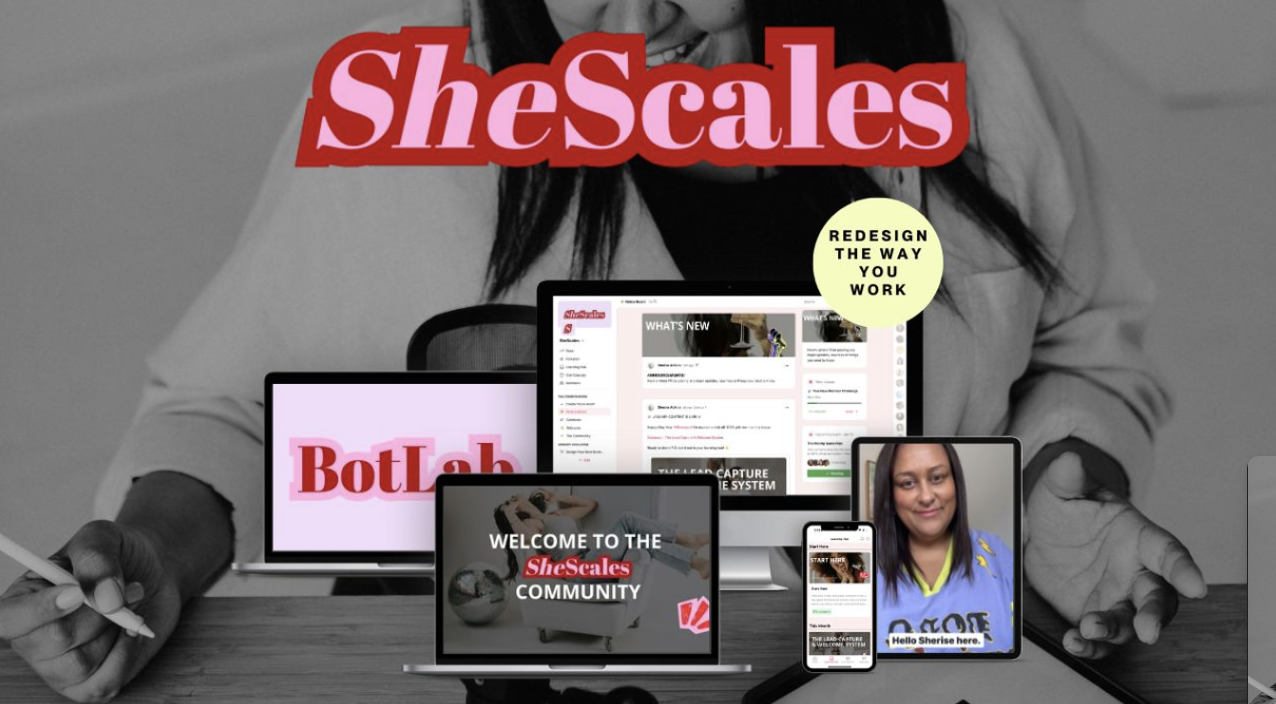
SheScales is where this happens with company.
Every month I build a real system inside my own business, pull it apart, explain every decision I made and why, and hand over every component: the Claude Skills, the Project instructions, the workflows.
You get the finished build and the reasoning behind it, so you can make your version rather than copying mine.
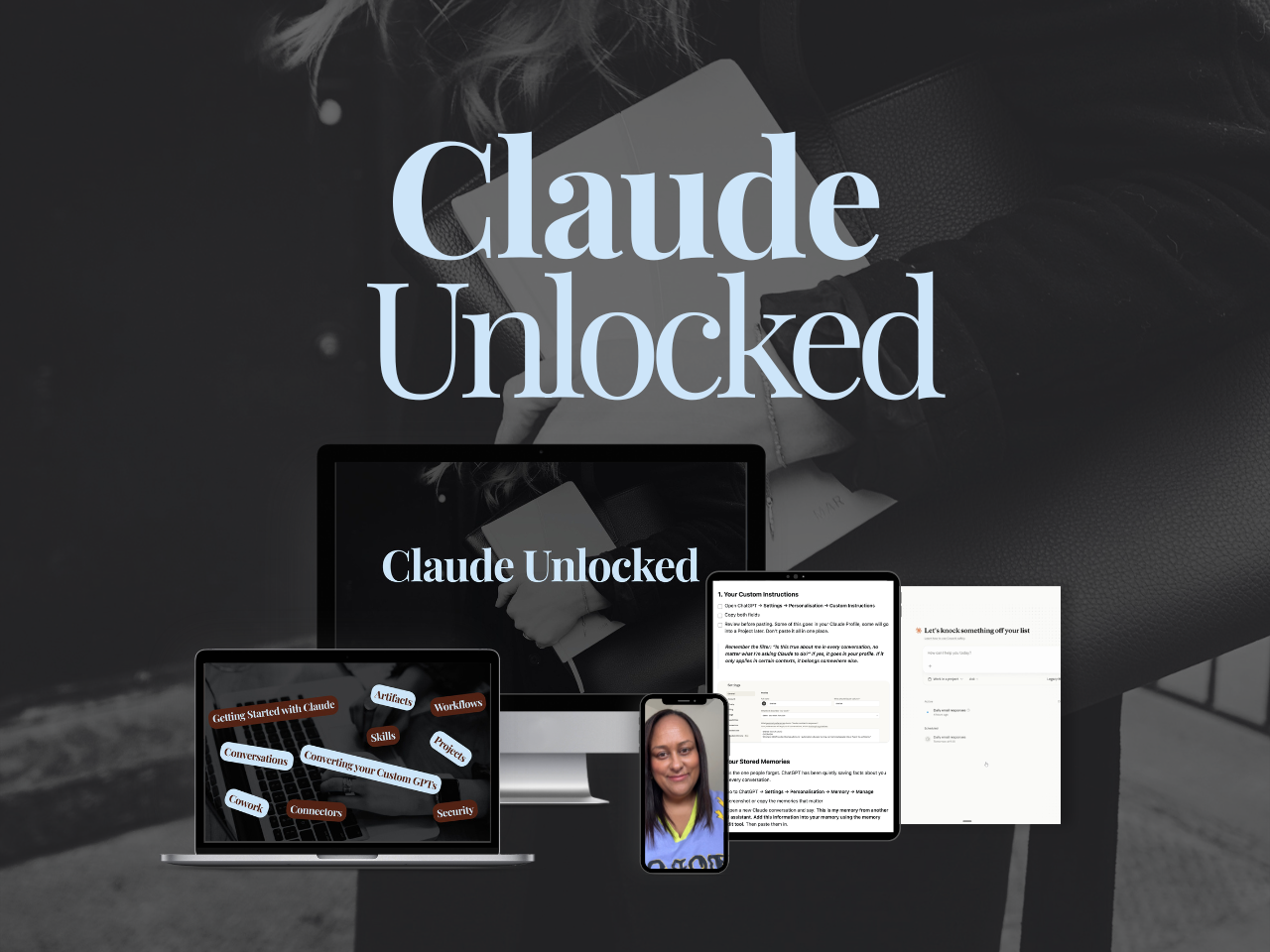
If you're earlier than that and you want the foundations first, Claude Unlocked is the 47 dollar course that gets Claude set up properly for your business.
It takes an afternoon, and it's the groundwork everything above sits on. (Publish note: restore this to read "the $47 course" in Squarespace.)
You don't need a better list of what to automate. You need the order, and you already have enough information to pick the first one. 😊
MEET THE AUTHOR

HEY, I'M SHERISE
I'm an AI strategist and educator based on the Central Coast of NSW, Australia. I help solo founders install AI systems that scale their business without scaling their workload and remove low-value work from their business so they can spend more time in strategy, creativity, and the work that actually moves the needle.
I run SheScales, the AI implementation community built for the person who IS the business and the whole team. I'm the founder behind 40+ AI assistants across ChatGPT and Claude, the Brand Playbook App, and a growing library of skills and systems used daily by hundreds of solo businesses.
I teach the Architect Method: the shift from chatting with AI to giving AI a job. It's the thinking framework for spotting where AI can genuinely help in your business, knowing how to architect the system, and deciding whether something should be a Skill, a Project, a GPT, an automation, a combination of these, or stay manual.
I'm not here to inspire you. I'm here to hand you the architecture.