Last updated September 2026
The first time I ran my Renewal Tracker Skill (a skill that finds my subscriptions and alerts me to any renewals), it found two payments that had already failed.
Not coming up. Already failed, sitting there in the background of my own business, with me none the wiser. It was the first thing that Skill did on its first run. 😅
That's the filter for this whole list. Not the clever Skills. The jobs that repeat, that you've stopped noticing you do, and that nobody ever sends you an invoice for.
One thing before the list, because it's the first question most people have.
There are thousands of ready-made Claude Skills you can download, and you might be wondering why you'd create your own.
Install a Skill someone else wrote and you've added instructions you haven't read to every conversation you have. Sometimes that's fine. Other times it’s not because the whole value is knowing how you do things.
A Claude Skill is a reusable instruction file that Claude loads on its own when a task matches its description. The ten worth building for a small business are the jobs you already do the same way every time: your brand voice, the admin that keeps arriving, and the checks you run on your own work.
TL;DR:
A Skill earns its place when the task repeats, uses roughly the same inputs every time, and has a clear finish line. If you can't tell when it's done, it isn't a Skill yet.
Your brand voice is the first one to build, because everything else you produce sits downstream of it.
The admin ones are where the value actually is. Replies, triage, renewals, capacity. They survive for years because nobody ever puts a price on them.
Claude picks a Skill from its description, so a vague description is the single most common reason a Skill you built never fires.
Build one and use it for a fortnight before you build the next. Ten is where you land after a few months, never a weekend project.
New here? This blog is for the solo founder who wears every hat in the business and wants real AI systems and workflows running things, not just piecing it together in the chat. Start here →
Here’s what we’ll be covering:
What Makes a Claude Skill Worth Building?
A Claude Skill is worth building when the task repeats, uses roughly the same information every time, and has a finish line you can point at and easily describe.
Plenty of jobs feel repetitive and still make terrible Skills, because there's no moment where the job is obviously done. "Think about my pricing" has no end. "Turn this call transcript into five action items with owners and dates" ends the second the list exists.
There's a fourth test, and it's the one that saves you from building something you'll resent. Is the job annoying without being a risky judgement call? Chasing a renewal is annoying and low-risk. Deciding whether to end a client relationship is neither. The first is a Skill. The second stays yours, and leaving it manual is a real answer.
Worth knowing before you start: Skills are available on Free, Pro, Max, Team and Enterprise plans, and they live under Customize > Skills. If you've never built one, start here and come back.
Remember, we are going for the annoying, repeatable, finishable, and safe to get wrong jobs in our businesses when we first start using Skills.
Start With the One Everything Else Sits On
1. Your brand playbook
This is the one to build first, and it's the one everything else on the list leans on.
A brand playbook is essentially a bible about your individual business. It has real examples of how you write, the phrases you'd never say out loud, the rhythm you actually use, your offers and pricing, your goals and everything in between.
It’s the reference document your brand voice lives in, the one you keep meaning to write properly.
The reason it belongs in a Skill rather than sitting in your Claude settings is that voice is the thing you're always adjusting. You catch a phrase you hate and cut it. You notice a line that's working and lean into it. A Skill keeps pace with that because a skill is so easy to update and can happen during your session with Claude. A paragraph in your profile instructions just sits there going stale, arguing with whatever version of your voice you're actually using day to day.
It's also the one that makes every other Skill on this list better, because a repurposing Skill with no voice behind it produces content that sounds like everyone else's.
Turning a brand playbook into a working Skill is a build we pull apart together inside SheScales, piece by piece, and there's a Brand Playbook App in there that walks you through writing yours before you ever turn it into a Skill file.
That order matters. The Skill is only as good as the playbook underneath it.
Five Admin Skills for the Work That Keeps Arriving
This is the category most people skip on their way to the exciting stuff.
But admin turns up whether you have time for it or not. Each bit looks small, but you pay for it in hours instead of dollars, and because no invoice ever arrives, nobody ever looks at the total 😬.
2. The email reply Skill
Not a Skill that writes emails from scratch, but one that reads what's actually landed, the conversation to date, and drafts the reply in your voice, ready for you to read and send. Mine leaves drafts sitting there before I even open my laptop in the morning.
3. The inbox triage Skill
Different job from the one above, and they work better as two. Triage sorts: what needs you today, what's a customer question, what's a receipt, what can wait, and then files them appropriately so your inbox stays clean. The reply Skill then handles the ones that need words.
Mine runs every morning, and it's worth saying that it didn't work properly at first. Its second test run turned up mail I'd already opened but never filed, which the Skill had been completely blind to. It had been built to look at unread mail, and "unread" turned out to be the wrong definition of "needs handling". These are the things you figure out when you’re building your own skills.
4. The subscription and renewal tracker
The one from the top of this post. It reads what you're paying for, when each thing renews, and what's already gone wrong, then tells you the things that need a decision rather than listing everything.
5. The weekly capacity review
This one drafts your week: what's already committed to your calendar, what's landed since Monday, what’s on your task list, and what won't fit. Then, when it knows what absolutely needs to be done for the week, it blocks the time off in your calendar so you always know what to be working on.
6. The daily pulse
This skill means you never have to open five apps to start your morning again. It pulls together everything that matters in your business each morning and delivers it as one clean briefing. Sales overnight, your priorities for the day, today's calendar, what content's publishing, what still needs writing, unread Slack messages, ad data, revenue...and so much more. You read it, you know exactly where things stand, you start.
If you only ever build from this section, you'll be ahead of most people!
All five of these sit on top of your Claude setup, and they only hold if that setup is solid underneath them.
Want Claude set up properly for your business first?
This free kit covers every setting worth turning on, how Projects and Skills work, what instructions you need to have in your settings, and the exact prompt to export your ChatGPT memory so you're not starting from scratch.
It's the guide I wish I'd had when I started.

Four More That Handle Content and Check the Work
Two of these make something. The other two check it, and the checking ones are what make the rest safe to leave alone.
7. The repurposing Skill
One long thing in (blog, podcast episode, YouTube transcript), several short things out, in your formats and your structures. If your content pipeline starts with a piece of long-form content, this Skill is a must.
8. The customer-language miner
A Skill that reads your actual customer inputs: the reviews, the DMs, the survey answers, the support emails, and pulls out the phrases people genuinely use about their problem. This Skill hands you language you cannot get by asking Claude directly, and allows you to use it to inform content angles, sales page wording and so much more.
9. The quality check
A Skill that checks work against your own rules before it reaches anyone. Your banned phrases, your formatting standards, the mistakes you keep catching at the last minute and the ones you don't. This is the one that decides whether you can leave the other nine running without reading every word they produce.
10. The weekly report Skill
This one holds the shape rather than the numbers: what you look at, in what order, and what counts as worth flagging. Reporting eats time because you rebuild the shape of it every single week, and the shape is the part that never changes.
Pair this one with a scheduled task and reporting stops being something you sit down to do at all.
Which One Should You Build First?
Build the brand playbook Skill first, then whichever admin job you complained about most recently.
That ordering is deliberate, and it isn't "build the most valuable one". The most valuable Skill in your business is probably the most complicated, which makes it the one most likely to be abandoned halfway through. Starting with the boring obvious ones gives you a run of wins and the nerve to build the bigger thing later.
There are several ways to build a Claude Skill. I covered all of them in this article.
What If You Build One and It Never Fires?
If you built a Skill and Claude never seems to reach for it, look at the description before you touch anything else.
Claude decides whether a Skill applies by reading its description first, before it opens the rest of the file. Anthropic's own guidance is blunt about it: the description is what Claude uses to determine when to invoke your skill, it's capped at 200 characters, and the instruction is to be specific about when it applies.
So "helps with content" will never fire reliably. "Use when writing Instagram captions, emails or blog posts in my brand voice" will, because it names the actual triggers.
The fix: try several different prompts that should trigger it, then rewrite the description rather than the body. Most people rewrite the instructions, which were never the problem.
The description is a search query you write for Claude, about your own work.
Key Takeaways
A task is Skill-shaped when it repeats, uses the same inputs, has a clear finish, and carries no risky judgement call. Fail the last one and it should stay manual.
Brand voice is the first Skill to build, because every other output depends on it and it's the thing you adjust most often.
The admin category is the most valuable and the most skipped. Replies, triage, renewals and capacity survive for years because nobody prices them.
A Skill that never fires almost always has a vague description, not bad instructions.
One Skill, used for a fortnight, beats five built in an afternoon and forgotten.
FAQ
What is a Claude Skill?
A Claude Skill is a reusable instruction file that Claude loads automatically when a task matches its description. It holds your process, standards and examples for one specific job, so you write the instructions once instead of re-explaining them every conversation. Skills are available on Free, Pro, Max, Team and Enterprise plans, and they live under Customize > Skills.
How many Claude Skills should a small business have?
Fewer than you think. One Skill you use every week is worth more than eight you built in a weekend and forgot. Build one, run it for a fortnight, and only then build the next. The ten in this post are a map of where the value tends to sit in a small business, not a checklist to complete.
Do I need to be technical to build a Claude Skill?
No. A Skill is a plain text file with a name, a description and your instructions written in normal language. If you're on a Mac you can skip the writing entirely and record yourself doing the task in Cowork, and Claude builds the Skill from the recording.
Why isn't my Claude Skill working?
Nine times out of ten it's the description. Claude reads the description to decide whether a Skill applies, so if it's vague, the Skill never gets opened. Rewrite the description to name the specific situations and phrases that should trigger it, then test with several different prompts.
What's the difference between a Claude Skill and a Claude Project?
A Project holds standing context about your business that applies across everything. A Skill holds the method for one specific job and only loads when that job comes up. Projects are what a new hire reads on day one. Skills are the recipe cards they reach for during a particular task.
Should some jobs stay manual?
Yes, and that's a real decision rather than a failure. If a task carries a judgement call where a wrong answer is expensive, or if it changes shape every time you do it, leave it alone. The point of auditing your week is to find the repeatable work, not to automate everything in sight.
What to Do Next
Pick one Skill. Not ten. Open your calendar, find the job you did three times last month and resented every time, and write that one down as a Skill this week.
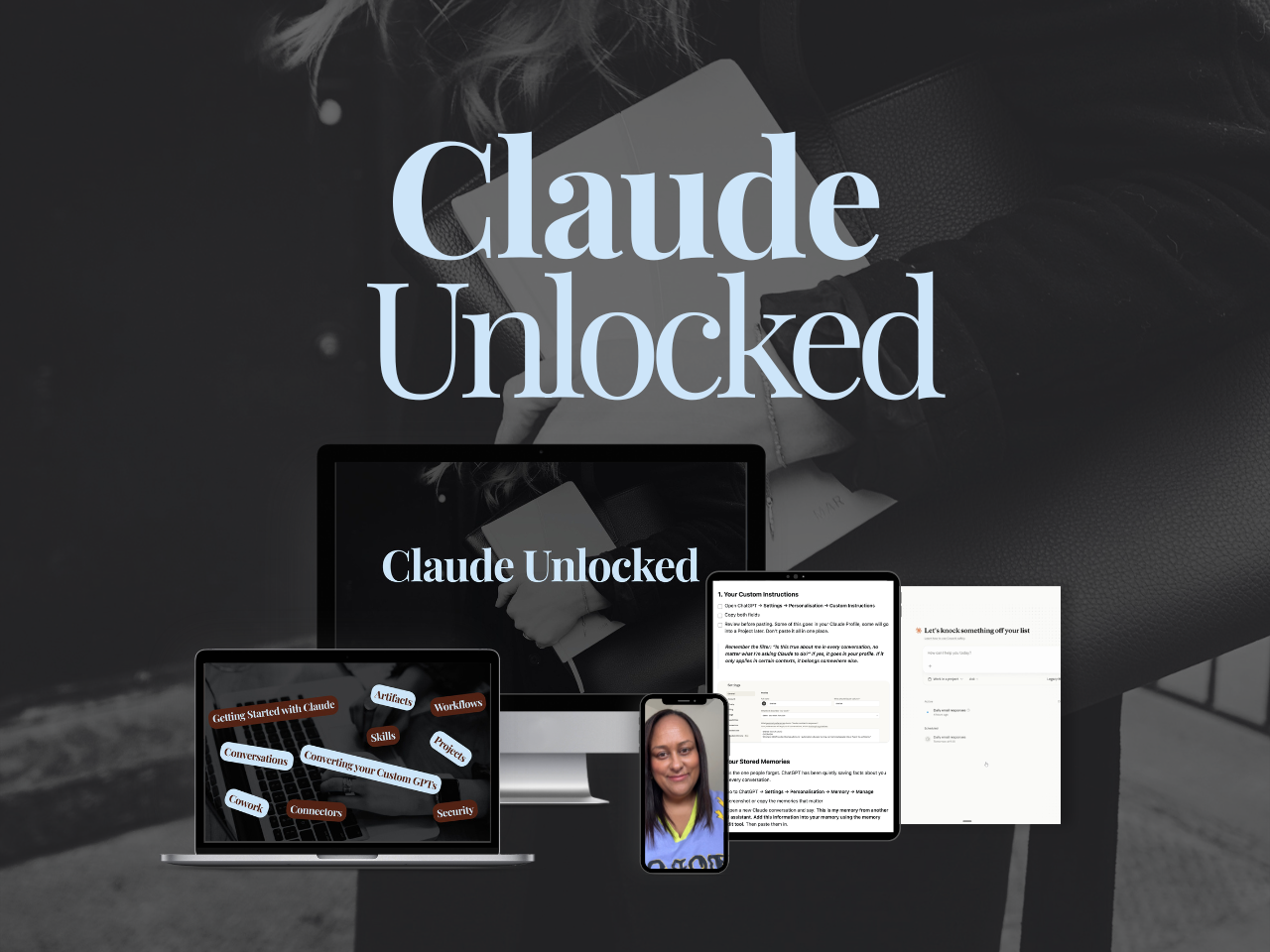
If you want the setup underneath it done properly first, Claude Unlocked walks you through configuring Claude for your business: Projects set up for real use cases, Skills that run your recurring work, and Connectors linking Claude to the tools you already use.
It's $47 and it takes an afternoon to complete. The setup is yours to use indefinitely.
And if you'd rather build these alongside people doing the same thing, that's SheScales, my AI implementation community for solo founders.
Every month we take a real system running inside my business, pull it apart, work through every decision including the ones that didn't work, and you get every component to install and adapt. I walk you through it on live calls, I'm in the community daily answering questions, and you've got a room full of solo founders building alongside you.
Whichever one you start with, the Skill you build this week is the one that stops being a decision every time it comes around. 😊
MEET THE AUTHOR

HEY, I'M SHERISE
I'm an AI strategist and educator based on the Central Coast of NSW, Australia. I help solo founders install AI systems that scale their business without scaling their workload and remove low-value work from their business so they can spend more time in strategy, creativity, and the work that actually moves the needle.
I run SheScales, the AI implementation community built for the person who IS the business and the whole team. I'm the founder behind 40+ AI assistants across ChatGPT and Claude, the Brand Playbook App, and a growing library of skills and systems used daily by hundreds of solo businesses.
I teach the Architect Method: the shift from chatting with AI to giving AI a job. It's the thinking framework for spotting where AI can genuinely help in your business, knowing how to architect the system, and deciding whether something should be a Skill, a Project, a GPT, an automation, a combination of these, or stay manual.
I'm not here to inspire you. I'm here to hand you the architecture.