What Are Claude Connectors? How They Work and Which to Set Up First
Last updated August 2026
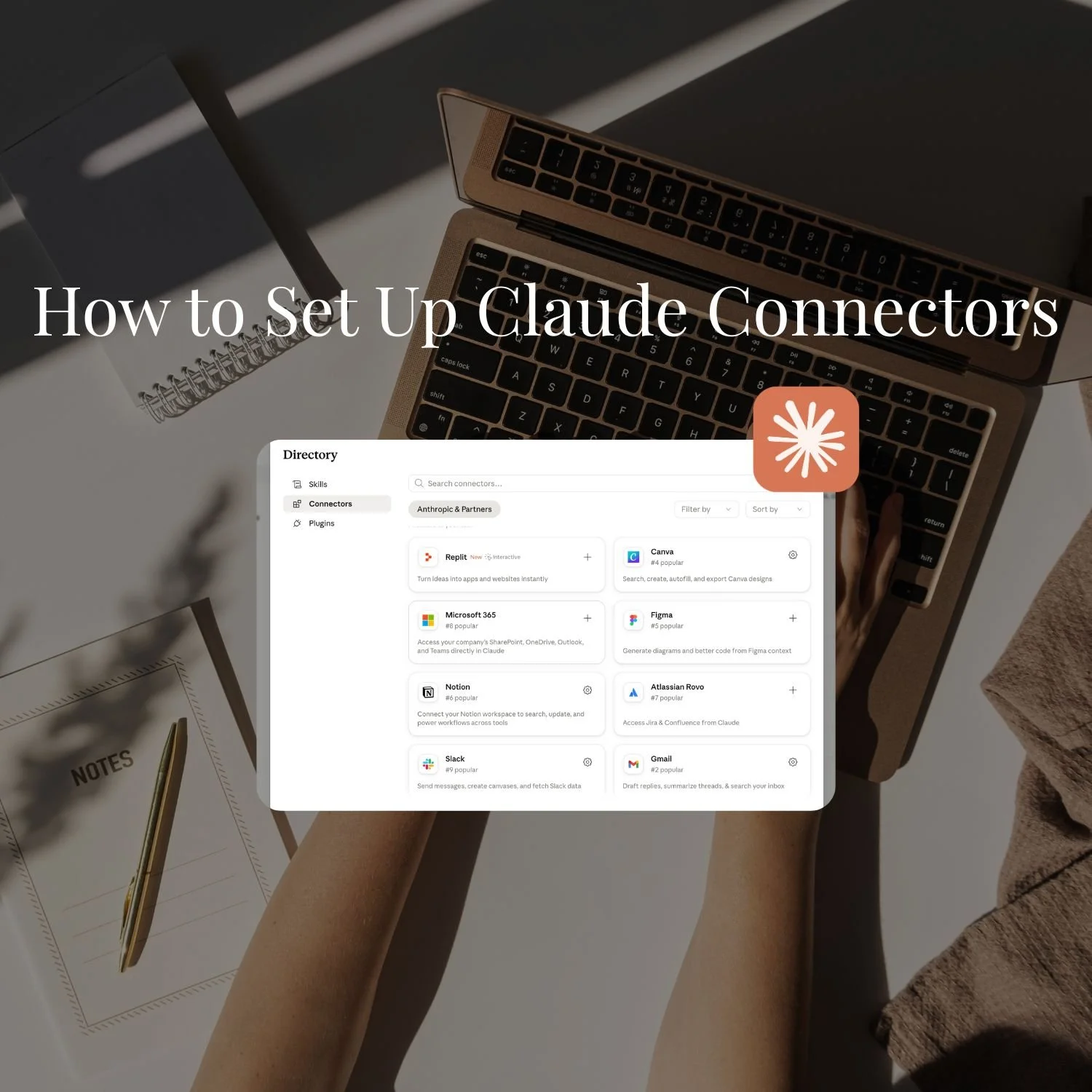
If you've been using Claude regularly, you've probably noticed the "+" icon in the chat bar and may or may not have wondered what it does.
That's where Connectors live.
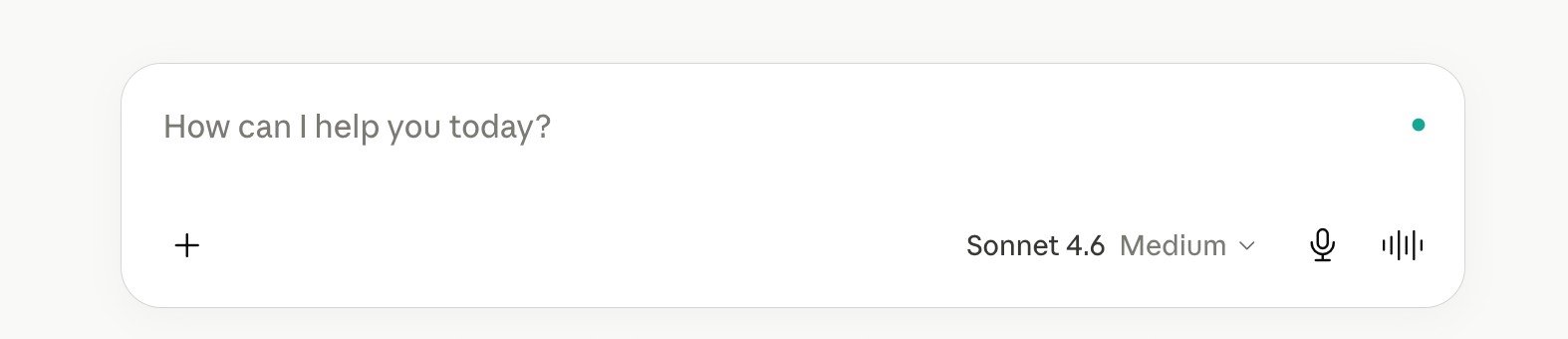
Connectors are integrations that give Claude access to the external tools and apps you already use. Instead of copying something from Gmail, pasting it into Claude, getting a response, and copying that back. Claude goes directly to your inbox. Or your Drive. Or your calendar. Or Canva. Or Notion. The copy-paste loop disappears.
This post covers how Claude Connectors work, which ones are worth setting up first, and how I actually use them in my business. If you're earlier in your setup and haven't built a Project yet, start with How to Actually Use Claude for Business, which is the right place to begin.
Claude Connectors are one-click integrations that let Claude access external apps (reading your emails, searching your documents, checking your calendar) without you manually copying anything into the chat. They're available on all Claude plans including Free, and most take under 60 seconds to set up.
THE SHORT VERSION:
Connectors let Claude work directly inside the apps you already use, so you stop copy-pasting between Claude and Gmail, Drive, Calendar, and the rest.
They're free on all Claude plans, including the free tier. Only custom connectors need a paid plan.
Start with four: Gmail, Google Drive, Google Calendar, and Canva. They cover the most ground in a solo founder's week.
Setup takes under 60 seconds per connector, and you only authorise each one once.
Connectors read and prepare; they don't act on their own. You still direct, and Claude still drafts rather than sends.
New here? This blog is for the solo founder who wears every hat in the business, and wants real AI systems and workflows running things, not just piecing it together in the chat. Start here →
Here’s what we’ll be covering:
What Are Claude Connectors?
A Connector is a secure bridge between Claude and an external app. When you connect Gmail, Claude can search your inbox. When you connect Google Drive, Claude can read your documents. When you connect Notion, Claude can search your workspace.
They're built on something called the Model Context Protocol, or MCP, and allow Claude to plug into external tools consistently and securely.
You don't need to know anything about MCP to use Connectors. You click Connect, sign in with your existing account, and you're done.
The key thing to understand: Claude can only access data you explicitly ask it to retrieve, and only data you already have permission to see in that app. It doesn't passively monitor your tools. Nothing happens until you ask.
Skills vs Connectors: These are different things that work together. Skills tell Claude how to do something: your brand voice, your writing rules, your SOP for a recurring task. Connectors give Claude access to where your work actually lives, and access to actually do the work. Skills shape the output. Connectors supply the input.
If you want to understand the full Skills picture first, Claude Skills vs Custom GPTs covers how they're different and when to use each.
Which Connectors Are Available Right Now?
As of June 2026, Claude's connector directory has over 400 verified integrations. The full list is at claude.com/connectors.
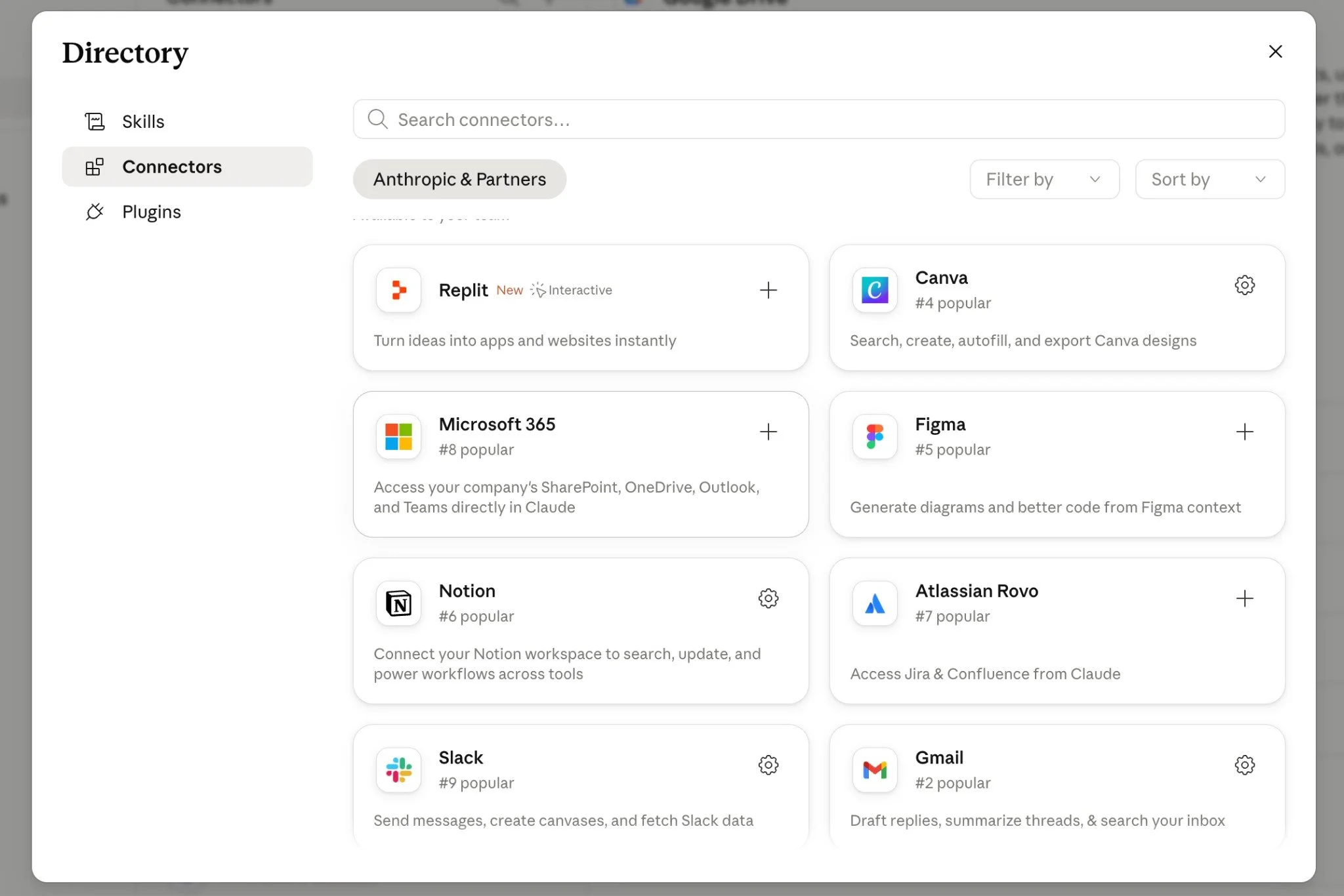
Most are available on all plans including Free, so there's no additional charge for directory connectors beyond your existing Claude subscription. Custom connectors (where you add your own MCP server URL) require a paid plan.
The categories that matter most for a solo founder:
Communication: Gmail, Google Calendar, Slack
Documents and knowledge: Google Drive, Notion, Dropbox
Design: Canva, Figma
Finance: Stripe, Xero, QuickBooks
Automation: Make.com, Zapier
Calls and meetings: Zoom
There's also a long tail of more specialised connectors for tools like GitHub, BigQuery, Salesforce, and HubSpot. Useful for specific roles and industries, but not the starting point for most solo founders.
The Four Connectors Worth Setting Up First
Out of 400+ options, these four cover the most ground for a solo founder's typical week, and all of them are available free on all plans.
1. Gmail
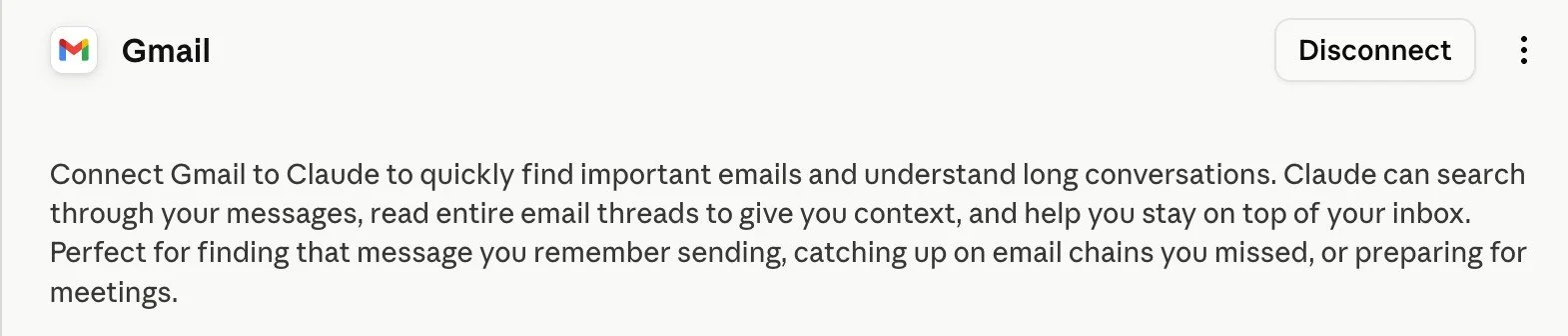
My inbox was the thing I kept navigating away from. It was always the thing I'd get to "after lunch" that somehow survived to the next morning. And the longer I left it, the more context I'd lost. By the time I sat down to reply, I'd be re-reading the whole thread trying to remember what we'd actually agreed.
That's the thing about your inbox. It holds more context about your business than almost anywhere else. Client conversations, feedback, decisions that were made three emails ago and never written down anywhere else. Without the connector, every time you want Claude to help with an email, you copy the thread in and reconstruct the backstory first.
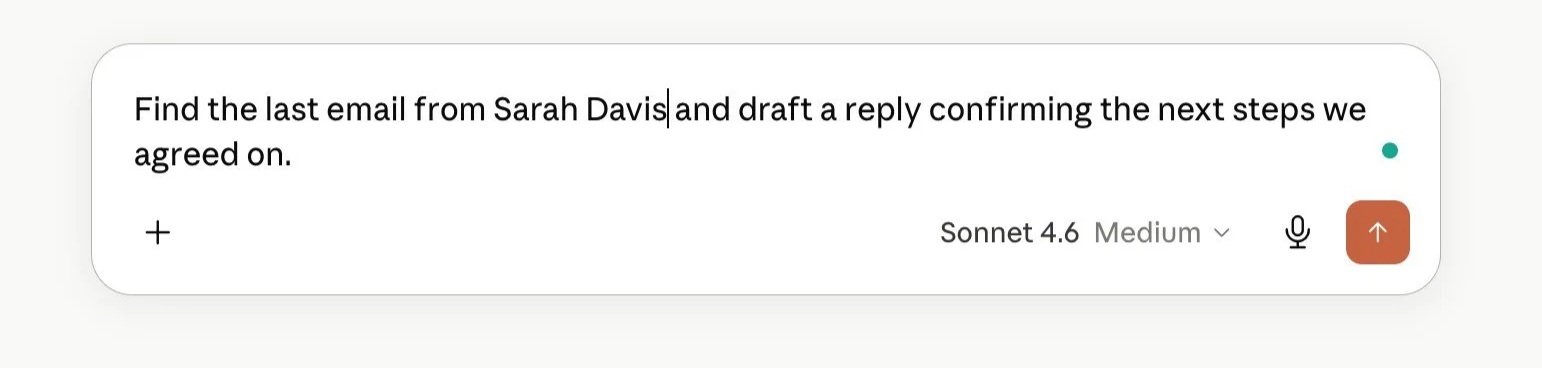
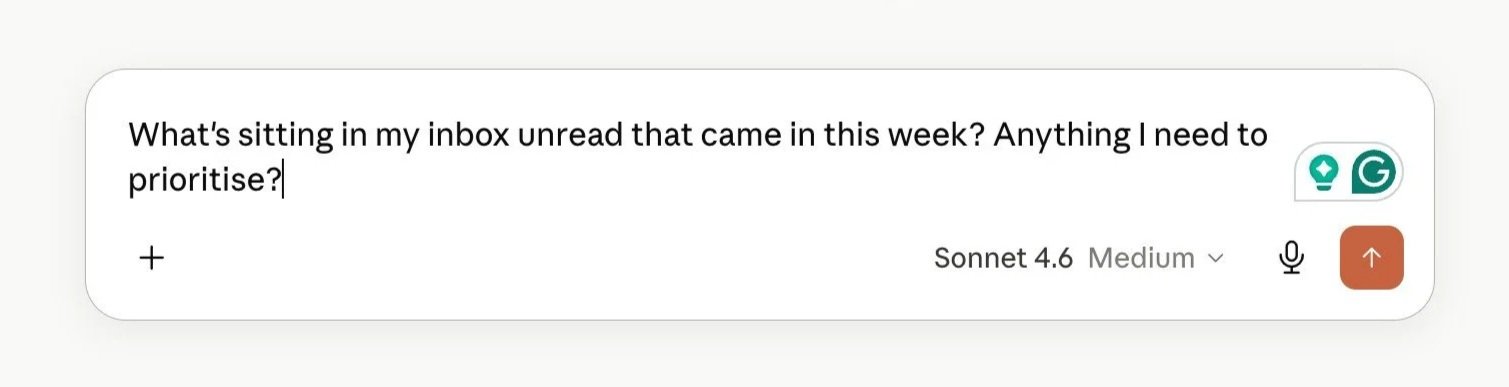
With it: Claude searches your inbox directly, reads the full thread, and drafts a reply that already knows what's going on. You review and send. (Claude drafts, it doesn't send on your behalf, which honestly is the part I'd want it to keep. I'm not ready to hand over the send button.)
What changes in practice: you stop re-explaining who everyone is. Claude already knows. The reply that used to involve fifteen minutes of re-reading before I'd written a single word takes about five.
2. Google Drive
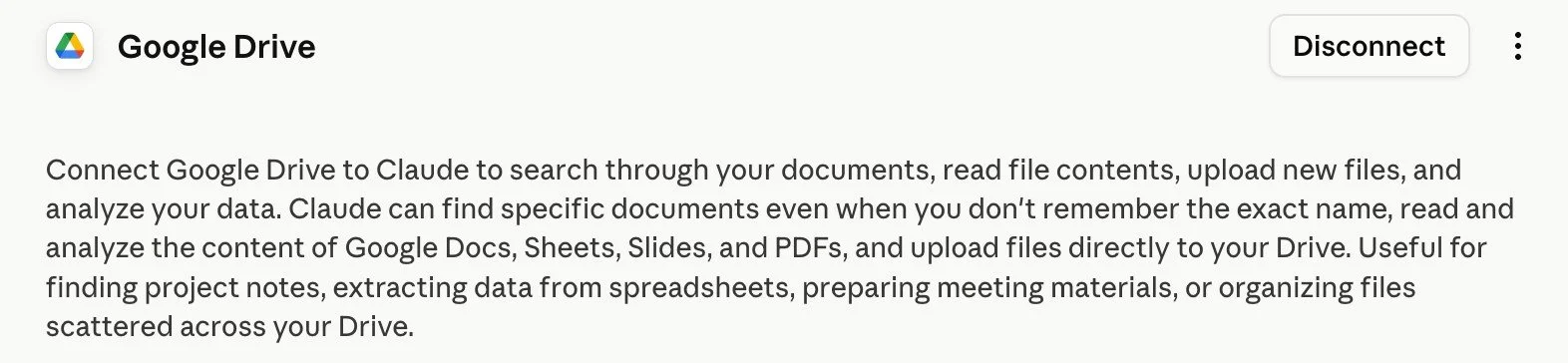
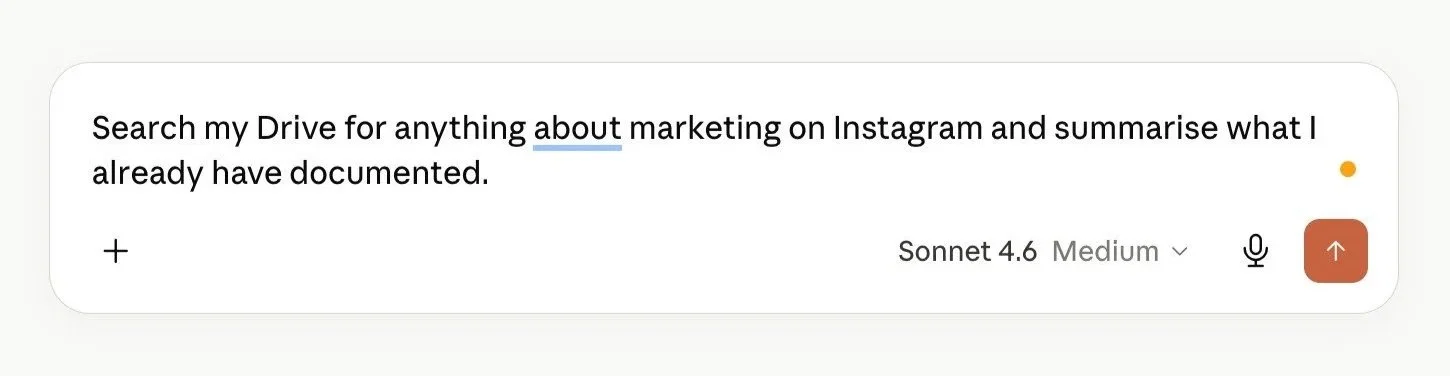
Documents, templates, SOPs, client files, the brand playbook you built three months ago that's sitting in a folder you can't quite remember the name of. Without the connector, you find it, open it, copy the relevant section, paste it in. Every time.
With it: Claude searches your Drive and reads the contents directly. You can point it to a document by name and it pulls it up. And if you add a Drive document to a Claude Project, it stays live, so when you update the document in Drive, the Project automatically has the latest version.
That last point is one of the most useful things I've built into my own setup. My brand playbook lives in Drive. It's added to my content Project. I update the playbook in Drive; every future conversation in that Project has the updated version. No re-uploading. No remembering to paste it in. (If you haven't built that Project structure yet, How to Build a Claude Project is where to start.)
3. Google Calendar
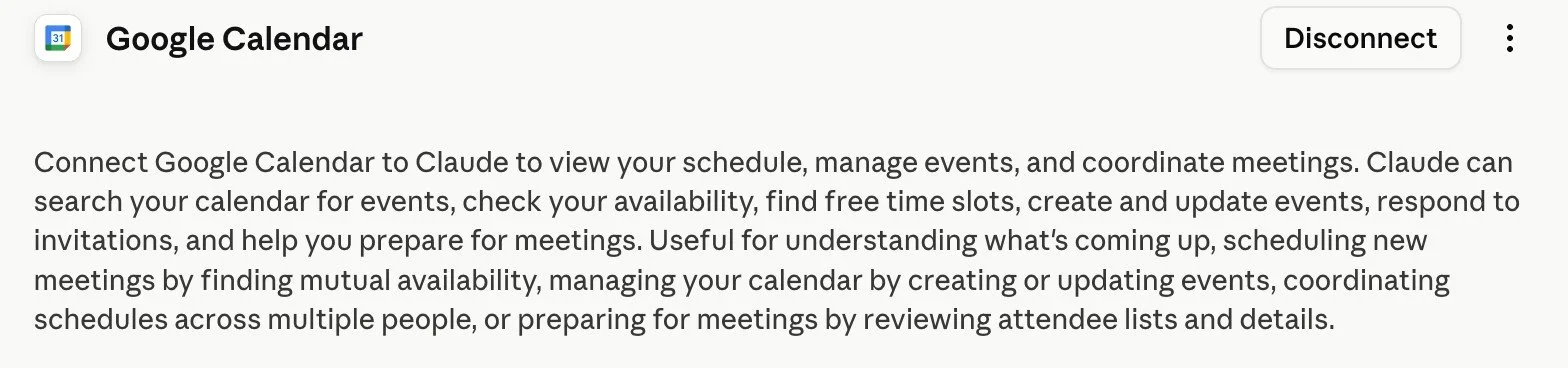
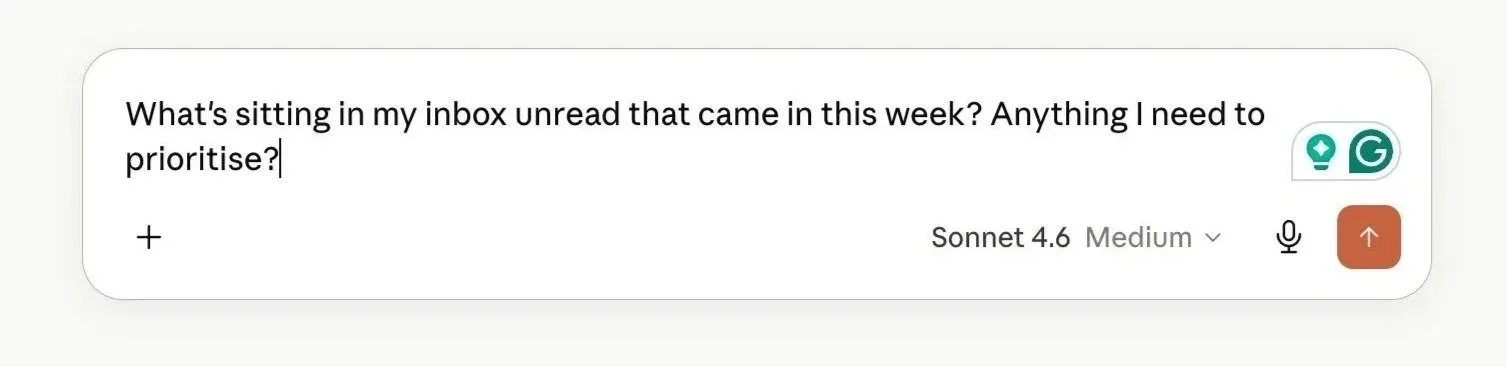
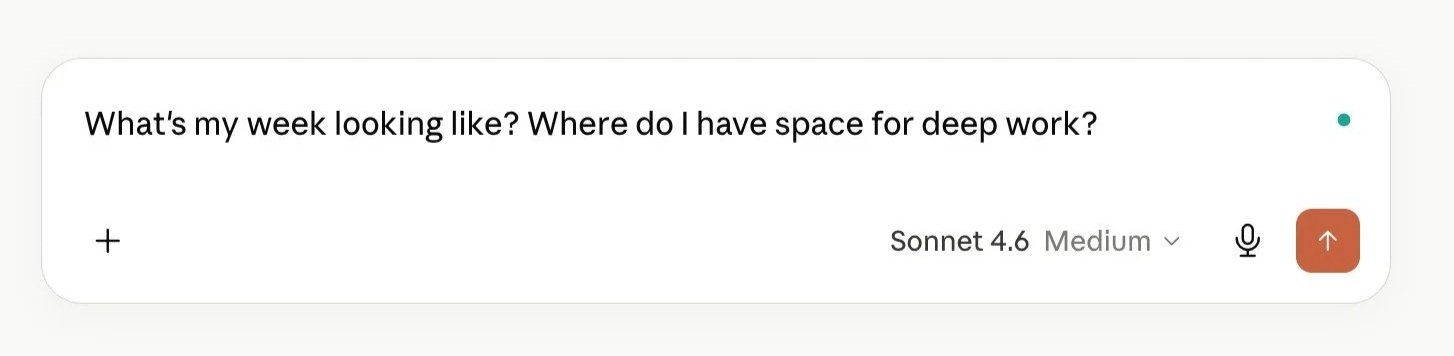
Claude can help you plan. But without access to your real calendar, the planning is disconnected from your actual week. It doesn't know when you're booked, where your gaps are, or whether Tuesday has any room in it.
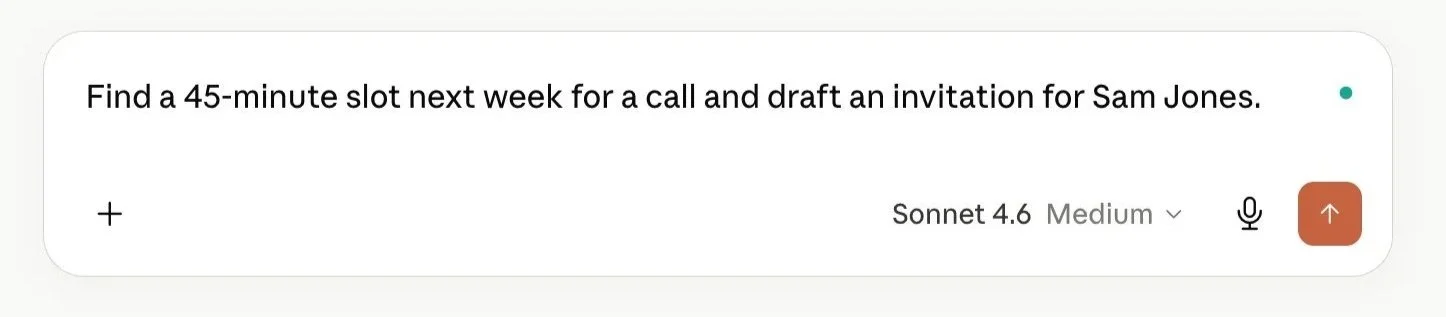
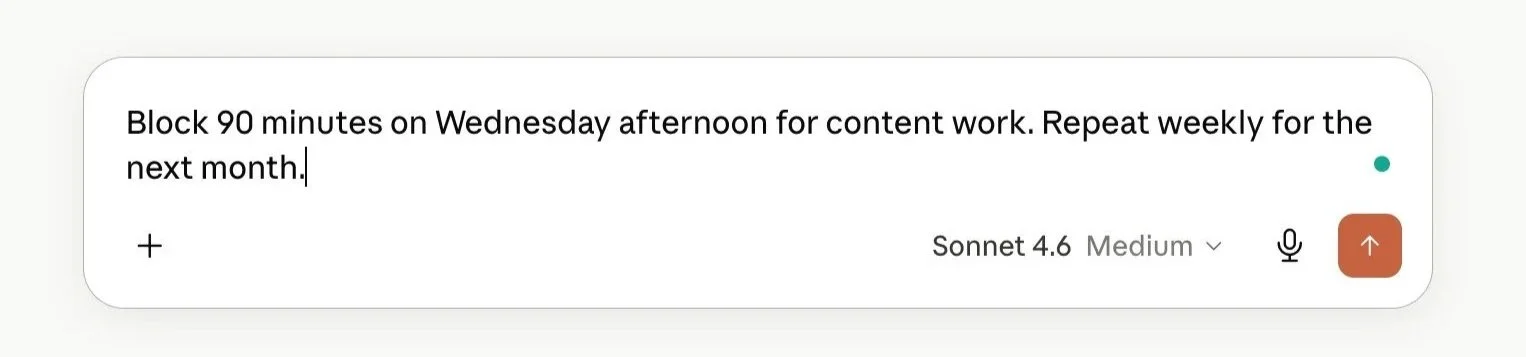
With the Calendar connector: Claude sees your real schedule. It can find open blocks, create events, flag overloaded days, and draft scheduling emails, all from the chat, without you opening a separate tab.
4. Canva

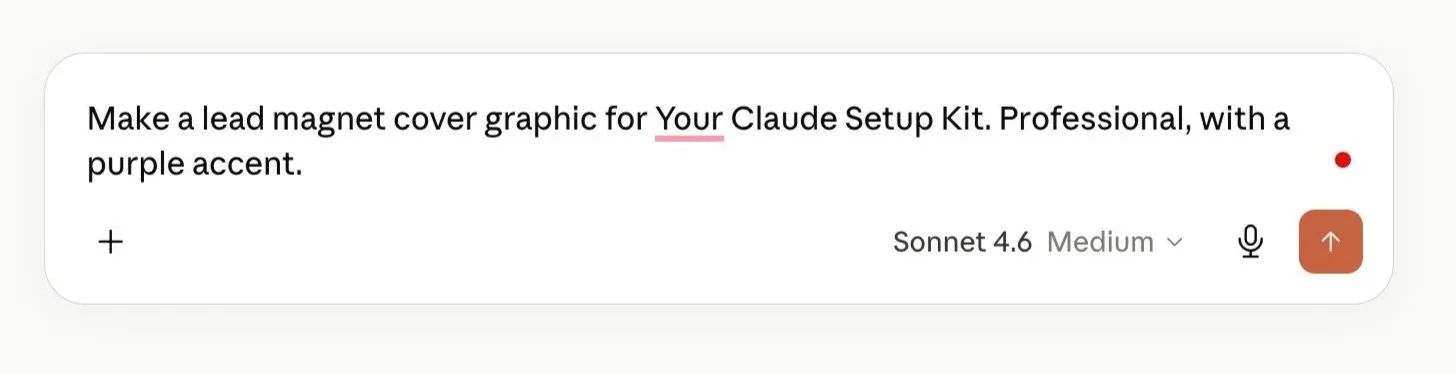
Claude doesn't just read your Canva files, it generates designs directly inside the conversation, and they appear in your Canva account ready to edit.
Without it: you ask Claude for content ideas, switch to Canva, build the design, switch back to Claude to refine the copy, switch back to Canva to update it. The thinking and the making sit in different tabs, and you're the one moving between them.
With it: you describe what you need, Claude builds it using your Canva brand kit (your fonts, your colours, your logo), and you open the finished design to adjust. For solo founders who make their own graphics but don't want to start from a blank canvas every time, this is the connector that collapses a half-day of app-switching into one session.
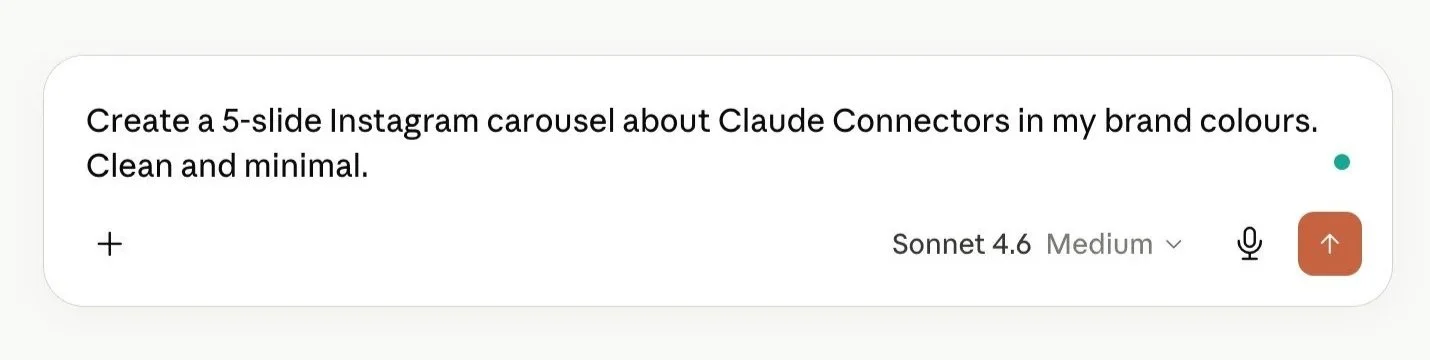
How to Set Up Your First Connector
This takes under 60 seconds. Same process for every connector.
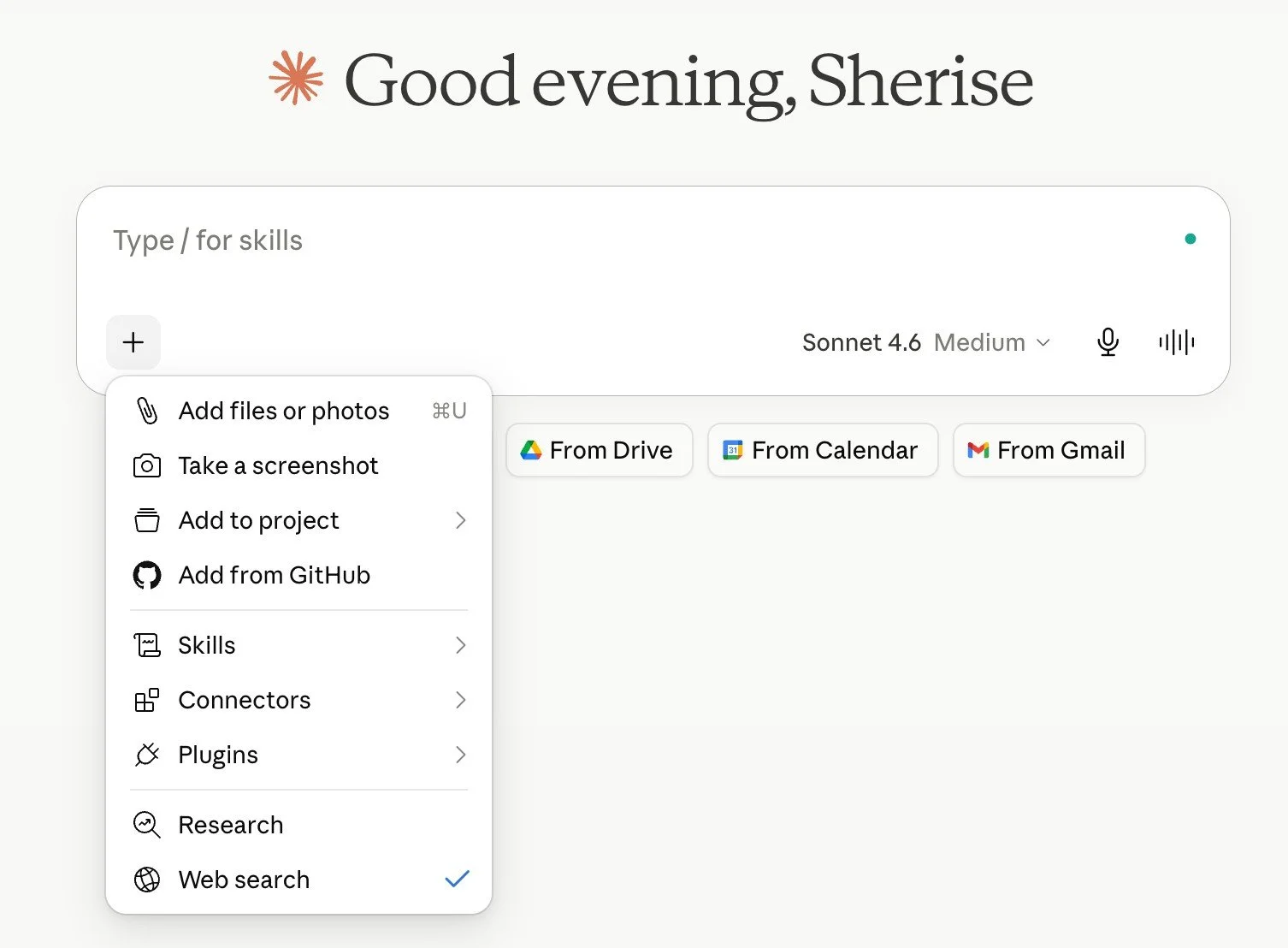
1. Click "+" in the chat bar: You'll see Connectors in the menu alongside Files and other options.
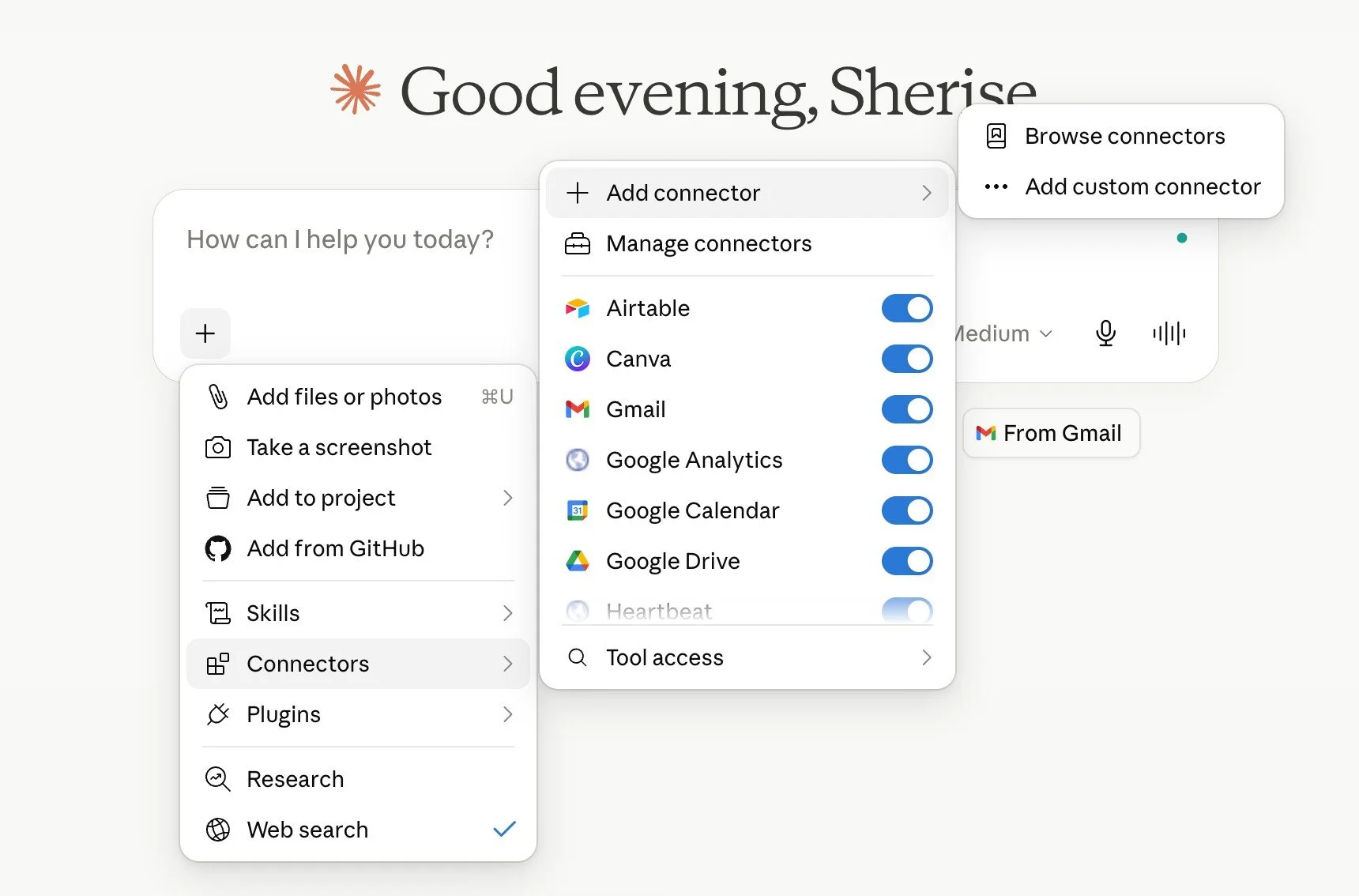
2. Select "Add connector": This opens the directory. You can search by name (Gmail, Notion, Canva) or browse by category.
3. Click Connect: A standard OAuth window opens. You sign in with your existing account credentials. No password is shared with Anthropic. You're only authorising access through Google, Notion, or whichever app you're connecting.
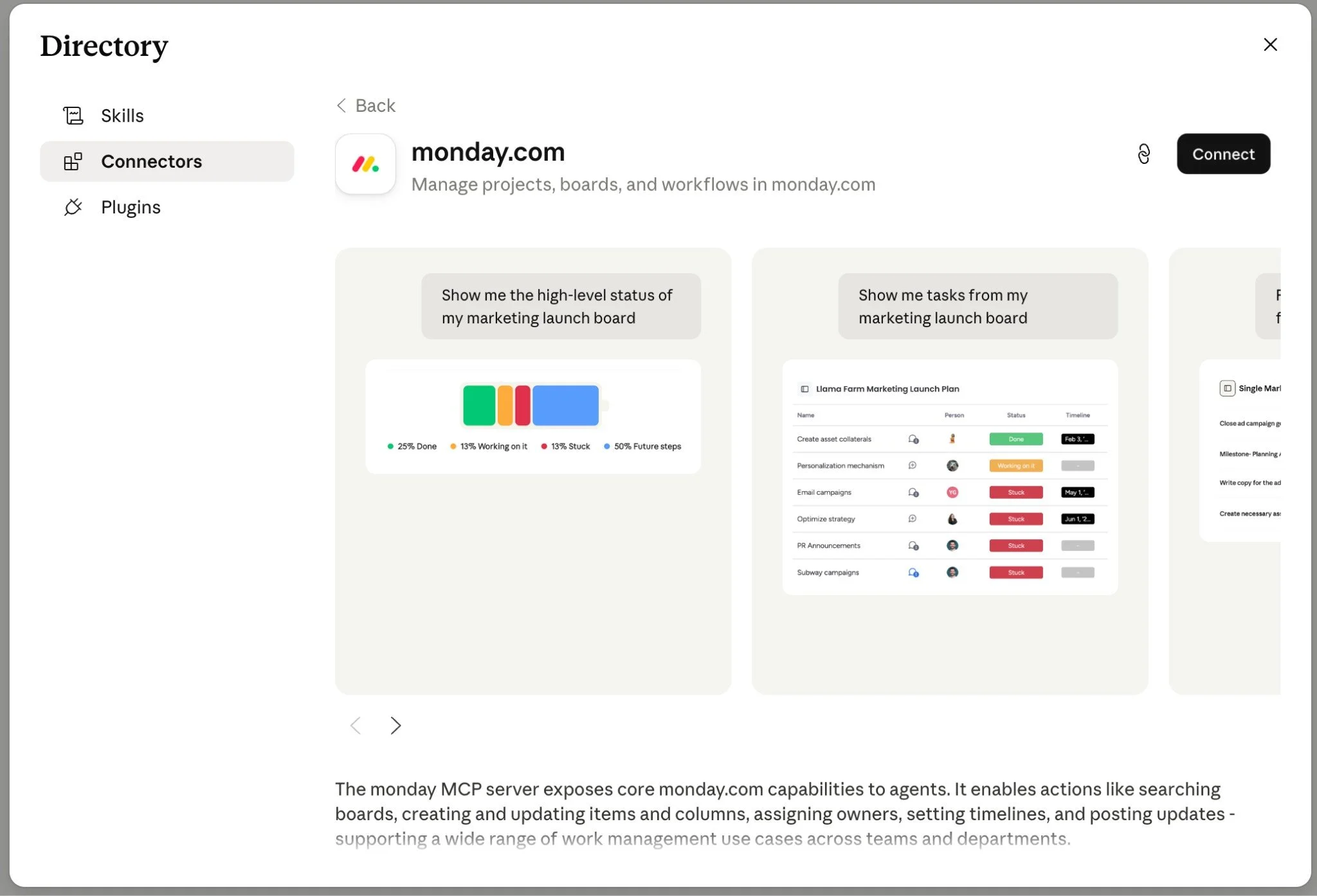
You only need to authorise each connector once. After that, it's in your list and available to toggle on in any conversation.
Start here: Gmail, Google Drive, and Google Calendar are the highest-return connectors for most solo founders, and they're free on all plans. Add Canva straight after if you create your own content. Connect those, use them for a week, then decide what else to add based on where you're actually hitting friction.

Want the full Claude setup laid out step by step?
This free kit covers every setting worth turning on, how Projects and Skills work, and the exact prompt to export your ChatGPT memory so you're not starting from scratch.
It's the guide I wish I had when I started.
What If the Tool You Need Isn't in the Library Yet?
The directory is big, but it doesn't have everything. If you go looking for your email platform, your course host, or some niche tool you run your business on and it's not there, you're not stuck. You can usually still connect it.
A lot of tools have built their own MCP server even when they're not yet in Claude's official directory. An MCP server is just the thing that lets Claude talk to an app, and once a tool has one, you can add it to Claude as a custom connector.
The quickest way to check is to search a directory like mcp.so or glama.ai for your tool's name, or simply Google "[your tool] MCP server." If one exists, you're looking for a web address that ends in /mcp and starts with https.
Once you've got that URL, adding it takes about the same 60 seconds as any other connector. (One thing worth knowing: on the free plan you can add one custom connector. Paid plans let you add more.)
Here's the path:
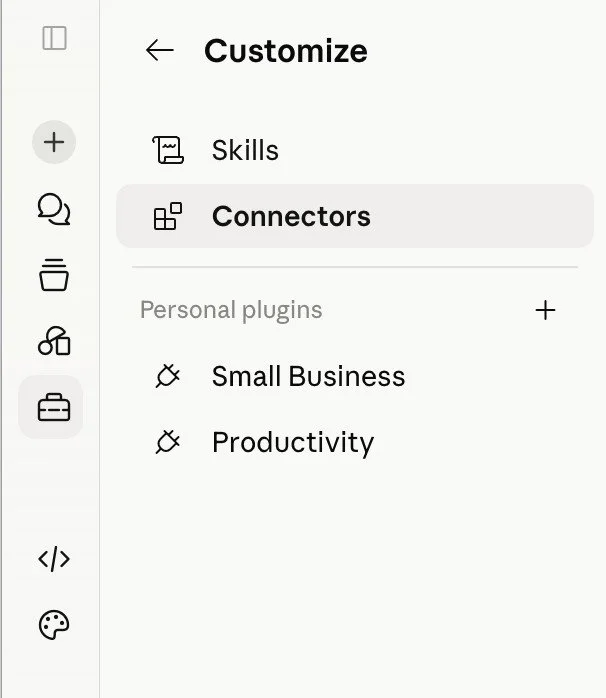
1. Go to Customize then Connectors: Same place you'd browse the directory.
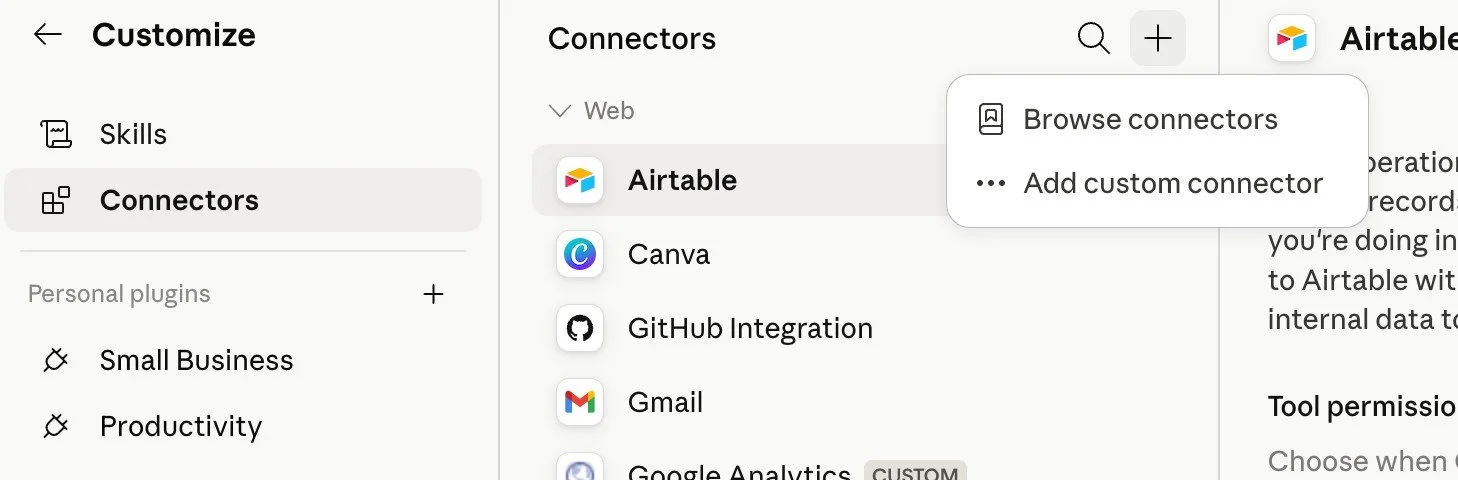
2. Click the "+" and choose "Add custom connector": This is the option below the directory browse button.
3. Paste in the MCP server URL: The https web address ending in /mcp that you found for your tool. Give it a name so you'll recognise it later.
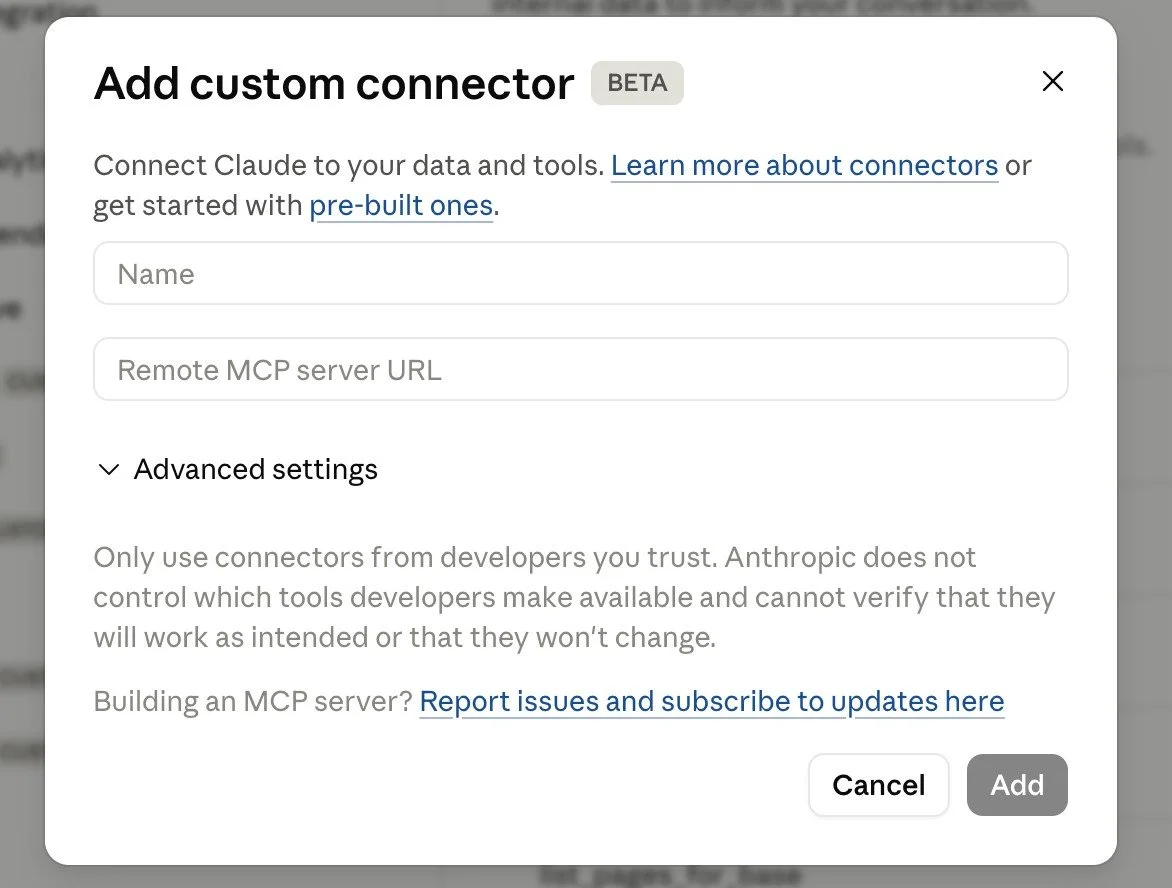
4. Click Add and authorise: If the tool requires a login, an authorisation window opens, the same as any other connector. Approve it, and you're connected.
If you can't find an MCP server for your tool, that's worth knowing too. It usually means the tool hasn't built one yet. In that case, Make.com or Zapier can often bridge the gap by connecting your tool to something Claude can already reach. But for a growing number of the platforms solo founders actually use, the custom connector route is there if you need it.
For the full walkthrough, including the exact tools I have connected this way, Claude Custom Connectors: How to Connect Any Tool to Claude covers it step by step.
How I Actually Use Connectors in My Business
I don't have 400 connectors running. I have a small stack that covers the things I bump into every day, and I ignore the rest until I have a reason not to.
Here’s a handful that I use:
Gmail- I have a scheduled task that has drafts waiting for me to hit send on when I open my laptop.
Google Drive - Claude creates documents for me, searches drive, and uses it as a knowledge base.
Google Calendar - Claude can now schedule meetings in my calendar, block off time, let me know when would be best in my week for deep focus work, and plans my priorities.
Canva - Claude searches my Canva, creates designs, updates templates (helloooo carousel automation), and even downloads the files and saves them into Metricool for me.
Kit - Claude pulls reports together based on email performance, adds tags, sorts data, and even drafts emails for me in Kit.
Meta Ads - Ads reporting made easier. It’s no longer a manual process for me.
Slack - This is where I get Claude to alert me. My morning daily pulse drops every morning into Slack with my priorities, sales data, anything that needs urgent attention, trends etc.
Notion - Claude can search Notion for knowledge, create Notion pages and databases from scratch, update information, and create templates.
Connectors are what moved me from AI doing the chatting to AI doing the doing.
If you've tried AI courses before and found that none of it mapped to how you actually work, there's a reason for that.
If you want the thinking framework for how Connectors, Projects, and Skills fit together into a deliberate AI system for your business, What Is an AI Architect is the post that connects it all.
What Connectors Can't Do
Connectors extend Claude's reach. They don't replace your judgement.
Claude still needs you to direct it. Connecting Gmail doesn't mean Claude quietly starts replying to things in the background. Nothing happens until you ask or schedule it.
Some connectors are read-only. Gmail drafts but doesn't send. Google Calendar can create events, but most connectors have limits on what actions they can take.
And context still matters. Connecting Google Drive doesn't mean Claude knows everything in your Drive. It means Claude can search and read when you ask it to. The quality of what it produces still depends on what you ask, how well you've briefed it, and whether you've built the Project and Skills context that makes Claude understand your business.
Next Steps
If you're still putting your Claude foundation in place (memory settings, your first Project, the baseline configuration), the Claude Setup Kit is a free resource that walks through it. Get that sorted first, then layer Connectors on top.
If you haven't built your Project structure yet, that's the foundation that makes Connectors most useful. Google Drive connected to a Project gives you living knowledge files that update automatically. How to Build a Claude Project walks through that setup step by step.
If you have Projects running and want to layer in Skills (the instruction files that tell Claude how to handle specific tasks in your brand voice), Claude Skills vs Custom GPTs explains how they're different and when to use each.
If you have connectors set up and want to go deeper on exactly which ones to use as a solo founder, with specific use cases and real prompts for each, The 10 Best Claude Connectors for Solo Founders covers all ten, ranked, with prompts for each.
Key Takeaways
The short version of everything above:
Connectors remove the copy-paste layer: instead of manually moving information between Claude and your tools, Claude goes directly to the source
They're free on all plans: directory connectors are available at no extra charge. No additional subscription required.
Start with four: Gmail, Google Drive, and Google Calendar cover the most ground for a solo founder's week, with Canva close behind if you create your own content.
Toggle on only what the current task needs: each active connector uses a small amount of context. Don't leave everything on by default.
Connectors are not automations: they remove friction in conversations you're already having. You still direct. Claude executes.
Frequently Asked Questions
Do Claude Connectors cost anything?
No. Directory connectors are available on all Claude plans including Free, at no additional charge beyond your existing subscription. Custom connectors (where you add your own MCP server URL) require a paid plan. For most solo founders, everything you need is in the directory.
Can Claude send emails or post things on my behalf?
It depends on the connector, but the answer for most communication tools is no, not without your explicit review and approval. Gmail creates drafts; you send. Google Calendar creates events. The current generation of connectors is much better at reading and preparing than at taking autonomous action. You're still the one directing.
Is it safe to connect my Gmail and Google Drive to Claude?
Yes. Anthropic uses OAuth for authorisation. You sign in with your existing Google credentials, not with a password you hand to Anthropic. Claude can only access data you explicitly ask it to retrieve, and only data you already have access to in that app. Anthropic does not train its models on your connector data. You can disconnect any connector at any time from your Claude settings.
What's the difference between a connector and a Claude Skill?
A Skill is an instruction file that tells Claude how to work: your brand voice, your writing rules, your SOP for a recurring task. A Connector gives Claude access to where your work lives: your Gmail, your Drive, your Notion workspace. Skills shape how Claude thinks and what it produces. Connectors supply the live information it works with. They're complementary: Skills make the output better, Connectors make the input richer.
Do I need to set up connectors every time I open Claude?
You authorise each connector once. After that, it's saved to your account.
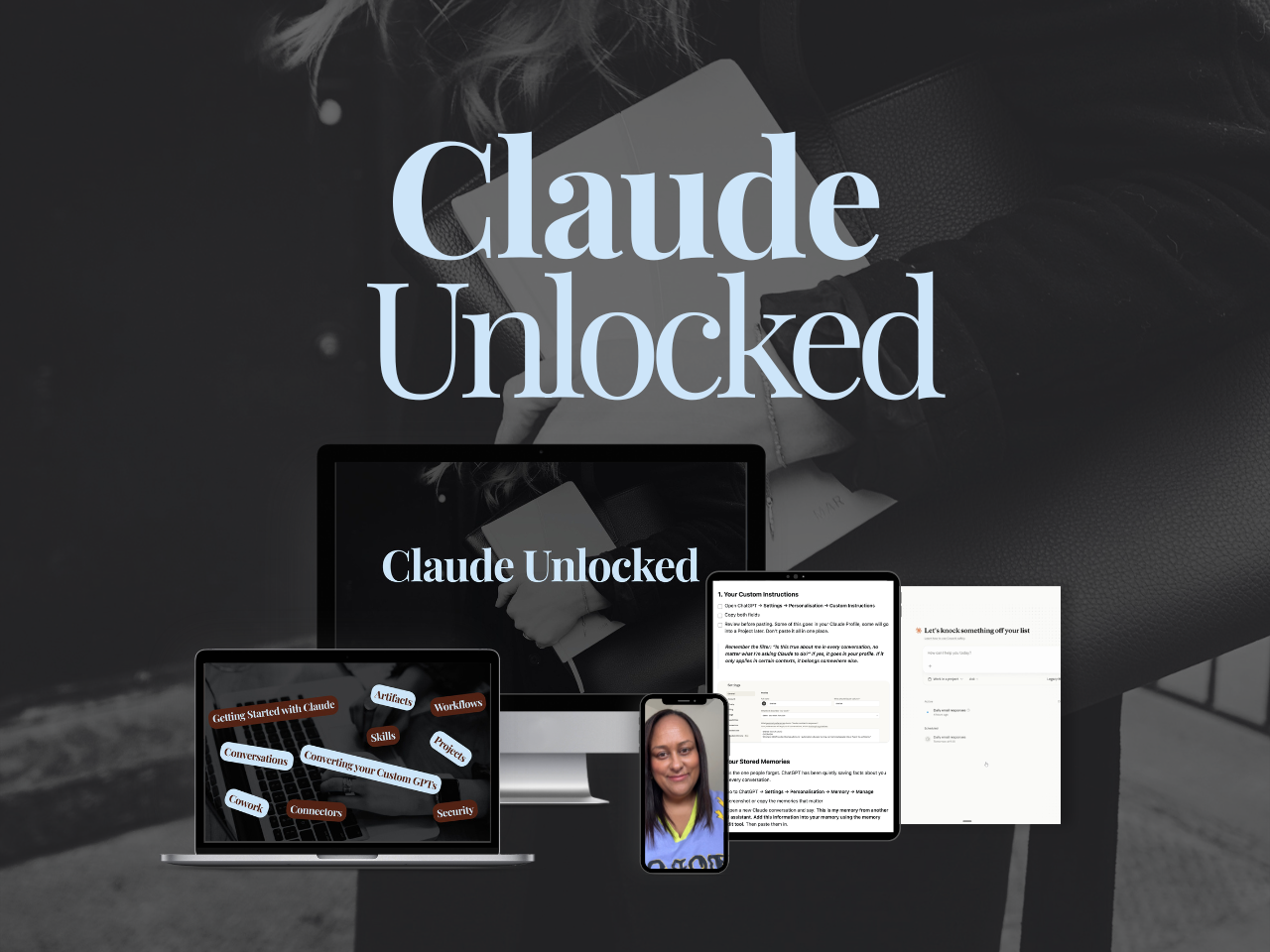
Claude Unlocked covers the full setup: Projects configured for your specific use cases, Skills that run your recurring work, Connectors that link Claude to the tools you already use, and tasks running without you sitting there watching.
It's $47 for a limited time and takes an afternoon to complete.
MEET THE AUTHOR

HEY, I'M SHERISE
I'm an AI strategist and educator based on the Central Coast of NSW, Australia. I help solo founders install AI systems that scale their business without scaling their workload and remove low-value work from their business so they can spend more time in strategy, creativity, and the work that actually moves the needle.
I run SheScales, the AI implementation community built for the person who IS the business and the whole team. I'm the founder behind 40+ AI assistants across ChatGPT and Claude, the Brand Playbook App, and a growing library of skills and systems used daily by hundreds of solo businesses.
I teach the Architect Method: the shift from chatting with AI to giving AI a job. It's the thinking framework for spotting where AI can genuinely help in your business, knowing how to architect the system, and deciding whether something should be a Skill, a Project, a GPT, an automation, a combination of these, or stay manual.
I'm not here to inspire you. I'm here to hand you the architecture.