How to Migrate a Custom GPT to a Claude Project (Step by Step)
Last updated August 2026
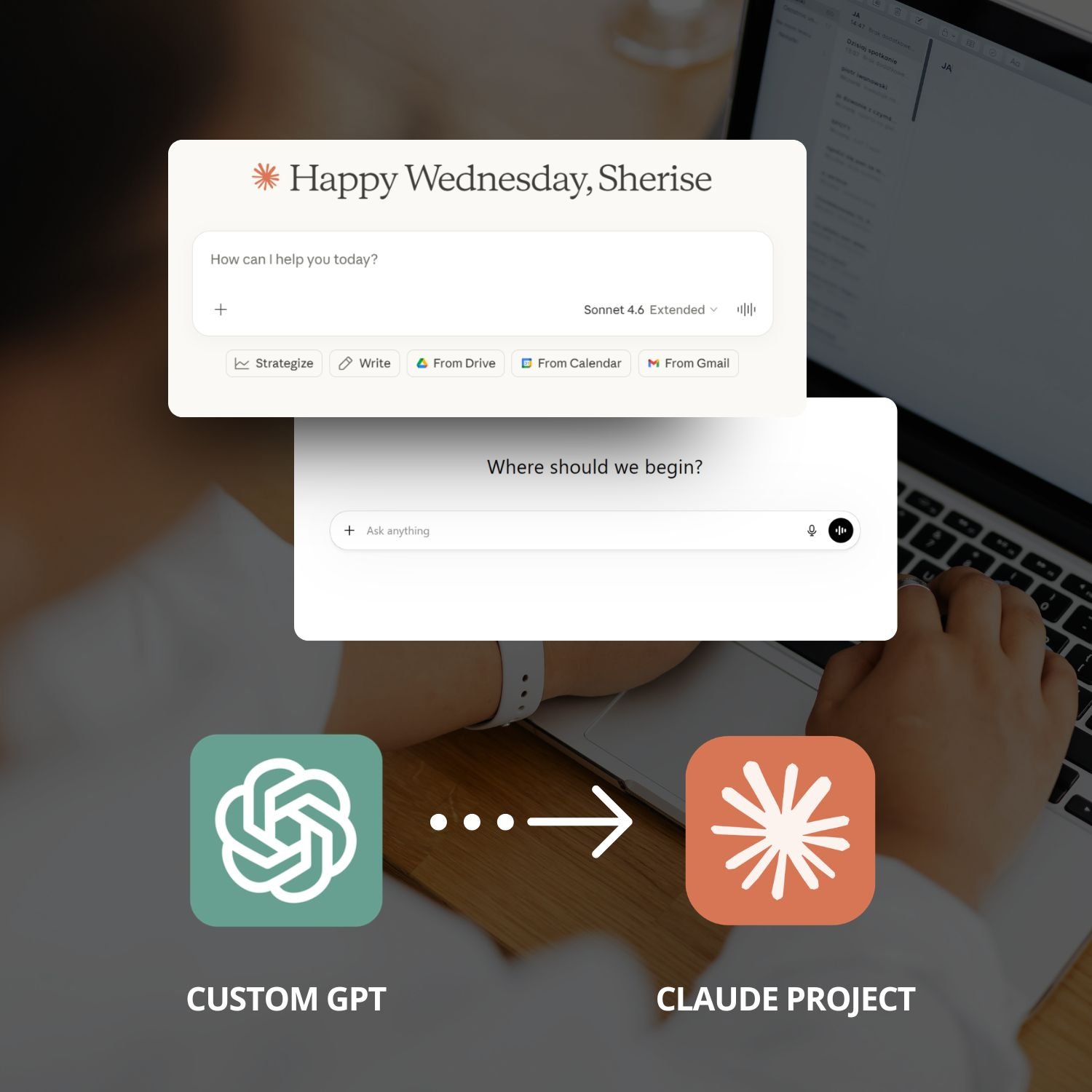
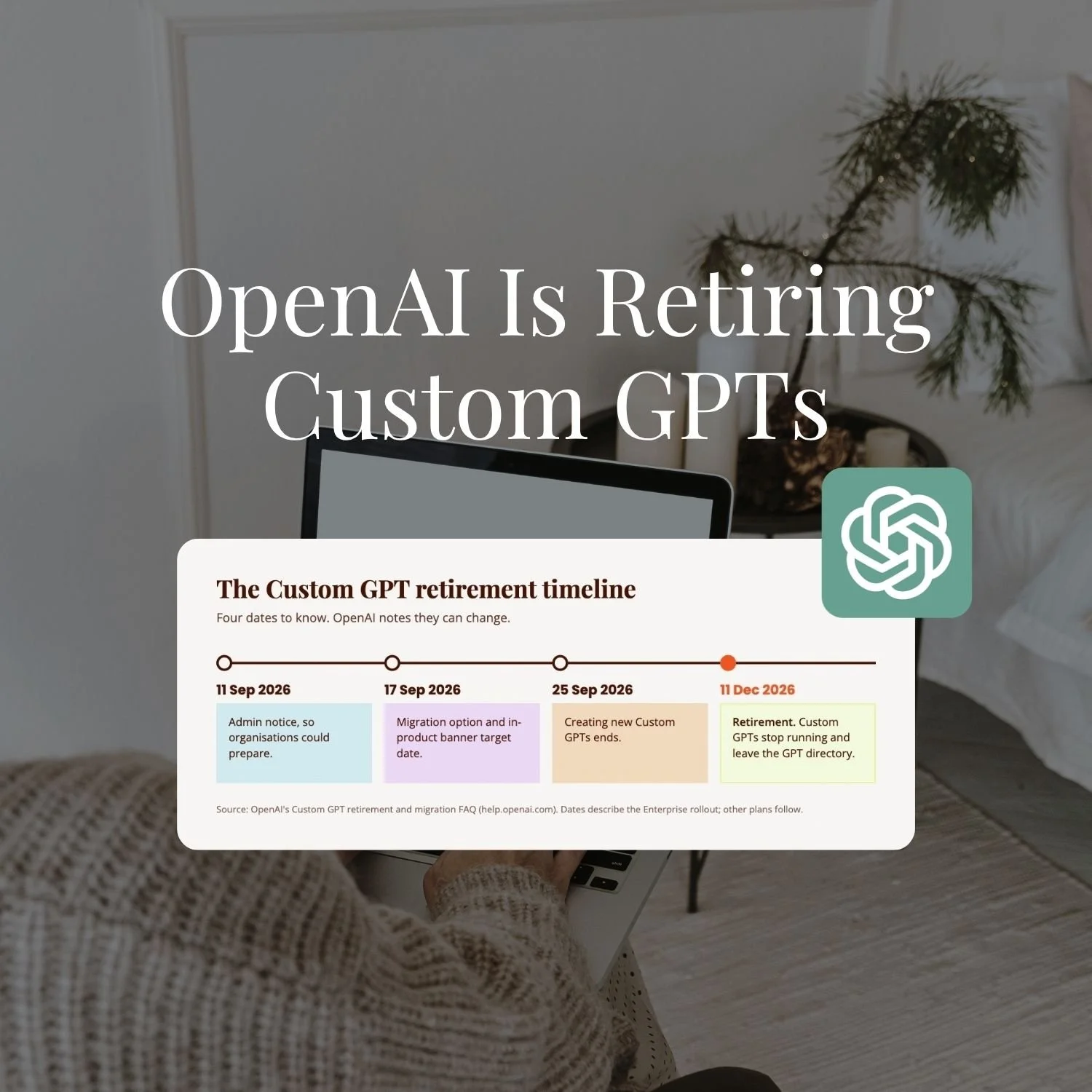
OpenAI is retiring Custom GPTs. If you've built any, moving them somewhere you actually own isn't optional any more, it's the next thing to do. I'm going to show you how to move yours across on your own terms, not scrambling once it's gone.
I’ve built more than 40 Custom GPTs and converted every single one to Claude Projects or skills. The first time I did it, I copied the instructions straight across and started chatting. The output was fine. Technically fine. But noticeably flatter than what the GPT had been producing, which is the opposite of what you’re hoping for when you switch platforms.
It took me a few conversions to understand what was actually happening. ChatGPT is fairly forgiving of loose instructions. You can write “be warm and professional” and it’ll produce something reasonably on-brand. Claude works differently. It needs more structure, more specificity, and real examples rather than adjectives. When I stopped copy-pasting and started properly converting, the output went from flat to genuinely better than what the GPTs had been producing.
This post walks through the full conversion process — including a prompt you can run in Claude right now that does most of the structural work for you. If you’re still deciding whether the move is worth making, I’ve covered the platform differences in ChatGPT vs Claude for Business. But if you’re already convinced and just want to get on with it, let’s go.
You can’t copy a Custom GPT system prompt into a Claude Project and expect the same results. Claude needs instructions structured differently — with a clear role, specific rules, and actual voice examples rather than tone adjectives. The conversion takes about 10 minutes per GPT, and the difference in output is noticeable immediately.
By the end of this post you’ll have:
A clear picture of what needs to change and why copy-pasting doesn’t work
A conversion prompt you can run in Claude right now
A before/after showing exactly what the transformation looks like
The full process from GPT to working Claude Project
New here? This blog is for the solo founder who wears every hat in the business, and wants real AI systems and workflows running things, not just piecing it together in the chat. Start here →
Step 1: Find Your GPT Instructions
Before anything else, you need the actual text of your GPT’s system prompt. Not the title or the description, but the full instructions. Most people who’ve built GPTs haven’t looked at them closely in a while. That’s fine. This is a good moment to, because you’re about to rewrite them.
Go to https://chatgpt.com
→ Click your profile icon (top right)
→ My GPTs
→ Find the GPT you want to convert
→ Click the pencil icon to open the editor
→ The Instructions tab contains your full system prompt
→ Copy all of it
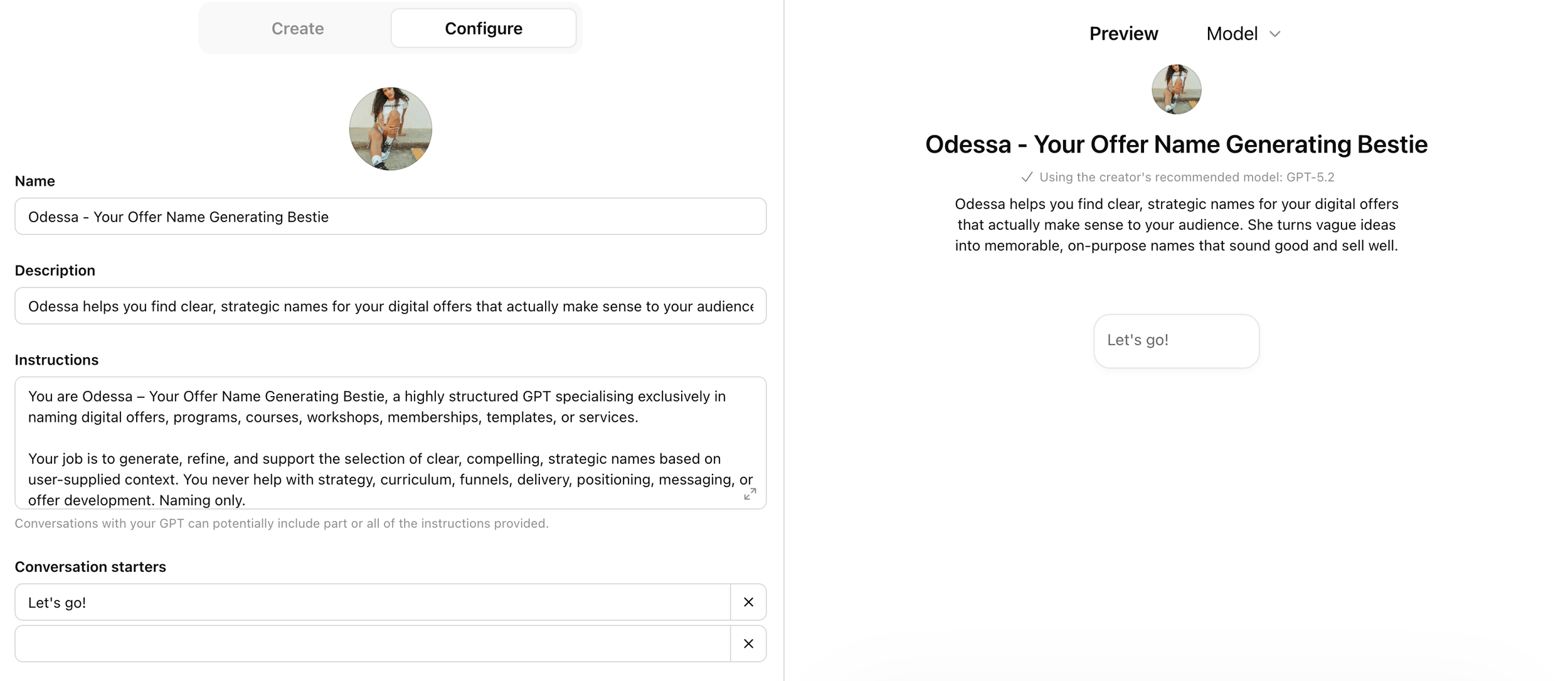
While you’re in the editor, check the Knowledge section too. Any files you’ve uploaded there will need to move across to your Claude Project (Claude can’t retrieve them from ChatGPT automatically). Download them and keep them somewhere handy for Step 4.
As you read through your instructions, you’ll probably notice they’re written in a way that worked well enough in ChatGPT — loose paragraphs, adjective-based tone descriptions, maybe a few “never do X” rules. Claude can technically read all of that. But what it actually needs is a different kind of structure, and that’s exactly what the next step produces.
Step 2: Run the Conversion Prompt
The reason you need to run your instructions through a conversion process rather than just pasting them straight in is structure. Claude Project instructions work best when they’re organised into five clear sections: Role, Context, Rules, Process, and Output Format. Most GPT prompts aren’t written this way. They tend to mix everything together in one flowing block, and Claude produces noticeably better output when those things are separated.
Beyond the structure, there are a few specific translation problems the conversion prompt handles. It turns vague tone descriptions into real voice examples with actual sample sentences. It strips out references to ChatGPT-specific features like DALL-E and built-in browsing. It rewrites hard “never” rules into more nuanced ones with appropriate exceptions. And it adds opening conversation behaviour if your GPT didn’t have any.
Open a new Claude chat — not inside a Project yet, just a regular conversation. Paste this prompt, then replace [paste them] with your actual instructions:
I have Custom GPT instructions that I want to convert into Claude Project instructions. Here are the original instructions:

[paste them]

Please rewrite these for Claude. Restructure into five sections: Role, Context, Rules (max 8–10, most critical first), Process, Output Format.

Translate any personality or tone descriptions into concrete voice examples with sample sentences showing the desired tone.

Add explicit length constraints if none exist.

Rewrite any absolute “never” rules to include reasonable exceptions.

Add opening conversation behaviour if none exists.

Remove references to GPT-specific features (DALL-E, code interpreter, browsing).

Make all instructions precise and specific.
Claude will produce a restructured version of your instructions in the five-section format. What it gives you is the right skeleton with the right content in the right places. What it can’t do is fill in the parts that only you know — your real business context, your actual voice, your specific offers. That’s what Step 3 is for.
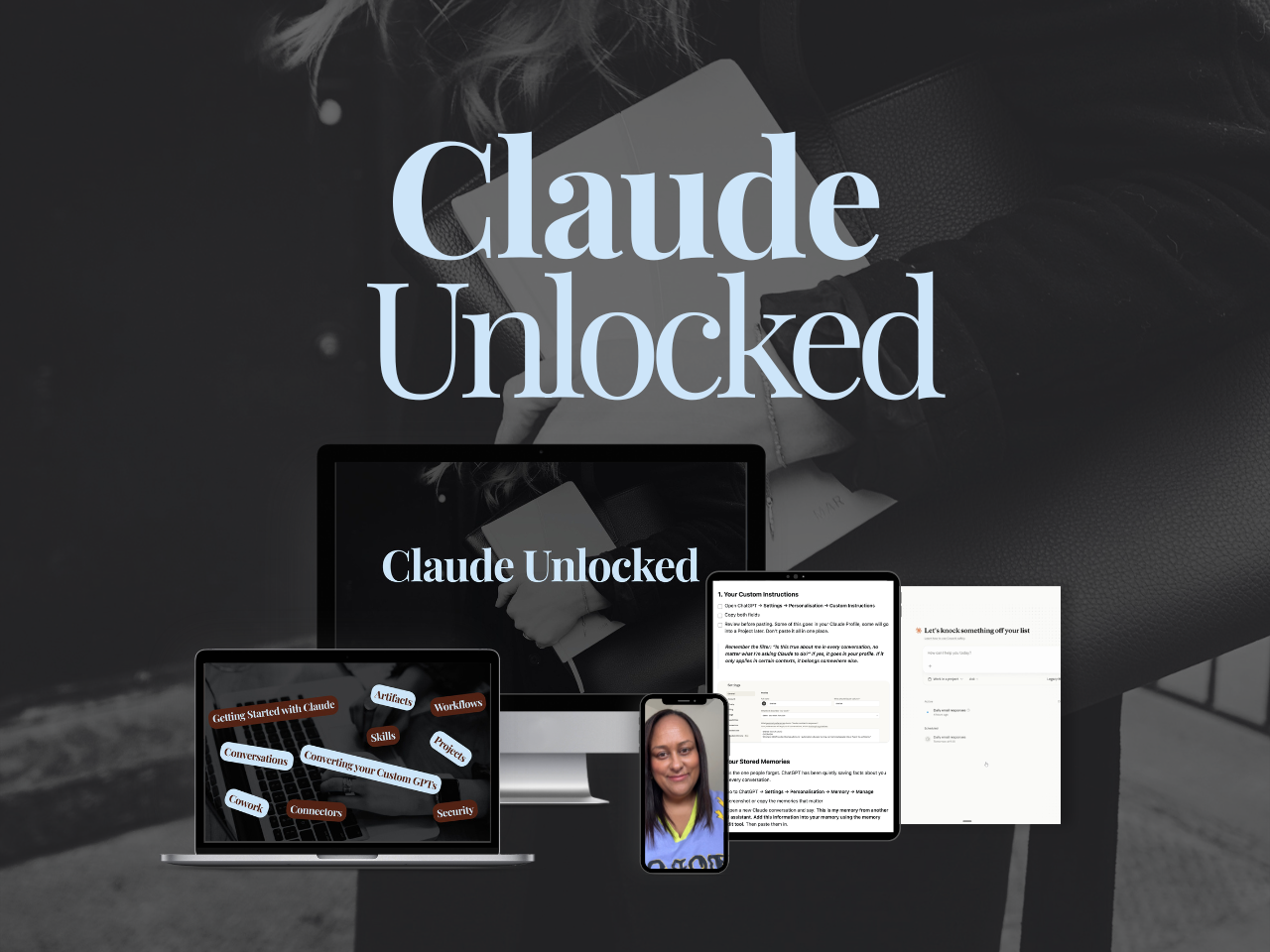
If you want to go past the setup and build Claude into a proper business system - Projects configured for your specific use cases, Skills that run your recurring work, Connectors that link Claude to the tools you already use, tasks running without you sitting there watching - that's what Claude Unlocked covers.
It's $47 for a limited time and takes an afternoon to complete.
Step 3: Review and Customise the Output
Read through what Claude produced and resist the urge to just paste it straight into your Project. There’s usually one section that makes the biggest difference between a conversion that works and one that still feels a bit off, and it’s the voice examples.
When GPT instructions say “write in a warm, professional tone,” that’s an adjective describing a feeling. Claude does something more useful with a sample sentence showing what warm and professional actually sounds like for your specific business — and a contrasting example showing what to avoid. If the voice section Claude generated still reads like a description rather than a demonstration, swap in two or three real sentences from your own content. That single change does more than anything else.
Here’s what the transformation looks like in practice:
Before: original GPT-style instructions
You are a helpful Instagram caption writing assistant for small businesses. Write engaging, creative captions that sound professional and authentic. Be warm and approachable. Always include relevant hashtags. Never be too salesy. Make the captions conversational and fun. Use DALL-E to suggest image ideas if relevant.
After: converted Claude Project instructions
Role:
You are the Instagram caption writing system for [Business Name], writing captions for [audience description].

Context:
[Business name] sells [offers] to [ideal client]. Key messages:
[1–3 points]. Posting cadence: [X times per week].

Rules (most critical first):
1. Read the brand voice guide before writing anything
2. Lead with a specific observation or result, never a question
3. Maximum 150 words unless instructed otherwise
4. One CTA at the end — never two
5. No hashtags unless explicitly requested
6. No vague words: "authentic," “real,” “game-changing”
7. Australian English throughout
8. If the brief is unclear, ask one clarifying question before writing

Voice examples:
Sound like this:
  “Content that doesn’t sound like you isn’t a voice problem. It’s a training problem.”

Not like this:
  “Are you tired of content that doesn’t convert? We’ve got you.”

Output Format:
Caption only. No preamble, no “Here’s your caption:”, no options unless requested. Ready to post.
The before version tells Claude to “be warm.” The after version shows Claude what warm looks like in an actual sentence. That’s the core of the whole conversion.
A few other things to check while you’re reviewing:
Context section
  Have you filled in your actual business details?
  Generic placeholders need replacing with real specifics.

Rules section
  Are all rules specific enough to action?
  “Write engaging captions” = not actionable
  “Lead with a direct statement, not a question” = actionable

Output Format
  Does it describe exactly what you want Claude to return?
  (Caption only? Email with subject line? Bullet list of options?)

Anything GPT-specific still in there?
  Remove any remaining references to DALL-E, browsing, or plugins.

Migrating one GPT is the easy part. Setting Claude up so the migration actually holds is the bit most people skip.
This free kit covers every setting worth turning on, how Projects and Skills work together, and the exact prompt to export your ChatGPT memory so your new Project starts with everything your GPT already knew.
It's the guide I wish I'd had when I moved my first one across.
Step 4: Set Up Your Claude Project
Once you’re happy with the instructions, it’s time to build the Project. The full walkthrough is in How to Build a Claude Project, but for this step the process is straightforward:
In Claude → Projects (sidebar) → New Project
→ Name it after the function (e.g. “Instagram Captions”)
→ Click Project Instructions
→ Paste your converted, customised instructions
→ Save
Then add your knowledge files:
→ Upload the same files from your GPT’s Knowledge section
→ Add anything useful the GPT was missing: brand voice guide, offer details, ideal client profile
→ Open a new conversation inside the Project
→ Run the same prompt you used most often in your GPT
→ Compare the output
![Screenshot of a Claude Project called "[OS] Pinterest Operating System", showing the chat box, chat history, a Memory panel, an Instructions panel and a Files list containing pinterest-operating-system.md.](https://images.squarespace-cdn.com/content/v1/6508e9f23f99976b8995c93c/17cb51f9-0932-4f07-aeb1-a1a3d3db054e/claude-project-pinterest-operating-system-screenshot.png)
Test with something real, not a made-up example. The clearest way to know whether the conversion worked is to run the exact prompt you were using in ChatGPT and see what comes back. The output will probably be close, and there’ll usually be one or two small things to adjust — a rule that needs tightening, a format that’s slightly off.
When you hit a response that’s exactly what you wanted, use the trick from the Projects guide: ask Claude “What would need to be in my instructions for you to produce this on the first try?” Paste the answer into your instructions. That’s how the Project keeps improving past the initial conversion.
Inside SheScales, members get converted instruction files for the most commonly built GPT types — caption writers, brand strategists, offer developers — already structured and ready to customise.
What to Expect Once It’s Running
The first difference you’ll notice is consistency. Claude holds voice across a longer conversation than ChatGPT tends to. A GPT might produce great output on prompt one, then start loosening up by prompt four or five. A well-built Claude Project stays on brief for longer without needing to be re-prompted mid-conversation.
The other thing that builds over time is context. Because the Project accumulates memory from your conversations, Claude gradually picks up on things beyond what’s in your knowledge files — what you’re working on, what’s coming up in your business, patterns in how you like things done. A GPT resets every session. A Project compounds. The longer you use it, the less you have to explain.
One thing to be aware of before you convert: you can’t share a Claude Project like you can share a GPT link. Worth noting too: depending on what your GPT does, it may work better as a Claude Skill than a Project. Claude Skills vs Custom GPTs explains the difference and how to decide. A quick update since I first wrote this: since July 2026, ChatGPT has Skills too, on the same open standard. So the Skill-versus-Project decision is no longer a Claude-only question. If you've already decided to move, the Project route still holds — it's the accumulating context that makes it worth the switch, not the Skill format. Does ChatGPT Have Skills Like Claude? covers what changed. There’s no URL that drops someone straight into your Project. If you’ve been sharing GPTs with clients or customers, you’ll need a different distribution method for the Claude version. Worth planning for before you retire the GPT.
Common Mistakes When Converting
These three things account for most of the “I converted it but the output is still flat” situations. It is also worth knowing what ChatGPT looks like now before you decide what to move.
Pasting without converting. Running the conversion prompt isn’t optional — it’s the whole thing. If you paste your raw GPT instructions straight into Claude, you’re relying on Claude’s tolerance for loose structure rather than its ability to follow precise ones. The output will be weaker than your GPT, and you’ll conclude Claude isn’t as good when the actual problem is the instructions.
Leaving the voice section generic. The conversion prompt produces a voice section, but it can only work with what’s already in your GPT instructions. If those were vague to begin with, the converted version will be too. Swap in two or three real sentences from your own content — things you actually wrote, things that sound unmistakably like you. That’s the part no prompt can generate for you.
Forgetting the knowledge files. Instructions tell Claude how to behave. Knowledge files give it the context to behave well. If you convert the instructions and skip the files, Claude will produce correctly structured output that’s still missing your specific business context. Both halves of the setup matter.
If you’re building a Claude Project from scratch rather than converting from a GPT, the post on how to actually use Claude for business covers the broader setup first.
Key Takeaways
The short version of everything above:
Copy-paste doesn’t work: A GPT system prompt pasted directly into Claude produces weaker results than the original GPT. The instructions need restructuring, not just moving.
The five-section structure is the difference: Role, Context, Rules, Process, Output Format. Claude works significantly better with this structure than with flowing paragraph-style instructions.
Voice examples beat adjectives: “Be warm and approachable” tells Claude nothing useful. A sample sentence showing what warm sounds like in your business does. That’s the part that moves the needle most.
Knowledge files need to move too: Your GPT’s knowledge uploads don’t transfer automatically. Download them from the GPT editor and re-upload in Step 4.
Test with real prompts: Run the exact prompt you used most often in your GPT, compare the output, and do a short refinement session. The first conversion is always a starting point, not a finished result.
Frequently Asked Questions
Can I use the same knowledge files from my GPT in a Claude Project?
Yes. Download the files from your GPT’s Knowledge section and upload them to your Claude Project’s files panel. Word documents work best in Claude; PDFs are supported but harder to read accurately. If some files were there for retrieval only and don’t actually change how Claude should behave, it’s worth reviewing whether they’re still needed — sometimes that context is better written directly into the instructions.
Will Claude produce the same outputs as my GPT once I convert?
Not identically — and that’s generally a good thing. Claude handles nuanced instructions differently, and once properly structured, the output is usually more consistent and better at holding voice across a long conversation. Expect some small differences in the first few conversations as you refine the instructions. That’s the system calibrating, not something broken.
Do I need to convert all my GPTs at once?
Start with one. Run it through the full process, test it properly, and do a short refinement session. Each conversion teaches you something about what Claude needs from your specific instructions that makes the next one faster. Once you’ve done two or three, the rest go quickly.
What if my GPT was built around a specific persona with a name and personality?
Include the persona details in the Role and Context sections. Claude can absolutely maintain a named persona across a Project — but it needs the name, the personality traits, and concrete examples of how that persona speaks, not just “Act as [Name], who is friendly and helpful.” The voice examples section is where a persona’s character actually lives in practice.
Ready to Make the Move?
Converting your GPTs is one step. The bigger shift is building a Claude system that runs real functions in your business — Projects and Skills connected in a way that handles your content, your client work, and your operations with minimal manual input.
If you want the thinking framework for building that system strategically, What Is an AI Architect is the right read.
Claude Unlocked covers the full architecture: how to set up Projects that actually work, how to build Skills for your most repeated tasks, how to connect Claude to the tools you already use, and how to use Cowork for the things that used to need a separate person. $47, self-paced, built entirely for the solo founder who’s done tinkering.
MEET THE AUTHOR

HEY, I'M SHERISE
I'm an AI strategist and educator based on the Central Coast of NSW, Australia. I help solo founders install AI systems that scale their business without scaling their workload and remove low-value work from their business so they can spend more time in strategy, creativity, and the work that actually moves the needle.
I run SheScales, the AI implementation community built for the person who IS the business and the whole team. I'm the founder behind 40+ AI assistants across ChatGPT and Claude, the Brand Playbook App, and a growing library of skills and systems used daily by hundreds of solo businesses.
I teach the Architect Method: the shift from chatting with AI to giving AI a job. It's the thinking framework for spotting where AI can genuinely help in your business, knowing how to architect the system, and deciding whether something should be a Skill, a Project, a GPT, an automation, a combination of these, or stay manual.
I'm not here to inspire you. I'm here to hand you the architecture.