The Best Claude Instructions for Business (What to Put in Settings)
Last updated August 2026

There's a box in your Claude settings that most people fill in once, badly, and never look at again.
It's the profile instructions field, and it's the only thing Claude reads before every single conversation you have with it. Not the ones in a Project. Not the ones in a Skill. All of them.
So the instinct is to pile everything in. Who you are, what you sell, your tone of voice, your formatting rules, your list of words you hate. I did exactly that for months. Mine was enormous, and it was making my outputs worse the whole time.
Your Claude profile instructions should hold only what is true about you in every conversation, no matter what you're asking. How you work, what language you write in, how you want to be answered. Anything that only applies sometimes belongs in a Project or a Skill, and putting it here is what makes Claude start ignoring things.
TL;DR:
The filter is one question: is this true about me in every conversation, no matter what I'm asking Claude to do? If yes, it goes in your profile. If it only applies sometimes, it goes somewhere else.
Your brand voice guide does not belong here. That's a Skill. Rules for one kind of content don't belong here either. That's a Project.
The real cost isn't volume, it's duplication. The same rule sitting in two places, drifting out of sync, is what actually breaks your outputs.
The most common bad advice tells you to put business context, voice examples and working rules in this field all at once. That's three buckets of overlap, and it's what produces the contradictions that make Claude skip things.
New here? This blog is for the solo founder who wears every hat in the business and wants real AI systems and workflows running things, not just piecing it together in the chat. Start here →
Here’s what we’ll be covering:
Where the Instructions Field Actually Sits
Claude's profile instructions are account-wide settings that apply to every interaction you have with Claude, and you'll find them in your settings under your profile.
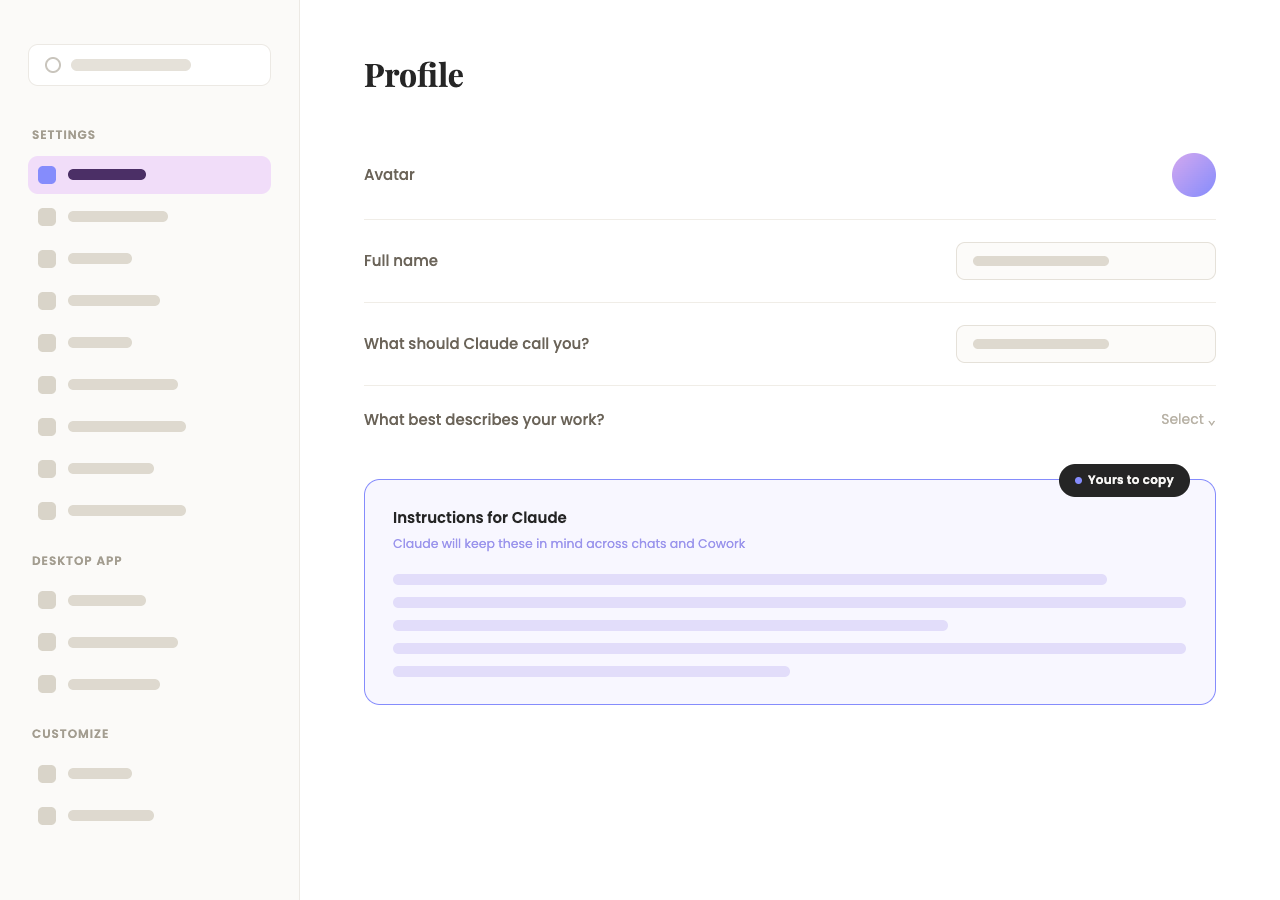
Anthropic gives you three separate places to put standing context, and they are not interchangeable:
Profile instructions. Account-wide. Applies to everything, every conversation, no exceptions.
Project instructions. Scoped to one Project, on paid plans. Applies only inside that Project. How to Build a Claude Project walks through one end to end.
Skills. A method or procedure Claude picks up when the job calls for it.
That three-way split is the whole architecture, and almost every problem people have with this field comes from ignoring it and treating the profile box as the only place anything can live.
The profile field is the one with no off switch. That's the thing to hold onto. A Project only loads when you're in it, and a Skill only loads when the task matches it, but your profile instructions are read every time, including the times they're irrelevant.
What Should You Actually Put in Your Claude Instructions?
Put in the stuff that's true about you regardless of what you're working on. Not what you're doing. How you work.
That's the filter, and it does more work than any template. Here's what actually passes it:
Who you are and what you do. Just enough that Claude understands the lens it should be looking through. Every conversation then starts from that context instead of from nowhere.
What language you write in. "I write in Australian English. Spell and punctuate accordingly." Sounds small. Without it you'll get American English by default and you'll be correcting it forever.
How you like responses. This is where you shape the actual experience of using Claude. Direct and concise. One strong option rather than five mediocre ones. Short paragraphs. No preamble. No restating your question back at you.
Your level of experience. If you're experienced in your field, say so, or Claude will keep explaining things you already know. "I'm an experienced online business operator, don't explain foundational concepts unless I ask" changes the depth of every response you get.
What to do when it's not sure. "Ask one focused question rather than guessing. Don't give me a hedged answer when a clear one is possible." This is the line that stops the wishy washy "it depends" answers.
Defaults you want off. No overexplaining, for instance.
Any word you use that Claude might read generically. "When I say launch I mean a structured promotional campaign, not a one off post." Small thing, real difference.
Notice how much of that is about how you work rather than what your business is. That's the pattern.
Keep the whole thing as short as you can get away with. Claude reads all of it before every conversation, and when there's too much it starts deprioritising, and you will never be told which bits got dropped. Fewer preferences that all stick beats a novel that half sticks.
What Doesn't Belong in Your Claude Instructions?
Your brand voice guide doesn't belong here. That's a Skill.
This is where people trip up hardest, in Claude or ChatGPT. Both platforms give you roughly the same three homes: an account-wide instructions field, per-Project or per-GPT instructions, and Skills. But the instructions field is the one everyone finds first, so habit turns it into a dumping ground, not because any of this genuinely has nowhere else to go. ChatGPT vs Claude for Business has the fuller platform comparison.
The three that most commonly end up in the wrong place:
A brand voice guide goes in a Skill, so it loads when you're actually writing something and stays out of the way when you're not. How to Use Claude Skills covers what that actually looks like.
Rules for a specific type of content go in a Project when they're context for a body of work, or a Skill when they're a repeatable process. Either way, not here.
Anything that only applies in certain contexts goes in a Project too. If it isn't true every time, it isn't a profile instruction.
Run the filter on each line you're about to paste in: is this true about me in every conversation, no matter what I'm asking Claude to do? If yes, profile. If it only applies sometimes, somewhere else.
If your voice material only exists in your head right now, one decent way to get it out is to hand Claude a stack of your own published writing and ask it to pull out the phrases you actually use and the ones you never want to see again. That gives you the raw material. Then build the Skill with it, rather than pasting it here.
There's a second filter worth running too: do you already say this somewhere else? Your profile instructions should be one source of truth, not a second, slightly different copy of a rule that also lives in a Skill or a Project. Two versions of the same instruction is where things actually go wrong, more on that next.
Want to see my exact Claude Instructions, word for word?
This hands you the real thing, my actual profile instructions, annotated section by section, so you're editing mine instead of starting from scratch.
Why Does Repeating Yourself Make Claude Worse?
Rules compete when they contradict each other, not when there are simply a lot of them.
Say your profile instructions carry a banned-words list, words you never want Claude reaching for. And say you've also built a Skill for your brand voice, and that Skill carries its own banned-words list, because you built it later and keep tightening it every time you catch a phrase you hate. The Skill gets better every month which is amazing. But the list sitting in your profile instructions doesn't, because you wrote it once and never opened that field again.
What’s happened here is that Claude now holds two versions of the same rule, and it isn't picking one at random. It's trying to satisfy both, and where they disagree, something gives: a word slips through you thought you'd banned, or a rule you know you wrote down quietly stops holding. Claude is reconciling two contradicting instructions, not running out of room to hold them.
It happens with anything you keep in two places. A response-style line repeated in both your profile and a Project's own instructions. A formatting rule that lives in a Skill and also got pasted into your profile "just in case." Every duplicate is a second, slightly different version of the truth, and Claude has no way to know which one you actually meant.
That’s why you want to make sure that what you write in your Claude instructions are exactly what needs to be there and no more.
What I Cut From Mine, and Why
Mine used to be enormous, and cutting it was the single best thing I did to my outputs.
The old version had my full origin story, my core beliefs, my entire writing quality filter with about a dozen banned patterns in it, a guide to power phrases, a section on emotional landscape, my identity and aspiration framing, my sales energy, my relational dynamics with my audience, and my full product list with prices.
All of it was true. Almost none of it belonged there.
Length was the smaller half of the problem. The bigger one was that most of it was already written down somewhere else, in a Skill or a knowledge document I'd upload anyway. So Claude was getting two versions of the same instruction, and where they differed even slightly, that's when things got strange. It would skip steps. Do things I hadn't asked for. Ignore rules I knew were written down, because a different version of that rule was written down too.
And the length part isn’t nothing either: a Meta Superintelligence Labs study published 12 August 2026 tested 15 models against prompts carrying up to twelve simultaneous rules, and found that at eight rules, each one held only about 41% of the time, with all eight holding together just 5.7% of the time.
If we want the right outputs, the thing to be careful about is having anything in here that contradicts what's said anywhere else, and to be considerate of the length.
So I revised mine to be quite slim, down to three things: who I am, how I work, and how I want to be worked with. I'm not pasting the whole thing in here, because the finished version is more useful as something you copy straight into your own settings than something you skim past in a blog post. You can grab it here as its own download.
My brand voice went to a Skill, where it belongs, and stopped fighting with the copy of itself that was sitting in my settings.
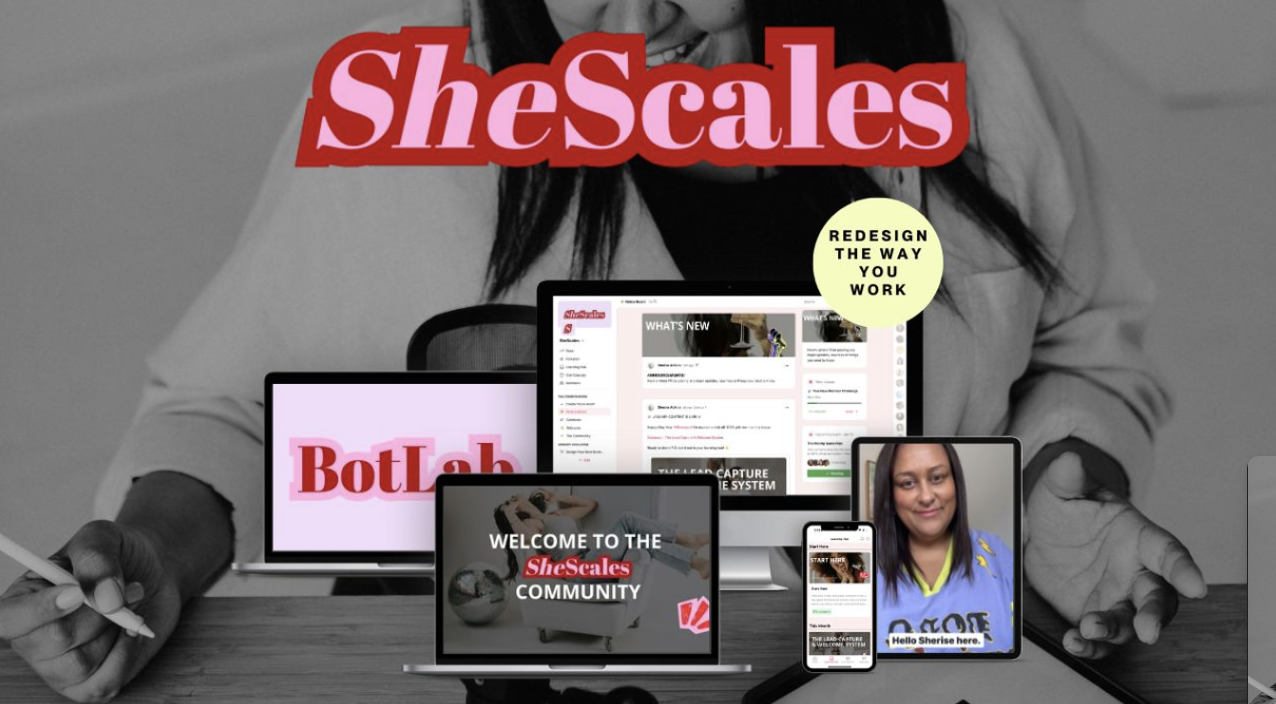
This is the sort of decision we pull apart properly inside SheScales, the AI implementation community I run for solo founders, where each month a real system from my own business gets taken to pieces so you can see why each call was made, and I hand you all the pieces so you can customise it to your own business.
The Advice That Tells You to Put Your Voice Here
The most common setup advice tells you to fill this field with three things: your business context, your voice with real examples, and your working rules.
Two of those three are wrong for this field, and the advice is popular enough that it's worth naming rather than quietly disagreeing with.
Business context is arguable, some of it is genuinely always true. Your working rules absolutely belong. But voice with real examples is the one that should live in a Skill instead, because voice is the thing you're always adjusting. You catch a phrase you hate and cut it. You notice a pattern that's working and lean into it. A Skill keeps pace with that. A paragraph sitting in your profile instructions can't: it just sits there, going stale, arguing with whatever version of your voice actually lives in the Skill you're using day to day.
Put all three in here and you've built the exact contradiction the section above just walked through: one version of your voice that keeps updating, one that doesn't, both telling Claude something slightly different. Claude gives you two better homes for the other two. Use them.
Key Takeaways
The short version of everything above:
One filter decides everything. Is this true about me in every conversation, no matter what I'm asking? If yes, profile instructions. If not, Project or Skill.
Profile instructions have no off switch. They load every time, including when they're irrelevant, which is why length costs you more here than anywhere else.
Length still costs you something, just less than duplication does. Stacking rules measurably reduces compliance (the numbers are in the cut-down story above), but it's the smaller problem.
Duplication is worse than length. A rule written here and also in a Skill gives Claude two versions to reconcile, and that's where skipped steps come from.
Voice belongs in a Skill. It's the most commonly misplaced thing and usually the longest, so moving it buys back the most reliability.
Frequently Asked Questions
Where do I find my Claude instructions?
They're in your Claude settings under your profile. Profile instructions are account-wide, so they apply to every interaction you have with Claude, in contrast to Project instructions, which apply only inside one Project, and Skills, which load when the task calls for them.
How long should my Claude instructions be?
Short enough that every line still holds. There's no official character target, but the research on multiple simultaneous rules suggests reliability drops sharply past a handful, so treat every additional line as costing you compliance on the ones already there rather than as free.
What's the difference between Claude profile instructions and a Project?
Profile instructions are account-wide and load in every conversation. A Project holds context and rules for one body of work and only applies inside it. If something is only true when you're doing a particular kind of task, it belongs in the Project. How to build a Claude Project covers that side properly.
Should my brand voice go in my Claude instructions?
No, it should be a Skill. Voice guidance is usually long, and it only applies when you're actually writing something, so putting it in the account-wide field means it loads during every unrelated conversation and competes with the instructions that do apply.
Does having too many instructions actually make Claude worse?
Yes, though it's the smaller of two problems. It's been measured: a Meta Superintelligence Labs study across 15 models found that at eight simultaneous rules, each individual rule was followed only about 41% of the time and all eight held together just 5.7% of the time, with most models reliably managing one or two. The bigger problem is duplication: the same rule sitting in two places, drifting out of sync, does more damage than length ever does on its own.
Why does Claude ignore some of my instructions?
Usually one of two things. Either there are too many for all of them to hold at once, or the same rule exists in more than one place in slightly different wording and Claude is reconciling two versions. Cut the duplicates first, then cut for length.
What to Do Next
Go and open your instructions field right now and run the filter down it, line by line. Anything that isn't true in every conversation comes out. Most people cut more than half.
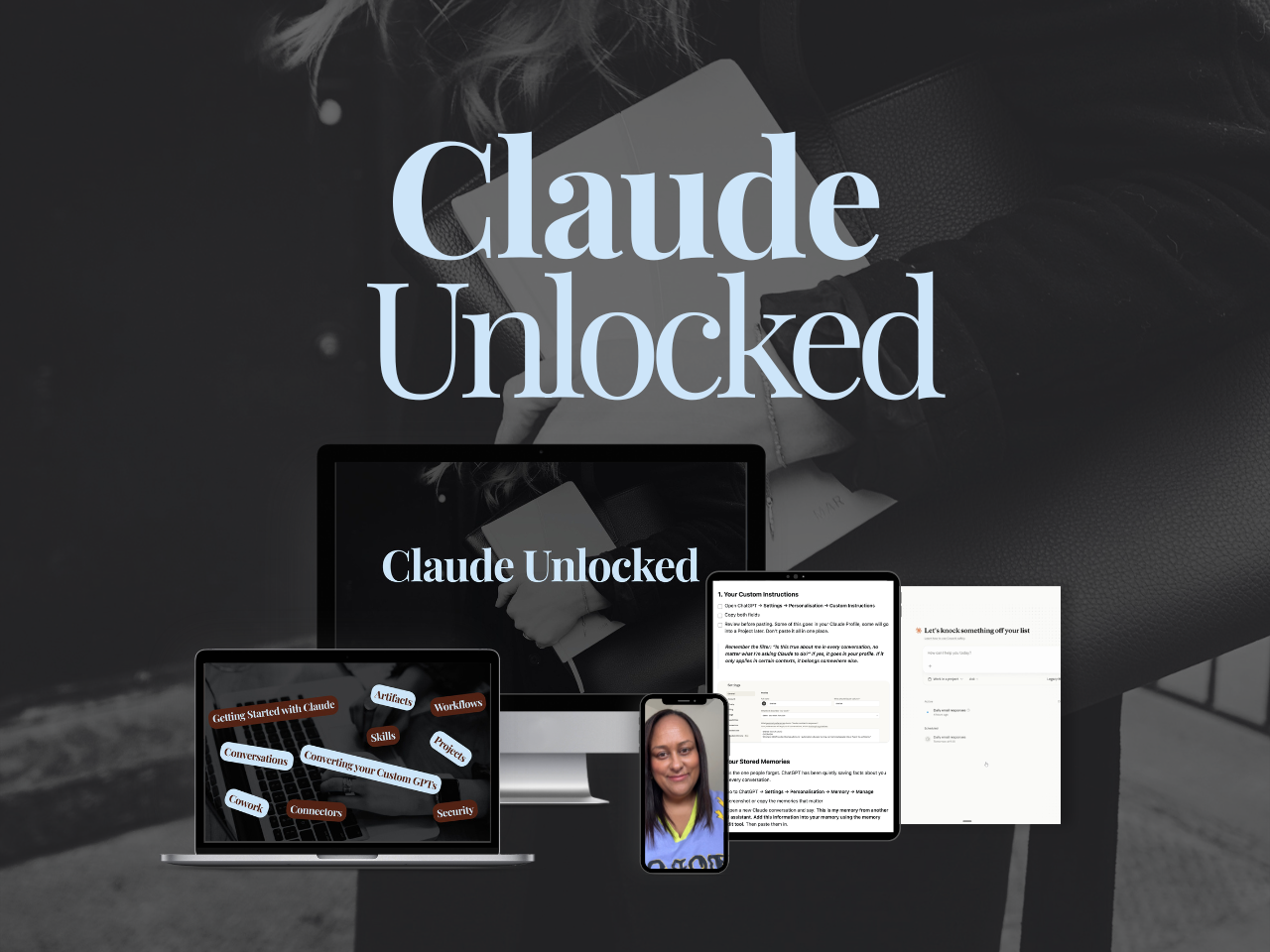
Claude Unlocked covers the full setup this sits inside: your profile, Projects, Skills, Scheduled Tasks and Cowork, and which one each thing you're tempted to write down actually belongs in.
It's $47 and takes an afternoon.
And if you want to see this applied to a real business rather than described, that's what happens inside SheScales every month: one real system from my own business, pulled apart piece by piece, every component handed over.
MEET THE AUTHOR

HEY, I'M SHERISE
I'm an AI strategist and educator based on the Central Coast of NSW, Australia. I help solo founders install AI systems that scale their business without scaling their workload and remove low-value work from their business so they can spend more time in strategy, creativity, and the work that actually moves the needle.
I run SheScales, the AI implementation community built for the person who IS the business and the whole team. I'm the founder behind 40+ AI assistants across ChatGPT and Claude, the Brand Playbook App, and a growing library of skills and systems used daily by hundreds of solo businesses.
I teach the Architect Method: the shift from chatting with AI to giving AI a job. It's the thinking framework for spotting where AI can genuinely help in your business, knowing how to architect the system, and deciding whether something should be a Skill, a Project, a GPT, an automation, a combination of these, or stay manual.
I'm not here to inspire you. I'm here to hand you the architecture.