How to Stretch Your Claude Cowork Credits (Without Doing Less)
Last updated August 2026

I hit my Cowork usage limit at 11am on a Tuesday 😬.
I hadn't done anything dramatic. No marathon automation build, no six-hour hyperfocus spiral (which, for the record, is absolutely something I'm capable of). It was just a normal content morning…a few emails, some system work, a couple of tasks. And then: limit reached. Come back later.
My first reaction was annoyed. My second was to actually go and figure out what had happened.
Turns out I wasn't doing too much. I was doing it in a way that cost far more than it needed to.
Stretching your Cowork credits comes down to five things: catching a derailed task early instead of correcting it in place, batching related work into one message, matching the model to what the task actually needs, keeping your context files lean, and spreading heavier sessions across the day when you can.
TL;DR:
A derailed Cowork task can't be edited or rewound, it's one continuous thread, so the highest-leverage move is catching drift in the first couple of messages and starting a fresh task rather than correcting it five messages deep.
Three separate prompts cost three full context reloads. One message with three tasks costs one, and the output is the same.
Sonnet is the right default for most Cowork work. Save Opus (and Fable if you're on a Max plan) for the reasoning that actually needs it, and Haiku for the quick stuff.
Cowork reads your project files at the start of every task, so a bloated file is costing you before Claude has even looked at what you asked for.
Usage runs on a rolling 5-hour window, and Anthropic's own usage credits option now lets you keep working past it at standard API rates instead of just waiting it out.
New here? This blog is for the solo founder who wears every hat in the business and wants real AI systems and workflows running things, not just piecing it together in the chat. Start here →
Here’s what we’ll be covering:
Why Does Cowork Burn Through Credits So Fast?
It’s because Claude doesn’t count messages. It counts tokens, and every new message makes it re-read the whole conversation from the top, not just that message.
That’s the part that surprised me when I actually sat down and understood it. A token is roughly a chunk of a word. What actually gets counted is everything sitting above your new message: every earlier message, every file you’ve attached, every instruction you’ve given, all of it, re-read again each time you hit send.
In practice that means: Ask a question at the very start of a fresh chat and there’s almost nothing behind it yet, so it’s cheap. Ask that exact same question twenty messages into a long session with a few files attached, and Claude is re-reading the whole history to answer it, not just your new line. Same question, completely different cost.
This is exactly why Cowork burns through usage faster than a normal Claude chat. A regular chat tends to be short: ask, answer, done, next chat. Cowork is built for the opposite kind of session on purpose: longer, file-heavy, coming back to something you set up an hour ago. All of that sits in the conversation and gets re-read on every single turn, so the exact same task costs more done in Cowork than it does as a quick question in chat.
Worth knowing: usage runs on a rolling 5-hour window. Once you hit your plan's included limit, it resets five hours after your first message in that window, not at midnight, not monthly. Anthropic also lets Pro subscribers turn on usage credits, so instead of being blocked outright, you can keep going at standard API rates until the window resets. Good to have as a backstop, but every tip below is about not needing it.
That’s what the five things below are all about: cutting down what Claude has to re-read so the credits stretch further, without you doing a single thing less.
The Moment It Drifts, Start Fresh. Don't Fix It In Place.
Cowork runs as one continuous thread. There's no way to rewind it, edit an earlier message, or split it into a new branch. Whatever you send next just gets bolted onto everything that came before, mistake and all.
So when Cowork gets something wrong, the instinct to correct it with a follow-up ("no, I meant the shorter version", "can you redo the second section") is the only option Cowork actually gives you inside that thread. Which is exactly why it's expensive. Every follow-up drags the entire history along with it. Twenty messages deep, Claude is re-reading twenty messages' worth of context to process your two-line correction.
The real move: the moment you notice a task heading sideways, stop. Don't send the correction. Close it and open a new Cowork task with a sharper brief instead. The earlier you catch it, the less you're carrying into the new one. Catch it at message three and you've lost almost nothing. Catch it at message twenty-five and you're rebuilding a session's worth of context from scratch anyway, so you may as well have started fresh five messages earlier.
If a session has genuinely earned its length (you've built real things in it, not just corrected drift), don't throw that away either. Ask Claude to summarise everything before you close it out: what was built, what was decided, what's next. Paste that summary as the first message in a new task and you keep the substance without dragging the full token history along for the ride.
"Before we keep going, summarise everything we've built or decided in this session. Include any key decisions, outputs produced, and what the next step is."
Ten seconds of noticing. That's the whole cost. Compare that to paying for the drift, re-read after re-read, for the rest of the session.
Does Batching Your Tasks Actually Save Usage?
Yes, and this one's simple maths. Three separate prompts cost three full context reloads. One message carrying three related tasks costs one.
Instead of:
"Summarise this article." [send] "Now list the main points." [send] "Now suggest a headline." [send]
Do this:
"Summarise this article, list the main points, and suggest three headline options."
Same output. A third of the reloads. This works for content drafts, research tasks, multi-step builds, anything you already know you need before you open Cowork.
(Which, as someone with an ADHD brain who frequently opens Cowork mid-thought and figures it out as I go, is genuinely advice I need to give myself too. Works better when I actually do it 😅.)
Does the Model You Pick Actually Matter?
Yes. Claude runs on multiple models and they don't cost the same to use. Haiku is the cheapest, Sonnet sits in the middle, Opus costs more again, and Fable, available on Max plans and above, is the most capable and most expensive of the four. Opus with extended thinking is genuinely more capable for hard reasoning work, and Fable goes a tier further again, built for the hardest, most complex problems. But for a quick summary, a formatting pass, a first draft, a brainstorm? You're paying Opus or Fable rates for work Sonnet handles just as well.
A practical split:
Haiku: quick lookups, simple formatting, short outputs where speed matters more than depth
Sonnet: most writing, research, content work, standard builds. This is your default
Opus: complex system design, nuanced strategy, anything where you genuinely need Claude to reason through something difficult
Fable (Max plan and above): the hardest, most complex problems, ambitious multi-step builds where you want the deepest reasoning Claude offers
Save Opus and Fable for the work where the extra reasoning actually shows up in the output, and you free up a meaningful amount of usage for the things that need it.
Worth knowing: extended thinking on Opus costs more than standard Opus, and Fable costs more again. Powerful for genuinely hard reasoning, not a setting to leave switched on by default.
Keep Your Context Files Lean
I went digging through my own Cowork files not long ago and found an instruction doc I hadn't touched since March, still sitting there, still getting read in full on every single task.
Cowork reads your project files at the start of every task it runs, bloat and all.
Go through your Cowork files and ask honestly: does Claude actually need all of this to do today's task? Old instructions that don't apply anymore. Sections added "just in case". Duplicate information. A five-paragraph example that could be one sentence. Cut them. If you haven't structured these files properly yet, how to set up Claude Cowork covers folder sorting and file structure from scratch.
Leaner files also tend to produce better output, not just cheaper output. When the context is clean, Claude isn't sorting through noise to find the instruction that actually matters, so the work tends to land more accurately on the first pass. Which loops straight back to the section above: fewer follow-ups, less drift to correct.
If you use PDFs: they're heavier than plain text for the same content, page for page, because of formatting and layout overhead. Where you can, convert to plain text or markdown before handing it to Claude. It makes a real difference.
Spread Your Sessions If You Can
Honestly? If the work is flowing and I'm deep in a hyperfocus session, I just work. I'm not going to pretend I clock-manage my Cowork time. But on the days I do have the flexibility, splitting sessions across the day beats one long marathon, and it's worth knowing why.
Usage runs on that same rolling 5-hour window. A big morning session eats into it early, and that ceiling follows you around for the rest of the window, 3pm included. Two or three shorter sessions spread across the day means earlier usage has rolled off by the time you come back, so you're working with more headroom overall.
Want Claude Cowork properly set up for your business?
The Cowork Setup Kit covers getting oriented, sorting your folders before you point Cowork at them, connecting the tools you're already paying for, and setting up your first real scheduled task the right way, from the start.

Everything above is the mechanics of not wasting usage. Structuring your whole Cowork setup so you rarely hit the ceiling in the first place, which files to build, which tasks are actually worth running in Cowork versus regular chat, is the bit Claude Unlocked walks through properly. 🙂
Key Takeaways
The short version of everything above:
Catch drift early, don't correct in place. Cowork is one continuous thread with no rewind, so the moment a task heads sideways, close it and start a new one rather than layering corrections onto a growing history.
Context cost compounds. Claude re-reads the full conversation on every message, so a long session costs far more per message than where it started.
Batch related tasks. One message with three tasks costs the same context reload as one task. Combine them wherever they're connected.
Match the model to the work. Sonnet handles most day-to-day Cowork tasks well. Save Opus for the builds that genuinely need it.
Trim your context files. Every session starts by reading your files. Lean files mean less overhead before the real work starts, and usually better output too.
Frequently Asked Questions
What's the difference between Claude tokens and Cowork credits?
They describe the same underlying resource: your usage capacity. Claude measures everything in tokens, and your plan gives you a pool of usage that depletes as you consume tokens across chat, Cowork, and other Claude surfaces. "Cowork credits" is just the everyday way people talk about that same pool, not a separate currency.
Why does Cowork use more usage than a regular chat?
Cowork sessions tend to run longer and carry more attached files, and every message re-reads that full history. A short chat exchange simply has less history to re-read, so it costs less per message.
Can I edit or rewind a Cowork task if it goes wrong?
No, not the way you can in a regular Claude chat. Cowork runs as one continuous thread with no branching or editing of earlier messages, which is exactly why catching a wrong turn early and starting a new task beats trying to correct it in place.
Does this work on the $20 Pro plan?
Yes. The rolling 5-hour usage window and the token-based counting behind it work the same way across plans. What differs is how much capacity you get inside that window.
What Claude model should I use for everyday Cowork tasks?
Sonnet is the right default: drafting, editing, content work, research, standard builds. Switch to Opus when you genuinely need harder reasoning, designing a system from scratch, working through an ambiguous strategic problem, anything where the extra depth actually shows up in the output. Haiku is for fast, simple tasks where you just need a quick answer. If you're on a Max plan or above, Fable sits a tier above Opus, reserved for your hardest, most complex problems.
Does trimming context files actually improve output quality?
Often, yes. Leaner context means Claude isn't parsing noise to find the instruction that matters, so the first pass tends to land more accurately, which also means fewer follow-up corrections and less usage spent overall.
What to Do Next
Understanding how to stretch your usage is one piece. Knowing how to set Cowork up so you're rarely fighting the ceiling in the first place, which tasks to hand it, how to structure your files, is where it actually pays off.
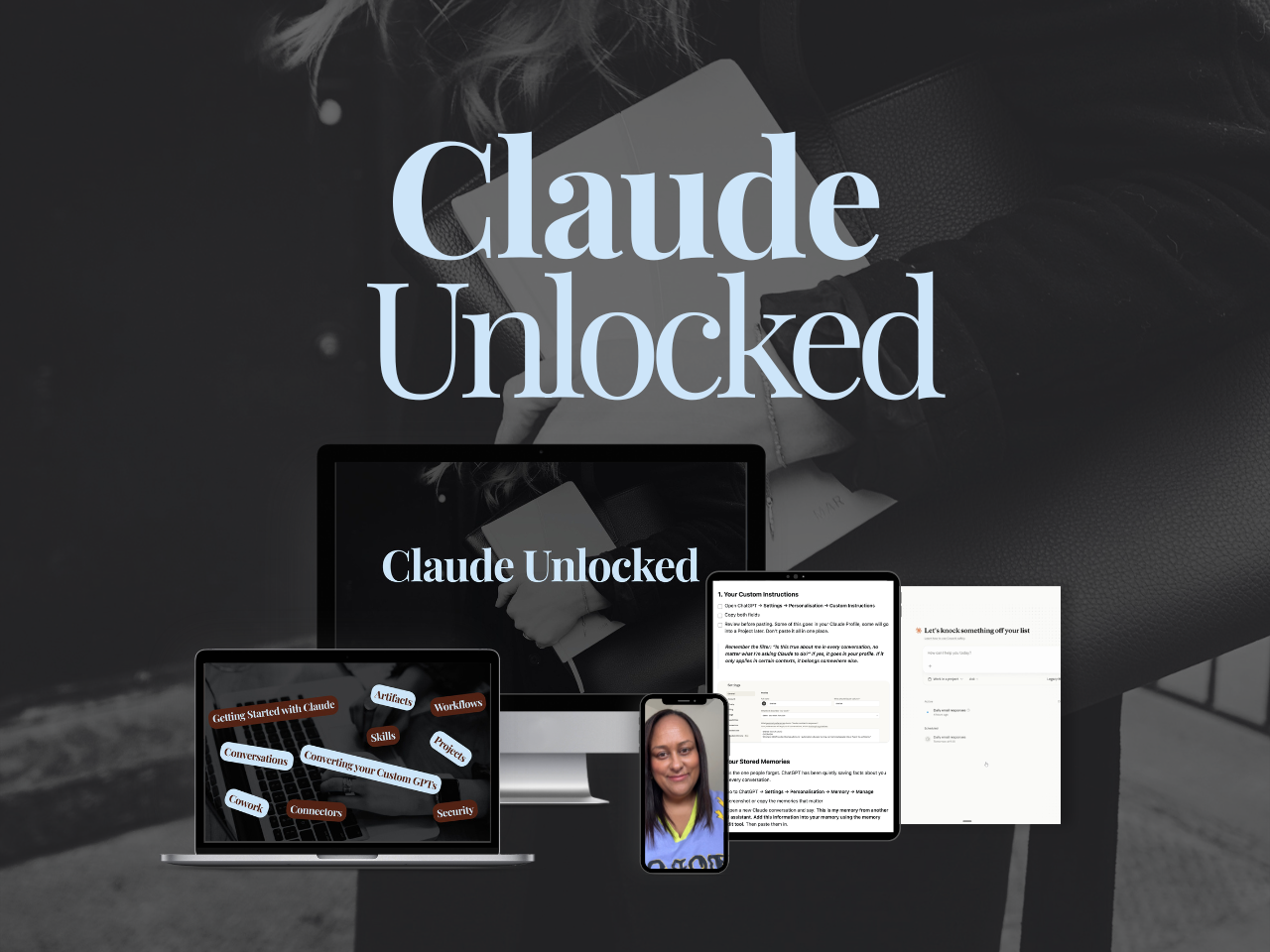
Claude Unlocked covers the full Claude setup: Projects, Skills, Cowork, and how to use each one for a solo business.
$47 for a limited time and takes an afternoon to complete.
It's the fastest way to go from hitting limits on random tasks to running Cowork sessions that actually deliver something.
And if you're ready to build real systems in your business, not just learn the tools, that's what happens inside SheScales every month: a real system from my own business pulled apart piece by piece, every component handed over.

Wherever you're at with Cowork right now, hitting the ceiling means you're actually using the thing. That's a better problem to have than never opening it at all.
MEET THE AUTHOR

HEY, I'M SHERISE
I'm an AI strategist and educator based on the Central Coast of NSW, Australia. I help solo founders install AI systems that scale their business without scaling their workload and remove low-value work from their business so they can spend more time in strategy, creativity, and the work that actually moves the needle.
I run SheScales, the AI implementation community built for the person who IS the business and the whole team. I'm the founder behind 40+ AI assistants across ChatGPT and Claude, the Brand Playbook App, and a growing library of skills and systems used daily by hundreds of solo businesses.
I teach the Architect Method: the shift from chatting with AI to giving AI a job. It's the thinking framework for spotting where AI can genuinely help in your business, knowing how to architect the system, and deciding whether something should be a Skill, a Project, a GPT, an automation, a combination of these, or stay manual.
I'm not here to inspire you. I'm here to hand you the architecture.