Last updated October 2026
Yes. (And I know that's not what the article you read three months ago told you. 👀)
If you searched this expecting a no, you're in good company, because that was the honest answer right up until recently. Then it changed. ChatGPT has Skills now, and here's the part nobody expects: they run on the same open standard Anthropic built for Claude. So a Skill you make in Claude can move straight over to ChatGPT, and one you build in ChatGPT can come back the other way.
I'm not theorising here. I'm on ChatGPT Plus, and I have Skills sitting in my account right now. So let me walk you through what actually changed, whether they work the same, and what carries across if you move between the two.
Quick Answer: ChatGPT Skills and Claude Skills are the same thing built on the same open format (a SKILL.md file that tells the AI how to do a task, loaded automatically when it's relevant). Anthropic created Skills for Claude, open-sourced the standard in December 2025, and OpenAI adopted it. Because it's one shared standard, Skills are portable between the two.
TL;DR:
Yes, ChatGPT has Skills. Not a lookalike feature, the same open Agent Skills standard Anthropic created for Claude and then open-sourced.
They work the same way. A Skill is a SKILL.md file with a name, a description, and instructions, and the AI loads it automatically when the task matches. Both Claude and ChatGPT even ship a built-in skill-creator to help you make them.
They're transferable. In OpenAI's own words, their Skills follow the open standard, so you can download a Skill from one product and install it in another. Claude to ChatGPT, or the other way.
The differences are small. Where they live in each app, how they're governed, and the fact that Anthropic authored the standard while OpenAI adopted it.
The real point: your Skills are portable assets you own. Build them once, keep them as your own files, and you're never locked into one company's tool.
New here? This blog is for the solo founder who wears every hat in the business and wants real AI systems and workflows running things, not just piecing it together in the chat. Start here →
Here’s what we’ll be covering:
Wait, ChatGPT Has Skills Now?
Yes, and the timeline matters because it's why the old answers are wrong.
Anthropic launched Skills for Claude in October 2025. In December 2025 they did something less expected: they open-sourced the format as the Agent Skills standard and handed it to a Linux Foundation-backed body, so any AI platform could adopt it. OpenAI picked it up almost straight away, first in its Codex tool, then in ChatGPT itself. That wasn't a fringe experiment, either: more than 5 million people use Codex every week, and over a million of them use it for work that has nothing to do with code.
So this isn't ChatGPT racing to build a rival. It picked up the format Claude already uses (which, if you've watched these two companies fight over everything for two years, is a genuinely odd thing to see). That's the whole story of this post.
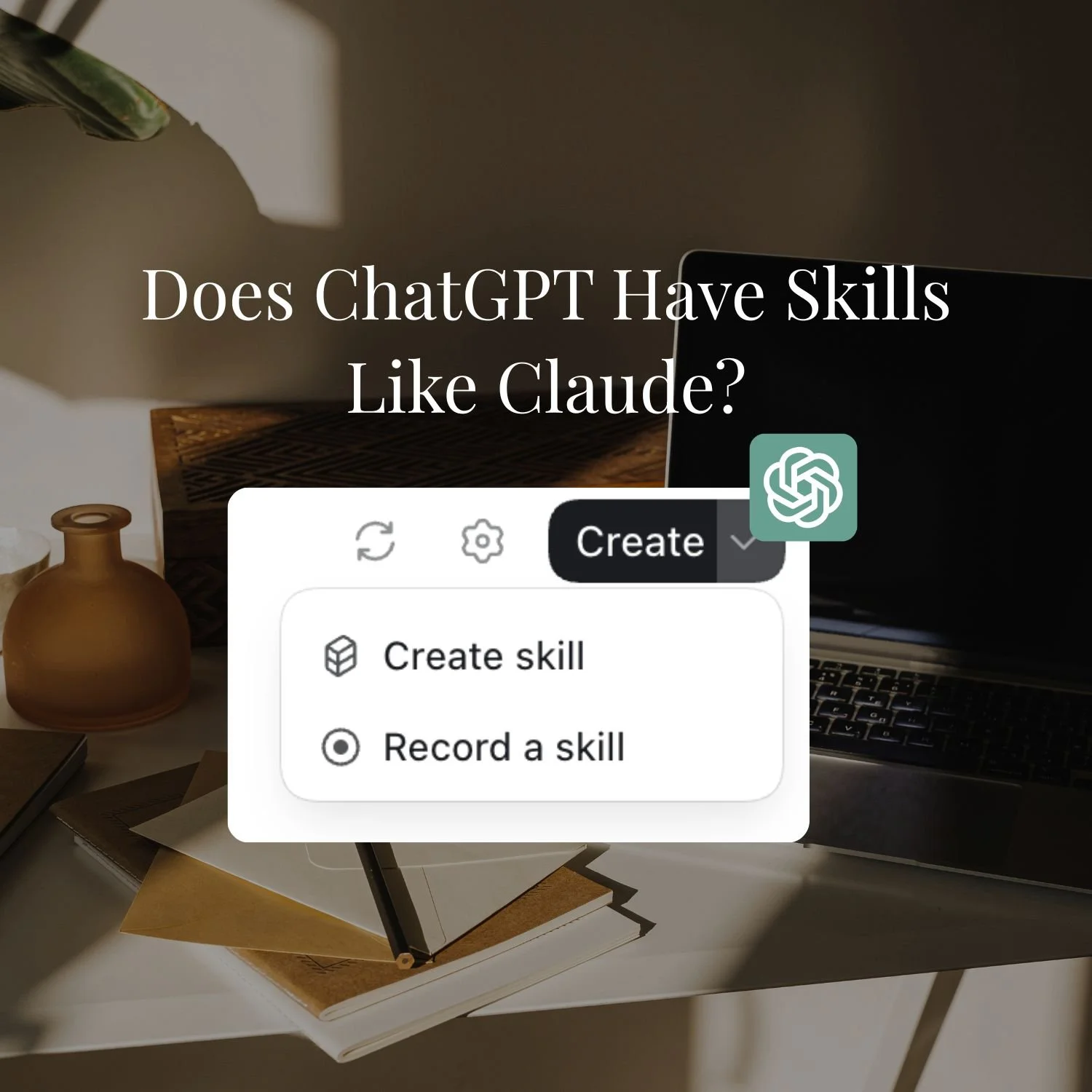
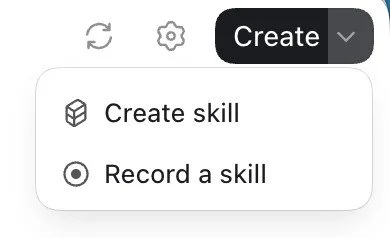
In ChatGPT, you'll find Skills under Plugins, in the Skills tab. Mine came with a skill-creator already installed, the same starting point Claude gives you, and you can create one by chatting, build one in an editor, or upload a Skill file from your computer.
What Are ChatGPT Skills? (And How They Work)
A Skill is a set of standing instructions the AI loads automatically when a task matches, so you stop re-explaining how you work every time. They’re a reusable instruction set the AI reaches for when it's relevant, so your standards, voice, and process travel with you instead of being re-typed into every chat. This is what makes sure AI does a particular job the precise way you want it done.
Under the hood it's a SKILL.md file: a short name, a description, and the actual instructions, plus optional reference files or scripts.
Layer 1: The metadata. A name and a short description. This is always visible to AI, sitting in the background of every conversation. It's tiny, so it costs almost nothing, but it's how AI decides whether to engage the Skill at all.
Layer 2: The SKILL.md file. The core instruction document, written in plain Markdown. It tells AI exactly how to approach the task: the workflow steps, the decision points, the formatting rules, the tone. Think of it as the SOP.
Layer 3: Reference files and scripts. Supporting material that only loads when the Skill calls for it. Brand guidelines, example outputs, templates, data, or scripts that automate part of the job.
The point of this structure is efficiency. ChatGPT or Claude isn't dragging a 50-page brand guide through a conversation about your shopping list. It loads what it needs, when it needs it, and ignores the rest. That's what keeps dozens of installed Skills from slowing anything down.
If you want the deeper build, how to write one, how to install it, and how a Skill differs from a Custom GPT, How to Use Claude Skills and Claude Skills vs Custom GPTs go further. From here, this post stays on the ChatGPT side.
Do ChatGPT Skills Work the Same Way as Claude's?
ChatGPT Skills and Claude Skills work almost identically, because they're built on the same format.
OpenAI's own help centre describes a ChatGPT Skill the way I'd describe a Claude one: a reusable, shareable workflow that tells ChatGPT how to do a specific task, made from a SKILL.md file with a name, description, and instructions, plus optional scripts and references. ChatGPT loads one or more Skills automatically when they're helpful. You can create them by chatting, build them in an editor, share them, or upload them.
If you've built a Claude Skill, none of that will feel new. Same building blocks, same automatic triggering, same skill-creator to get you started. The main thing that's different is the furniture around it: in Claude, Skills run across your chats, Projects, and Cowork; in ChatGPT, they sit under Plugins and can be packaged alongside them. Same engine, different dashboard.
Want my free ChatGPT Skills Guide?
I've put together a free ChatGPT Skills guide: what they are, where to find them, how they work, how they compare to Custom GPTs, the skills I think you should build first, and how to bring your Claude Skills across.
Where to Find ChatGPT Skills (and How to Make One)
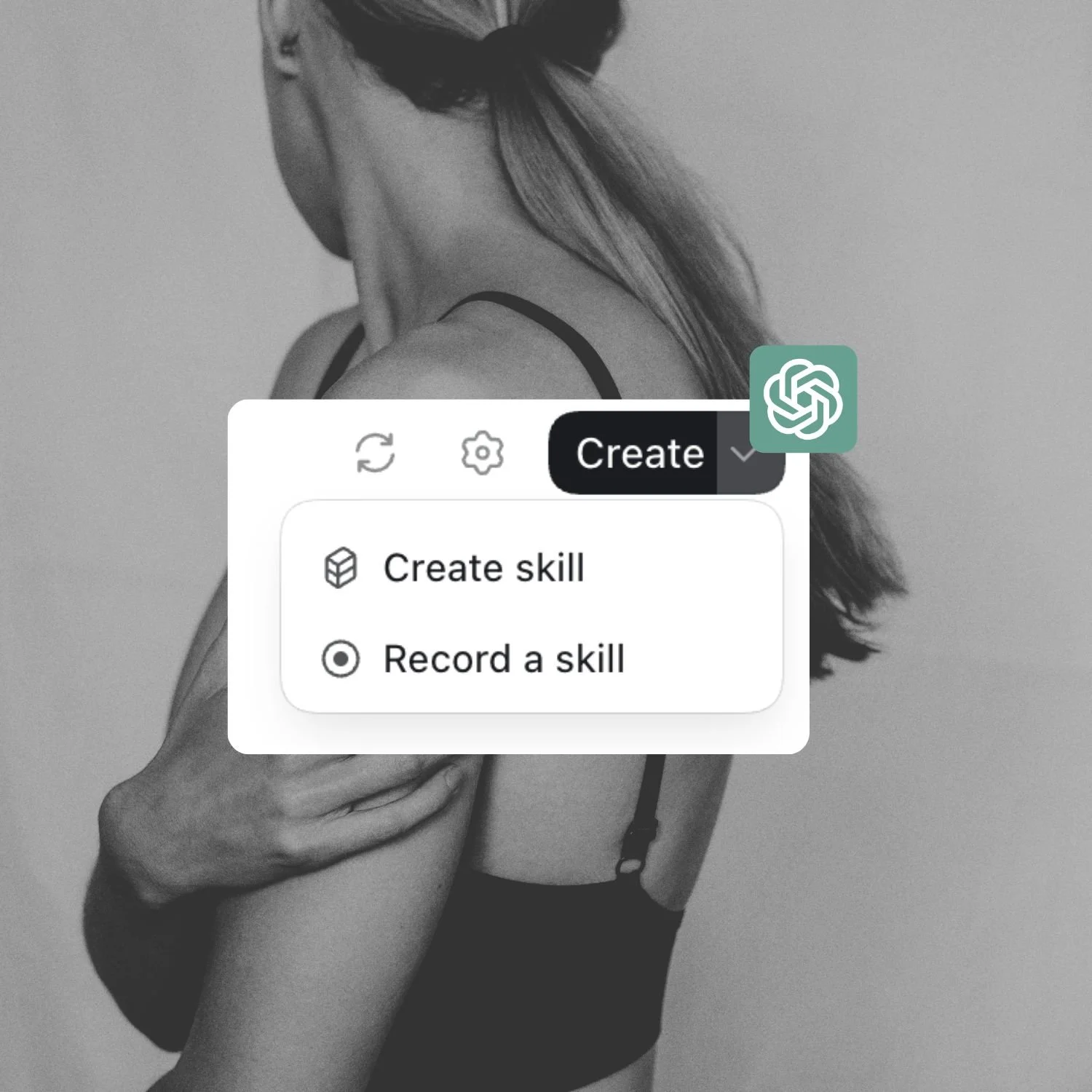
If you've never gone looking for them, here's exactly where they live. In ChatGPT, open the sidebar, select Plugins, then choose the Skills tab. That's your Skills page. If it has been a while since you opened ChatGPT properly, start here instead.

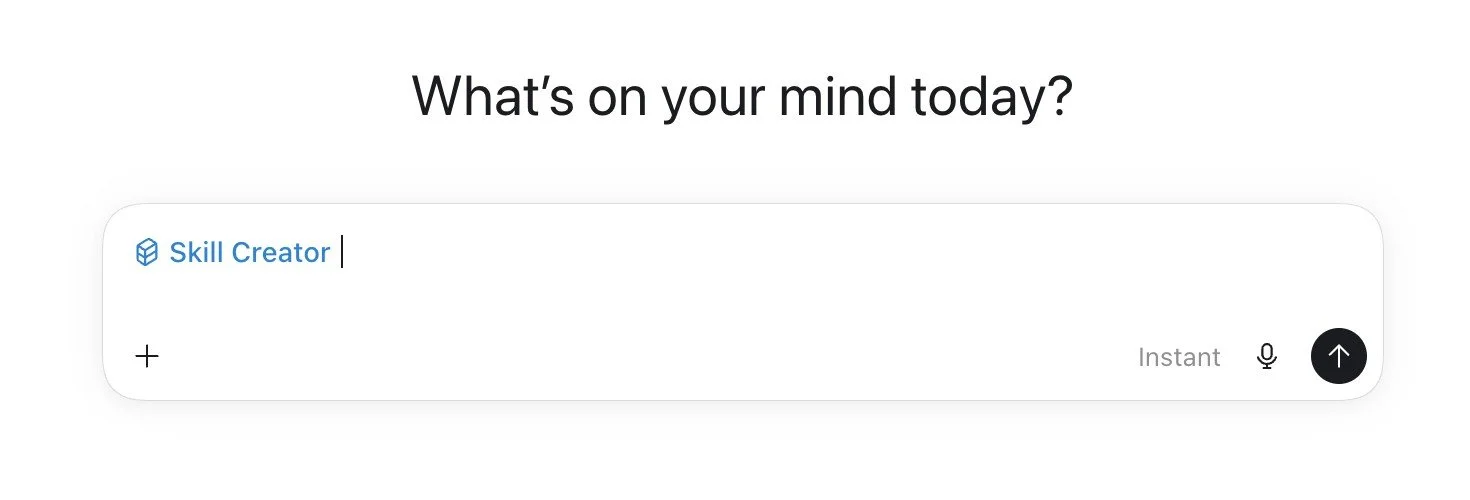
On it, you'll see anything that's Installed, Created by me, Shared with me, and Shared by your workspace. Every eligible account starts with one Skill already there: skill-creator. That's the one that builds the others. When you ask ChatGPT to make or fix a Skill, it quietly uses skill-creator to do the work, so you're not writing files by hand.
There are a few ways to get a Skill in place:
Create it by chatting. Go to Skills > Create > Create with chat, or just ask ChatGPT to create a Skill in a normal conversation. It asks a few follow-up questions, then offers to install it.
Build it in the editor. Skills > Create > Create with editor, if you'd rather see and edit the files directly.
Install one that's been shared with you. Under Shared with me or Shared by your workspace, open the ••• menu on the Skill and select Install.
Upload one from your computer. Skills > Create > Upload from your computer. Hold onto this one, because it's how you bring a Skill in from somewhere else, including from Claude, which is the next section.
Once you've found a Skill you want, you can add it to ChatGPT in one of four ways: describe it in chat, build it in the editor, install a shared Skill, or upload one from your computer.
One thing worth knowing about uploading: ChatGPT scans a Skill before it goes live, and occasionally holds one for review. That's a sensible guardrail rather than a catch. It doesn't replace your own judgement, though, so only upload Skills from a source you'd trust, just as you'd vet anything else you install.
On the Claude side you can skip writing the instruction file altogether and record the Skill instead. How to Record a Skill in Claude shows how.
ChatGPT Skills vs Custom GPTs: What's the Difference?
If you've used ChatGPT for a while, you've probably built a Custom GPT, and now you're wondering how a Skill is any different. They look similar. They're not.
A Custom GPT is a destination. It's a standalone assistant with its own instructions and files, sitting behind its own link. You open it, and everything you loaded into it runs every time, relevant or not. It's also isolated: your caption GPT doesn't know anything about your blog GPT, and neither one knows what you're doing in a normal chat.
A Skill is a capability that travels with you. It fires automatically inside whatever conversation you're already in, when the task matches. Several Skills can work on one job at once. Only the relevant instructions load. It can include scripts that do the work rather than just describe it. And it runs across ChatGPT, Codex, and the API.
| Custom GPT | ChatGPT Skill |
|---|---|
| A destination you open | A capability that travels with you |
| Runs everything you loaded, every time | Loads only when the task matches |
| Isolated from your other chats | Fires inside the conversation you're already in |
| Works on its own | Several can work together on one job |
| Instructions and files only | Can include scripts that actually do the work |
| Lives in ChatGPT | The same file works across ChatGPT, Codex, and the API |
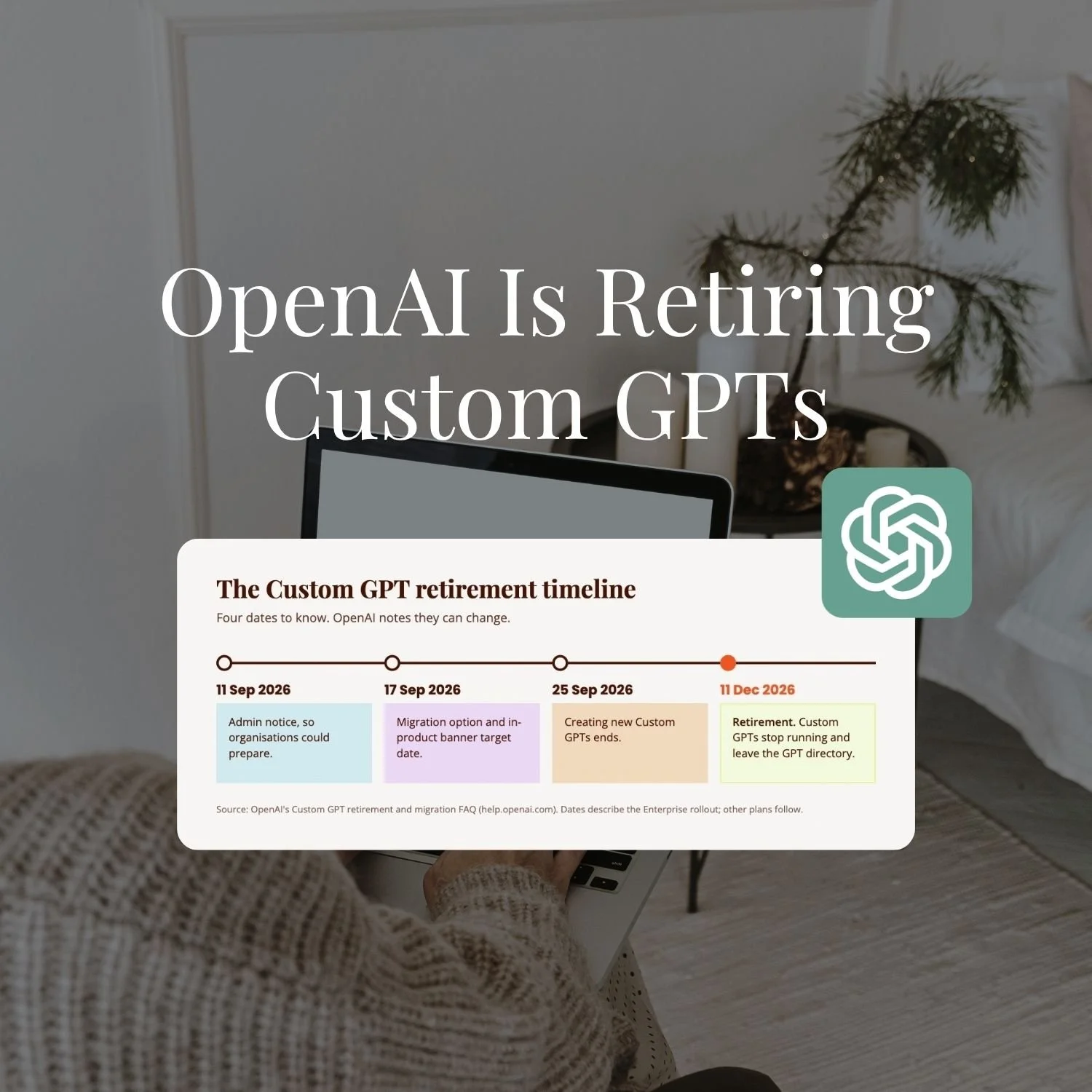
OpenAI is also retiring Custom GPTs, which is one more reason to build Skills you own as files.
The short version: a Custom GPT is a chatbot you open, a Skill is knowledge that follows you around and switches itself on when it's needed. Reach for a Custom GPT when you want a quick single-purpose tool to share. Reach for a Skill when you want ChatGPT to understand how your business works across everything you do.
This is the same Skill-versus-GPT distinction I break down for Claude in Claude Skills vs Custom GPTs. The concept holds on both platforms now, which is rather the point.
Can You Use a Claude Skill in ChatGPT?
Yes, you now can because both run on the same open standard meaning a Skill isn't trapped in the tool you built it in.
OpenAI says it plainly: their Skills follow the Agent Skills open standard, so you can download a Skill from one product and install it in another. So you can take a Claude Skill, download it, and upload it into ChatGPT, and take a ChatGPT Skill into Claude the same way.
The one caveat is that the format and the instructions carry across cleanly, but if a Skill bundles its own scripts or ties into a specific tool, you may need to adjust that part for the other platform. The recipe travels. A bolted-on bit of code might need a tweak.
If you're moving in the other direction and want to bring a whole Custom GPT over to Claude rather than just a Skill, that's a slightly different job, and I've written it up step by step in How to Migrate a Custom GPT to a Claude Project.
What's Different Between ChatGPT Skills and Claude Skills?
The differences between ChatGPT Skills and Claude Skills are smaller than the marketing on either side suggests. Here's the honest list.
| Claude Skills | ChatGPT Skills | |
|---|---|---|
| Format | SKILL.md (Agent Skills open standard) | SKILL.md (same Agent Skills open standard) |
| How it triggers | Loads automatically when the task matches | Loads automatically when the task matches |
| Where it lives | Across chats, Projects, and Cowork | Under Plugins, in the Skills tab; can bundle with Plugins |
| Build helper | Built-in skill-creator | Built-in skill-creator |
| Transfer between them | Yes, download and install across products | Yes, download and install across products |
| Who created the standard | Anthropic (authored it, then open-sourced it) | Adopted Anthropic's open standard |
| Availability | Claude paid plans | On my ChatGPT Plus account; plus business, enterprise, and education tiers with admin controls, and Codex and the API |
The differences that actually matter for a solo founder are where they live and how mature each side is. Claude has been running Skills since October 2025 and threads them through Projects and Cowork, so they feel woven into how you work. ChatGPT adopted the standard in July 2026 and keeps Skills in the Plugins area. Same format, slightly different feel.
What This Means for You
Your Skills are now portable, and that changes how you should build them.
When two platforms share one open standard, the Skill stops being a feature you rent from a company and becomes an asset you own. Build your brand voice Skill, your content Skill, your reporting Skill, and they're yours as files. You can run them in Claude today, hand them to ChatGPT tomorrow, and take them to whatever launches next year. You're not rebuilding, you're relocating.
That's the same principle I keep coming back to: keep your foundations as files you control, and let the tools be the interchangeable part. It's why I'm relaxed about which company ships what. My Skills work wherever I point them.
If you want a starting point for building yours, the free ChatGPT Skills Guide covers the first Skills to build and how to bring your Claude ones across.
Key Takeaways
The short version:
Yes, ChatGPT has Skills. As of July 2026 it adopted the same open Agent Skills standard Anthropic built for Claude.
They work the same way. A SKILL.md file with a name, description, and instructions, loaded automatically when relevant, with a built-in skill-creator on both sides.
They transfer. You can download a Skill from one product and install it in the other. The recipe carries; bundled scripts may need a tweak.
The differences are small. Mostly where they live in each app and the fact that Anthropic authored the standard and OpenAI adopted it.
Your Skills are portable assets you own. Build them once as your own files and you're never locked into one platform.
Frequently Asked Questions
What are ChatGPT Skills?
ChatGPT Skills are reusable sets of instructions, saved as a SKILL.md file, that ChatGPT loads automatically when your task matches. They use the same open Agent Skills standard as Claude, so a Skill can move between the two.
Does ChatGPT have Skills like Claude?
Yes. Since July 2026, ChatGPT has supported Skills built on the same open Agent Skills standard Anthropic created for Claude. A ChatGPT Skill is a SKILL.md file with a name, description, and instructions that ChatGPT loads automatically when the task matches, the same way Claude does it.
What is the ChatGPT equivalent of Claude Skills?
It's ChatGPT Skills, the same standard, not a different mechanism. This is a recent change. Before July 2026 the nearest thing was a Custom GPT, which is why older articles point you there. Now ChatGPT has actual Skills that use Claude's open format.
Can Claude Skills be used with ChatGPT?
Yes. Because both follow the open Agent Skills standard, you can download a Claude Skill and install it in ChatGPT, and vice versa. The instructions and format carry across; if a Skill bundles its own scripts or tool connections, you may need to adjust those for the other platform.
Do I need a paid plan to use ChatGPT Skills?
Yes. I have them on ChatGPT Plus, and they're also available on the business, enterprise, and education tiers (with admin controls), as well as in Codex and the API. Availability is still expanding, so check what's live on your own plan.
Is one better than the other?
They're the same format, so it comes down to where you already work and which tool does the surrounding job better. Claude has run Skills longer and threads them through Projects and Cowork; ChatGPT keeps them under Plugins. Because your Skills are portable, you don't have to bet everything on one.
If you want to build these systems with support in the room, that's what SheScales is for.
Every month I build a real system in my own business, pull it apart, and hand over every component so you can build your version, Skills and all. It's the implementation community for solo founders who are done collecting tips and ready to build.
MEET THE AUTHOR

HEY, I'M SHERISE
I'm an AI strategist and educator based on the Central Coast of NSW, Australia. I help solo founders install AI systems that scale their business without scaling their workload and remove low-value work from their business so they can spend more time in strategy, creativity, and the work that actually moves the needle.
I run SheScales, the AI implementation community built for the person who IS the business and the whole team. I'm the founder behind 40+ AI assistants across ChatGPT and Claude, the Brand Playbook App, and a growing library of skills and systems used daily by hundreds of solo businesses.
I teach the Architect Method: the shift from chatting with AI to giving AI a job. It's the thinking framework for spotting where AI can genuinely help in your business, knowing how to architect the system, and deciding whether something should be a Skill, a Project, a GPT, an automation, a combination of these, or stay manual.
I'm not here to inspire you. I'm here to hand you the architecture.